18
In case the door lock could not fully extend the dead bolt
latch
during its locking process, either because the door
was
closed with the dead bolt latch already extended
or
because the door was not fully closed, the
door
lock will
retract the dead bolt latch and reattempt
to
extend it. If it
still fails
to
fully extend the deadbolt latch,
it
will indicate
a
door-closing error with visual (red light) and audible
alarm.
To reset the door-closing error alarm, press the
OPEN/CLOSE button. Investigate the cause
of
the alarm
and make corrections.
The
AP501
digital
door
lock
's
internal
circuitry
can
be
reset
with
the
Reset
button
.
By
resetting
the
circuitry
,
you
are
effectively
restarting
the
software
that
controls
the
lock
.
Using
the
Reset
button
will
not
cause
any
change
or
deletion
to
the
passcode
or
Tag
Key
registrations
stored
in
the
door
lock
.
R
To
Reset
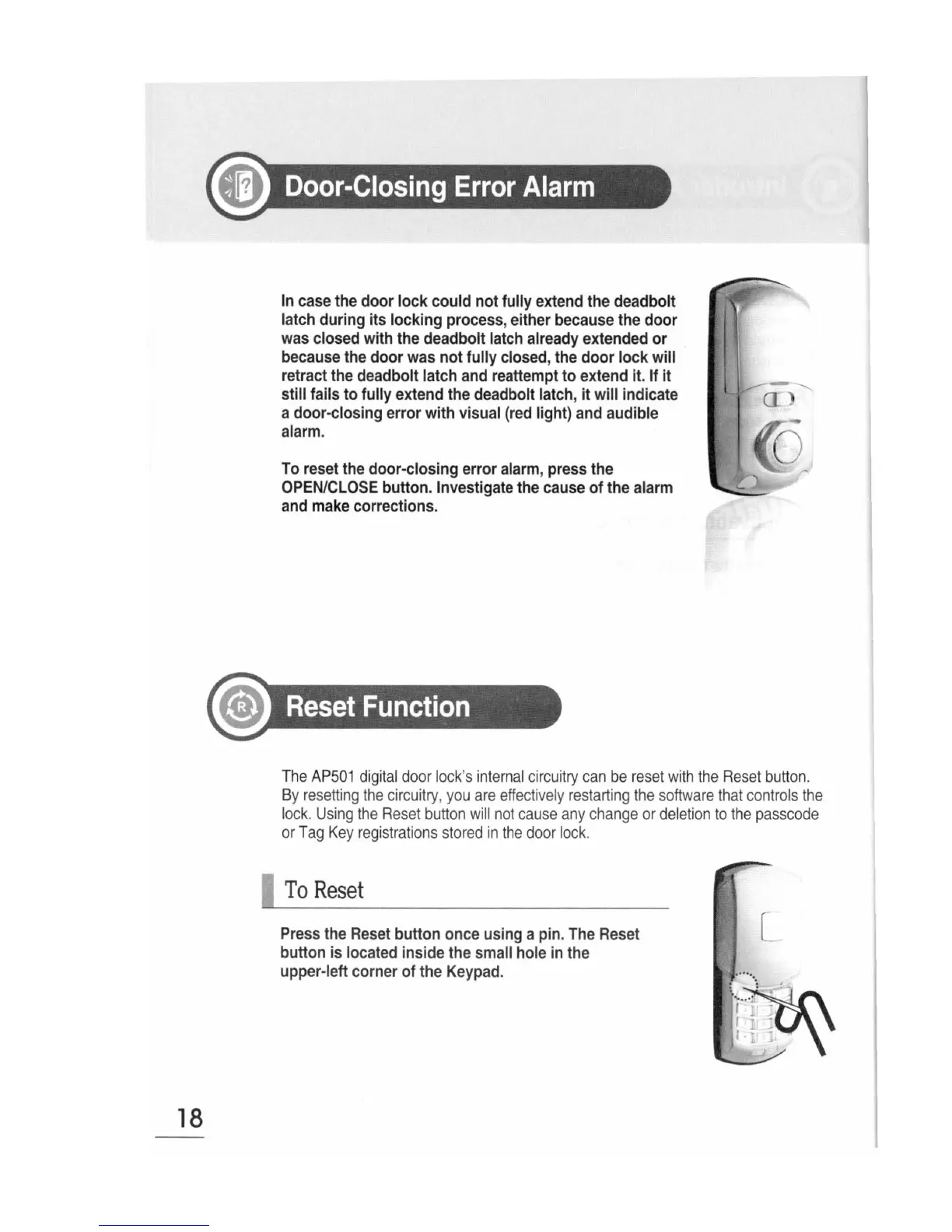
Press the Reset button once using a pin. The Reset
button is
located inside the small hole in the
upper-left corner of the Keypad.


 To Next Page