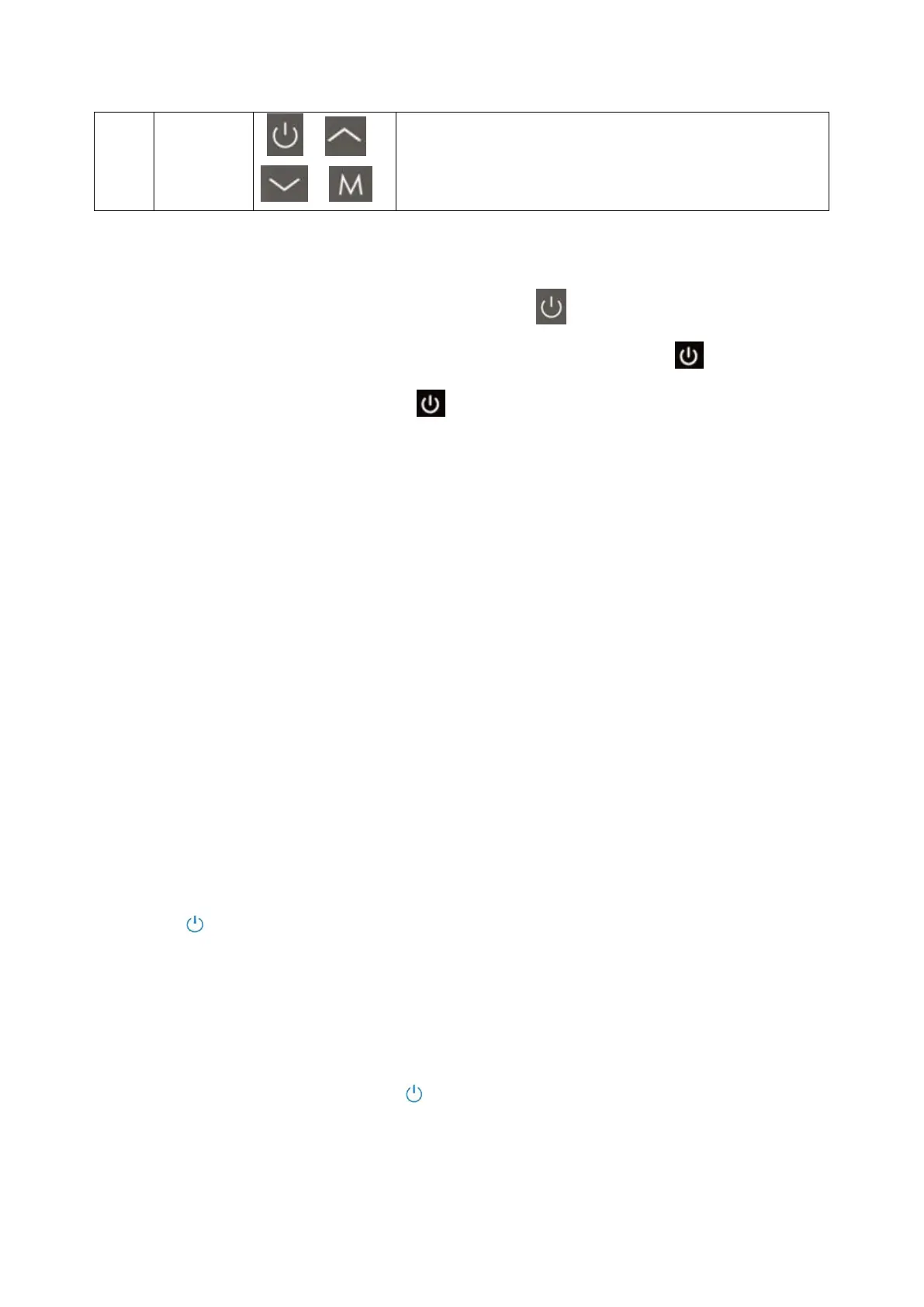
Within 5 minutes after power-on, press and hold for 5
seconds to restore the factory parameter settings.
8.2.3 Operation Instruction
1)Turn ON/OFF the heat pump
When the controller is in the normal display state, press “ ” button for more than 1 second to
switch the controller to the power on or off state. When heat pump is ON,“ ” lights up and is
normally controlled. When heat pump is off,“ ”does not light up and the controller stops controlling
output. The controller can display and operate normally in the power on state and off state. When the
controller is powered on for the first time, it is in the off state. Then from the 2
nd
time, the state will be
same as last time before power off.
2)Set the temperature control mode:
When the controller is in normal display state, press the “M” key to switch between manual
temperature control mode and automatic temperature control mode;
The “AUTO” symbol lights up in the automatic temperature control mode, And the “AUTO” symbol
does not light up in the manual temperature control mode;
In the manual mode, the heating/cooling water temperature is controlled according to the manual
temperature setting value;
In the automatic mode, the hot water temperature is automatically adjusted according to the ambient
temperature for control;
3)Set the water temperature:
In manual mode, press“
∧
” or “
∨
” key to enter the water temperature setting state. Then starts to
display the setting symbol and display the corresponding water temperature set according to the
current cooling or heating mode. When the water temperature is set, press the “
∧
” or “
∨
” button to
increase or decrease the water temperature setting value; Press and hold the “
∧
” or “
∨
” button for
more than 1 second to quickly increase or decrease the water temperature setting. Press and
release the “ ” button immediately or no button operation in 5 seconds, controller will exits the
modification and return to the normal display state. When the parameter value is modified, it will flash
for 2 seconds and then return to the normal display state.
In the automatic mode, press the “
∧
” or “
∨
” key to enter the automatic temperature adjustable
parameter deviation setting state. Then start to display the setting symbol and display the
corresponding deviation setting value. Press “
∧
” or “
∨
” to increase or decrease the deviation setting
value; press “
∧
” or “
∨
” for more than 1 second to quickly adjust or decrease the deviation setting
value; press and Immediately release the “ ” button or no button operation in 5 seconds to exit the
modification and return to the normal display state. When the parameter value is modified, it flashes
for 2 seconds and then returns to the normal display state.


 To Next Page