7 Display and messages
39
Event
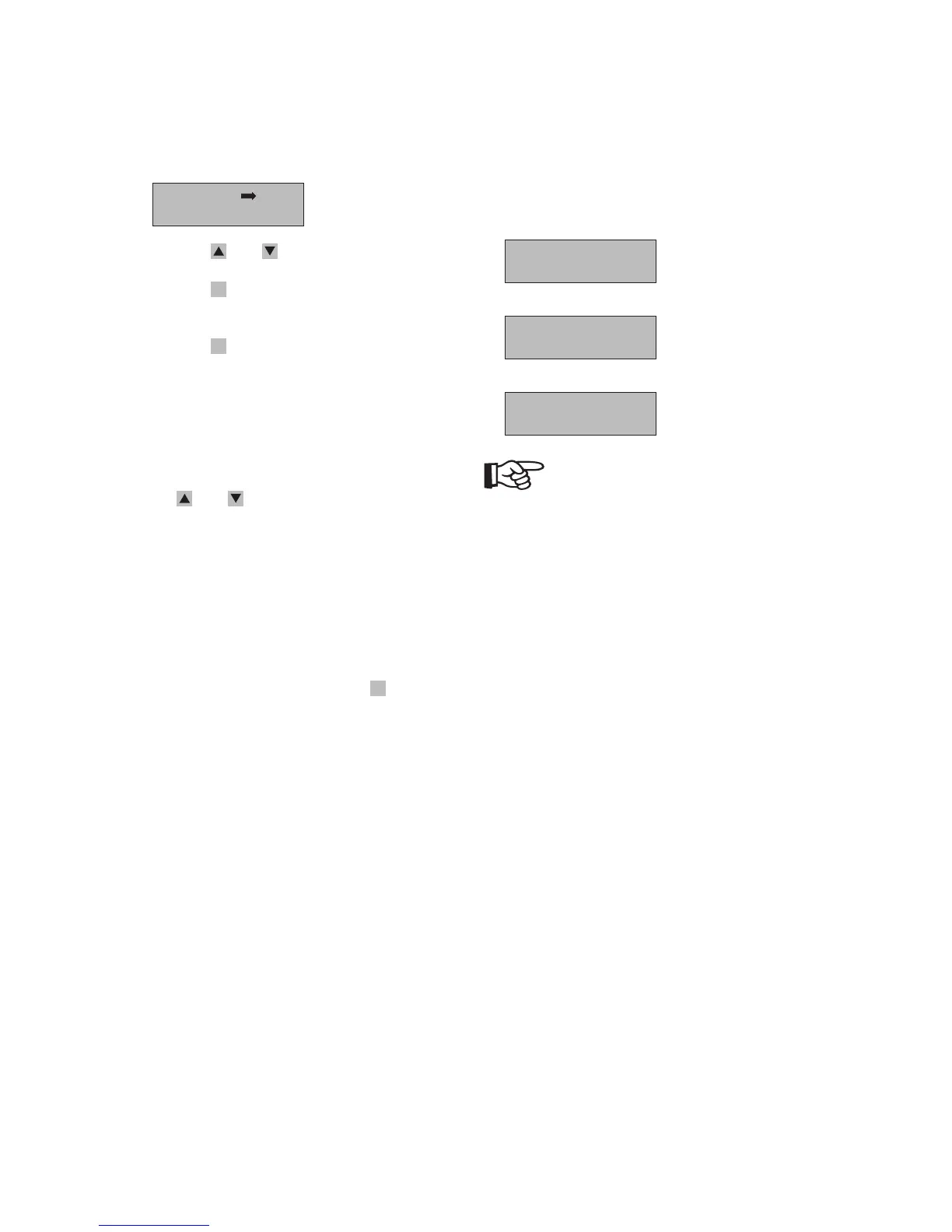
The Event Menu has two submenus:
Error Log
Operation Log
· Press the - and -keys to scroll through items.
· Press the
ESC
-key to go back to the previous
menu.
· Press the
OK
-key to open the selected submenu.
1. Error Log
This submenu is some error logs of inverter. You
can query 50 fault conditions with error code
and time stamp.
The screens may be scrolled manually by pressing
the
- and -keys. And you can call back the
previous menu by pressing the ESC key.
2. Operation Log
This submenu is some part and stop time logs of
the inverter. You can query last 50 start and stop
time of energy transferred to the grid.
The screens may be scrolled manually by pressing
the UP and DOWN keys. And you can call back
the previous menu by pressing the
ESC
-key.
Service
The service Menu contains some system info, such as
serial number, hardware version number, software
version number and contacts about Sunways. The
screens messages as follow:
DSP Ver:00.00
ARM Ver:00.00
S/N:***********
See manual
NOTE
Instruction about software modification and
upgrading refers to CD attached.



 To Next Page