EasyManua.ls Logo

Supersonic SC-1312 - User Manual

Supersonic SC-1312
44 pages
Print Icon
To Next Page IconTo Next Page
Loading...
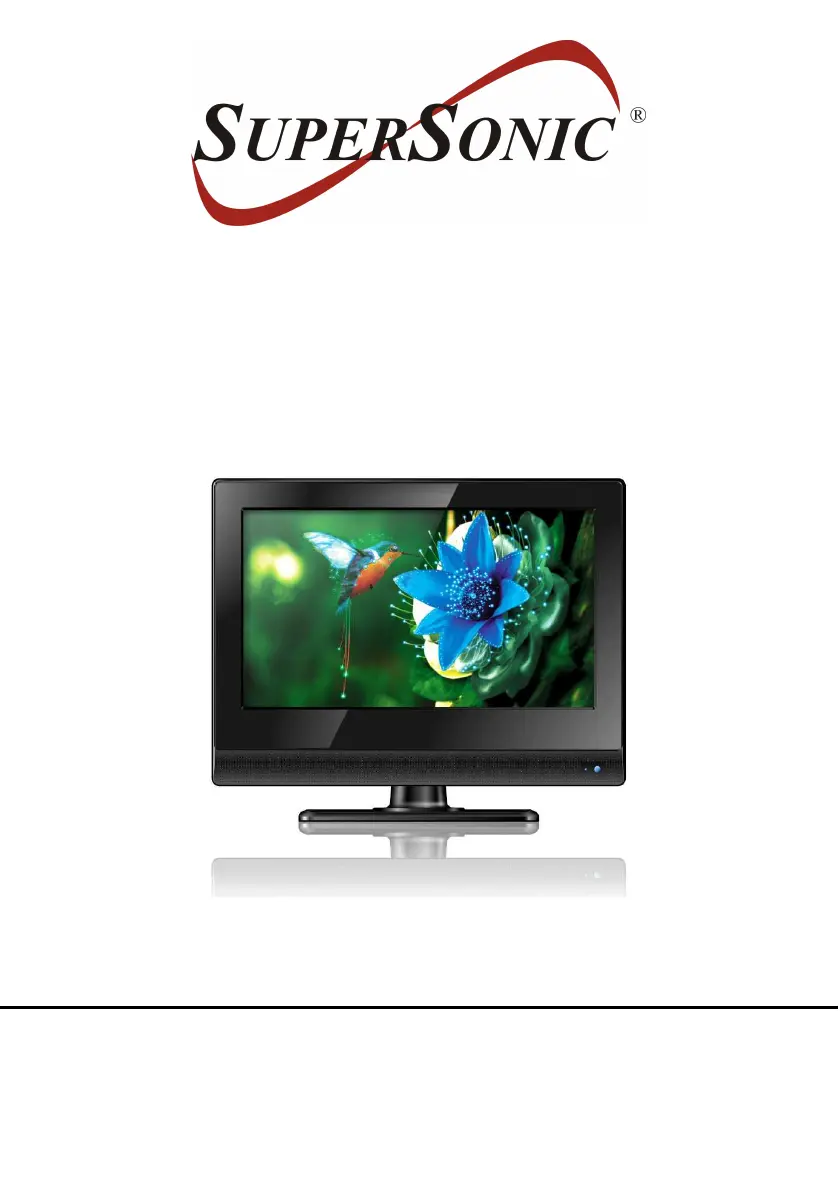
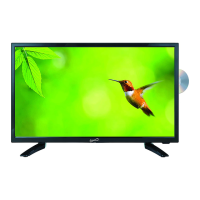
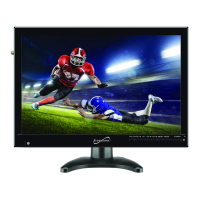
13.3” LED TV COMPATIBLE
WITH DVD PLAYER
MODEL NO.: SC-1312
USER MANUAL
Please read this manual carefully before using,
and keep it for future reference.

Questions and Answers

  • J
    Jennifer BrownJul 28, 2025
    What to do if my Supersonic SC-1312 LED TV has no sound?
    • R
      Ruben StevensJul 29, 2025
      If your Supersonic LED TV has no sound, first ensure that all equipment is properly connected. Also, verify that the input settings for both the TV and stereo system are correct. Finally, adjust the master volume to a suitable level using the VOL+/VOL- buttons.
  • M
    maria46Aug 3, 2025
    How to fix Supersonic SC-1312 remote control not working?
    • S
      Sandy WagnerAug 3, 2025
      If the remote control isn't working with your Supersonic LED TV, check that the batteries are installed with the correct polarities. If the batteries are exhausted, replace them with new ones. Point the remote control at the remote control sensor and try again. Make sure you are no more than 6 meters from the sensor and remove any obstacles between the remote and the sensor.
  • D
    David MillerAug 7, 2025
    How to troubleshoot no sound or poor sound on Supersonic SC-1312?
    • J
      John FriedmanAug 7, 2025
      If your Supersonic LED TV has no sound or poor sound, check the audio settings. Ensure the mute function is off by pressing the MUTE button on the remote control. Also, unplug any headphones that may be connected.
  • C
    Crystal SteeleAug 13, 2025
    What to do if key operations are not effective on Supersonic SC-1312?
    • N
      nathan00Aug 13, 2025
      If the key operations on your Supersonic LED TV (either on the main unit or the remote control) are not effective, it might be due to lightning, static electricity, or other factors. Disconnect the power adapter and then reconnect it to resolve this.
  • D
    Danny SmithAug 17, 2025
    How to reduce noise interference on Supersonic LED TV?
    • J
      juliamartinezAug 17, 2025
      If you are experiencing noise or other interference with your Supersonic LED TV, it may be due to electronic equipment nearby. Try relocating the unit or moving the interfering equipment.
  • A
    abigail05Aug 22, 2025
    Why can't I change the angle on my Supersonic LED TV?
    • M
      Michelle GardnerAug 22, 2025
      The ability to change the angle on your Supersonic LED TV is dependent on the software availability. Even if a disc has multiple angles recorded, they may only be available for specific scenes.

Summary

IMPORTANT INSTRUCTIONS

Safety Information

General safety precautions and warnings for product usage.

LASER AND BATTERY SAFETY

Laser Safety

Precautions related to the laser beam system.

PRODUCT FEATURES

GENERAL PARTS IDENTIFICATION

REMOTE CONTROL GUIDE

Remote Control Preparation

How to install batteries and information on battery life.

CONNECTION GUIDES

Power and Antenna Connection

Connecting the AC adapter and external antenna.

BASIC OPERATIONS: PLAYBACK CONTROLS

Playback Functions

Basic play, stop, skip, fast forward, and pause functions.

Media Playback

Playing Music, Movies, and JPEG files from discs.

BASIC OPERATIONS: INITIAL SETUP

Initial Settings and Configuration

Performing initial setup and configuring device settings.

MENU SYSTEM AND MODES

MENU SYSTEM: PICTURE SETTINGS

MENU SYSTEM: AUDIO SETTINGS

MENU SYSTEM: CHANNEL MANAGEMENT

AV AND OTHER MODES

MAINTENANCE AND INSTALLATION

STAND INSTALLATION

SPECIFICATIONS

TROUBLESHOOTING AND SUPPORT

General Troubleshooting

Common issues and their remedies.

Supersonic SC-1312 Specifications

General IconGeneral
BrandSupersonic
ModelSC-1312
CategoryLED TV
LanguageEnglish

Related product manuals