EasyManua.ls Logo

Supersonic SC-1512 - User Manual

Supersonic SC-1512
44 pages
Print Icon
To Next Page IconTo Next Page
Loading...
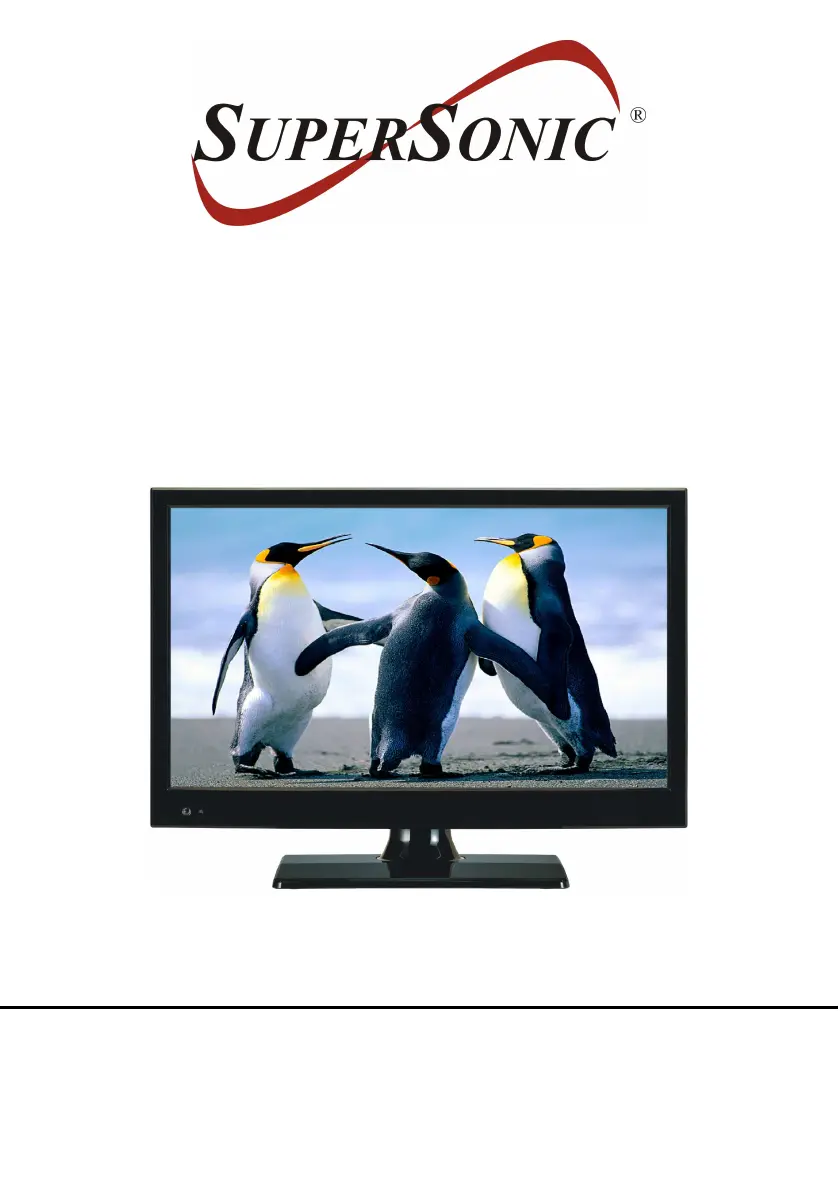
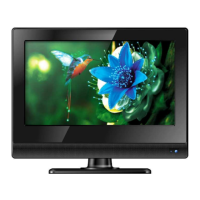
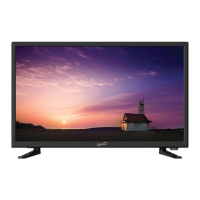
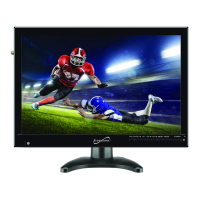
15.6” LED TV COMPATIBLE
WITH DVD PLAYER
MODEL NO.: SC-1512
USER MANUAL
Please read this manual carefully before using,
and keep it for future reference.

Questions and Answers

  • R
    Robert AllenAug 17, 2025
    What to do if the Supersonic LED TV remote control is not working?
    • D
      Donna RamosAug 17, 2025
      If the remote control for your Supersonic LED TV isn't working, check that the batteries are installed with the correct polarities. If the batteries are exhausted, replace them with new ones. Also, ensure you point the remote control at the remote control sensor and operate it again from a distance of no more than 6m, removing any obstacles between the remote and the sensor.
  • M
    Mandy ArnoldAug 20, 2025
    Why is there no sound on my Supersonic LED TV?
    • T
      Tonya DeanAug 20, 2025
      If there is no sound on your Supersonic LED TV, ensure that the equipment is connected properly and the input settings for both the TV and any connected stereo system are correct. You may also need to adjust the master volume to a suitable level using the VOL+/VOL- button.
  • L
    Lauren GarciaAug 22, 2025
    What to do if my Supersonic LED TV has no sound or poor sound quality?
    • L
      Lori ClaytonAug 23, 2025
      If your Supersonic LED TV has no sound or the sound quality is poor, check the audio settings. Also, press the MUTE button on the remote control to cancel the mute function, and ensure that headphones are unplugged.
  • M
    Megan HernandezAug 26, 2025
    How to fix a poor picture quality on Supersonic LED TV?
    • G
      Guy JohnsonAug 26, 2025
      To fix a poor picture on your Supersonic LED TV, adjust the antenna or use an external antenna. If inside a building, relocate the unit near a window. Move any units away from the TV that might be causing interference. You can also try performing Auto Tuning again or try another channel.
  • J
    jennifer30Aug 28, 2025
    What to do if key operations are not effective on my Supersonic LED TV?
    • M
      mitchellthompsonAug 28, 2025
      If key operations are not effective on your Supersonic LED TV, the player may not be operating properly due to lightning, static electricity, or some other factors. Disconnect the power adapter and then reconnect it.
  • J
    Jacqueline AdkinsAug 30, 2025
    How to turn on Supersonic LED TV when there is no power?
    • W
      Wanda MitchellAug 31, 2025
      If your Supersonic LED TV has no power, insert the adapter securely into the power outlet.
  • J
    jenniferweissSep 2, 2025
    What to do if play does not start on Supersonic LED TV even when a title is selected?
    • X
      xrodriguezSep 2, 2025
      If play does not start on your Supersonic LED TV even when a title is selected, confirm that the region code setting is correct.
  • K
    Katie EdwardsSep 5, 2025
    Why is the audio or subtitle language not the initial setting on my Supersonic LED TV?
    • N
      nbrownSep 5, 2025
      If the audio soundtrack and/or subtitle language does not exist on the disc, the language selected at the initial settings will not be seen/heard on your Supersonic LED TV.
  • S
    stevenbarberSep 8, 2025
    Why can't I select alternative audio or subtitle languages on my Supersonic LED TV?
    • K
      Karen ThorntonSep 8, 2025
      If you can't select an alternative language on your Supersonic LED TV, it may be because an alternative language is not selected with discs which do not contain more than one language. Try selecting it from the DVD menu if one is available; in the case of some discs, the alternative language can not be selected by operating the LANGUAGE or SUBTITLE button.
  • C
    calderonheatherSep 12, 2025
    Why can't I change the angle on my Supersonic LED TV?
    • C
      cummingsmichaelSep 12, 2025
      If you cannot change the angle on your Supersonic LED TV, it is because this function is dependent on software availability. Even if a disc has a number of angles recorded, these angles may be recorded for specific scenes only.

Summary

Important Safety Information

General Safety and Laser Warnings

Covers laser, electrical hazards, and ventilation warnings for safe operation of the device.

Remote Control Guide

Remote Control Buttons (1-18)

Explains the function of the first set of buttons on the remote control.

Remote Control Buttons (19-35)

Explains the function of the second set of buttons on the remote control.

Remote Control Preparation and Operation

Instructions for installing batteries and proper operation of the remote control.

Connection Options

AC Power and Antenna Connection

Guides on connecting the unit to AC power and an external antenna.

Composite AV and YPbPr Connections

Details on connecting analog audio/video sources via Composite AV and YPbPr inputs.

HDMI and PC;VGA Connections

Instructions for connecting digital sources via HDMI and PC/VGA inputs.

USB and Card Connections

Steps for connecting USB memory devices and memory cards for media playback.

Basic Operations

DVD Playback Operations

Covers basic playback, stopping, and skipping functions for DVD discs.

Settings and Configuration

TV Mode Operations

General Troubleshooting

Common Troubleshooting Issues

Addresses common problems like no power, no sound, and remote control issues.

TV Specific Troubleshooting

Troubleshooting for TV picture and sound problems, including noise and interference.

Media Playback Troubleshooting

Solutions for issues with DVD, VCD, USB, and card playback compatibility.

Supersonic SC-1512 Specifications

General IconGeneral
BrandSupersonic
ModelSC-1512
CategoryLED TV
LanguageEnglish

Related product manuals