EasyManua.ls Logo

Supersonic SC-1511 - User Manual

Supersonic SC-1511
29 pages
Print Icon
To Next Page IconTo Next Page
Loading...
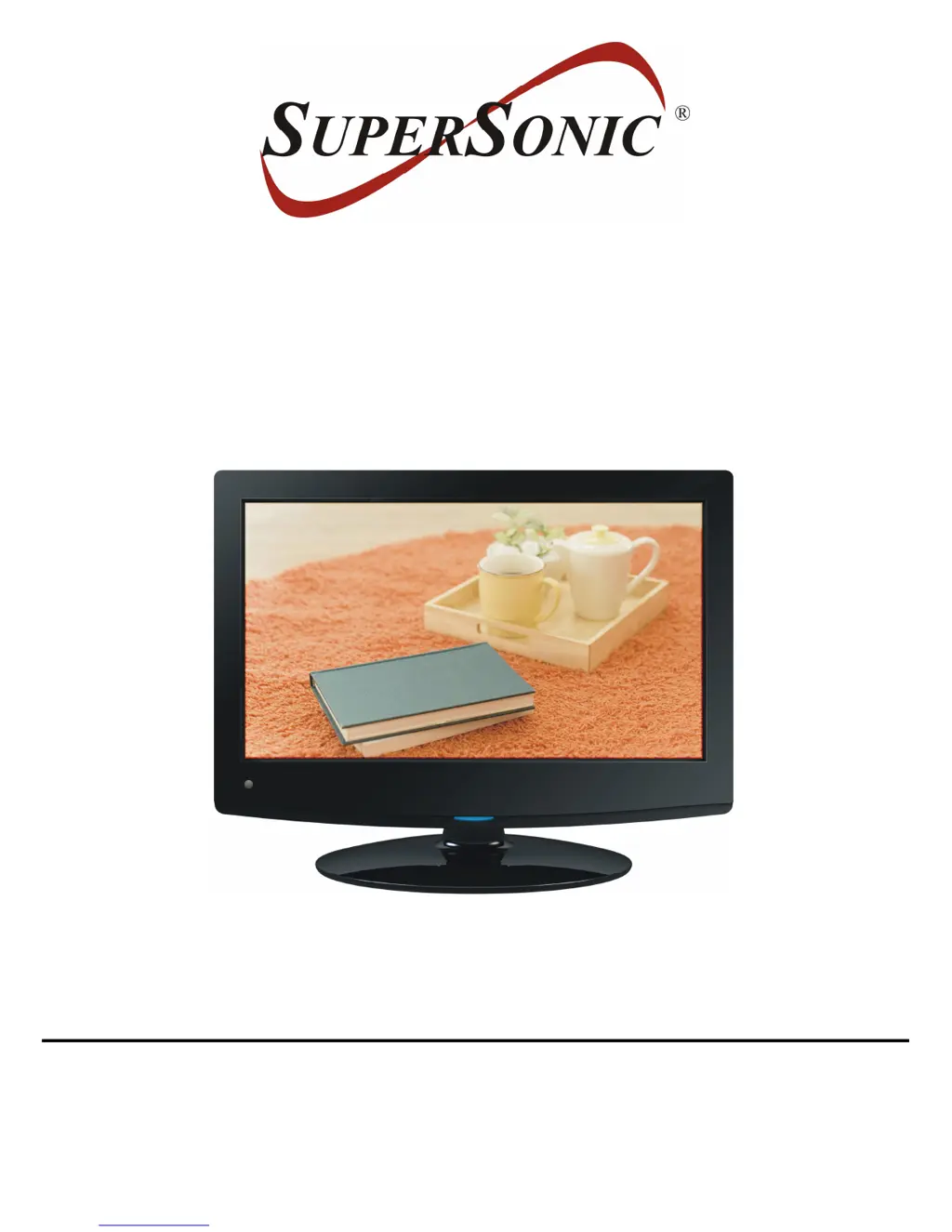
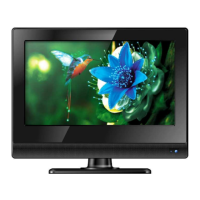
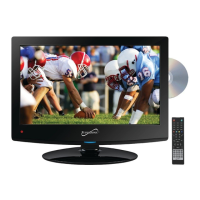
15.4” WIDESCREEN LED TV
MODEL NO.: SC-1511
USER MANUAL
Please read this manual carefully before using,
and keep it for future reference.

Questions and Answers

  • J
    Janet JeffersonAug 13, 2025
    Why is my Supersonic SC-1511 remote not working?
    • D
      davidmillerAug 13, 2025
      If your Supersonic LED TV remote isn't working, make sure the batteries are installed with the correct polarities or replace them with new ones if exhausted. Also, point the remote control at the remote control sensor and operate it again from a distance of no more than 6m, removing any obstacles between the remote control and the sensor.
  • W
    Wendy BradleyAug 16, 2025
    What to do if my Supersonic LED TV has no sound or distorted sound?
    • L
      lcoleAug 16, 2025
      If your Supersonic LED TV has no sound or the sound is distorted, ensure that the equipment is connected properly and that the input setting for the TV and stereo system are correct. Also, adjust the master volume to a suitable level using the VOL+/VOL- button.
  • J
    Joseph AndrewsAug 20, 2025
    What to do if my Supersonic SC-1511 has no sound or poor sound?
    • A
      Andrew RobertsonAug 20, 2025
      If your Supersonic LED TV has no sound or poor sound, check the audio settings. Also, press the MUTE button on the remote control to cancel the mute function, or unplug the headphones.
  • N
    nhubbardAug 25, 2025
    What to do if my Supersonic LED TV has no power?
    • C
      Christina StaffordAug 25, 2025
      If your Supersonic LED TV has no power, insert the power adapter securely into the power outlet and ensure that the equipment is connected properly.
  • J
    Joseph BatesAug 28, 2025
    What to do if my Supersonic LED TV has no or poor picture?
    • J
      Judy MoralesAug 28, 2025
      If your Supersonic LED TV has no or poor picture, adjust the antenna or use an external antenna. If inside a building, relocate the unit near a window. Move units away from this product that causes interference. You can also try to do Auto Tuning again or try another channel.
  • T
    tammythomasSep 1, 2025
    What to do if my Supersonic SC-1511 LED TV has no picture?
    • I
      ithomasSep 1, 2025
      If your Supersonic LED TV has no picture, ensure that the equipment is connected properly.
  • T
    Timothy HendersonSep 4, 2025
    What to do if my Supersonic SC-1511 key operation is not effective?
    • G
      Gregg GarciaSep 4, 2025
      If key operations on your Supersonic LED TV are ineffective due to lightning, static electricity, or other factors, disconnect the power adapter and then reconnect it.
  • D
    Dylan TrevinoSep 8, 2025
    How to fix noise or other interface on Supersonic LED TV?
    • S
      Sharon BennettSep 8, 2025
      If electronic equipment near your Supersonic LED TV is causing interference, relocate the unit or move the interfering equipment.

Summary

Important Instructions

Safety Instructions

General warnings to reduce risk of fire, electric shock, or injury.

Remote Control

Remote Control Operation

Explains the purpose and operation of each button on the remote control.

Basic Connections

Basic Operations

Power, Source, and Channel Selection

Steps to power on/off, select input sources, and change channels.

Main Menu and Settings

Initial Setup and TV Mode

Guides for initial setup wizard, language, and channel scanning.

Picture and Audio Adjustments

Detailed settings for picture quality and sound preferences.

General Troubleshooting

Supersonic SC-1511 Specifications

General IconGeneral
Resolution1366 x 768
Display TypeLED
HDMI Ports1
USB Ports1
Aspect Ratio16:9
Built-in DVD PlayerYes
Contrast Ratio500:1
Response Time8 ms
Viewing Angle (H)90°
Screen Size15.6 inches
Power SourceAC 100-240V
InputsHDMI, USB, VGA, AV

Related product manuals