EasyManua.ls Logo

Supersonic SC-2211 - User Manual

Supersonic SC-2211
30 pages
Print Icon
To Next Page IconTo Next Page
Loading...
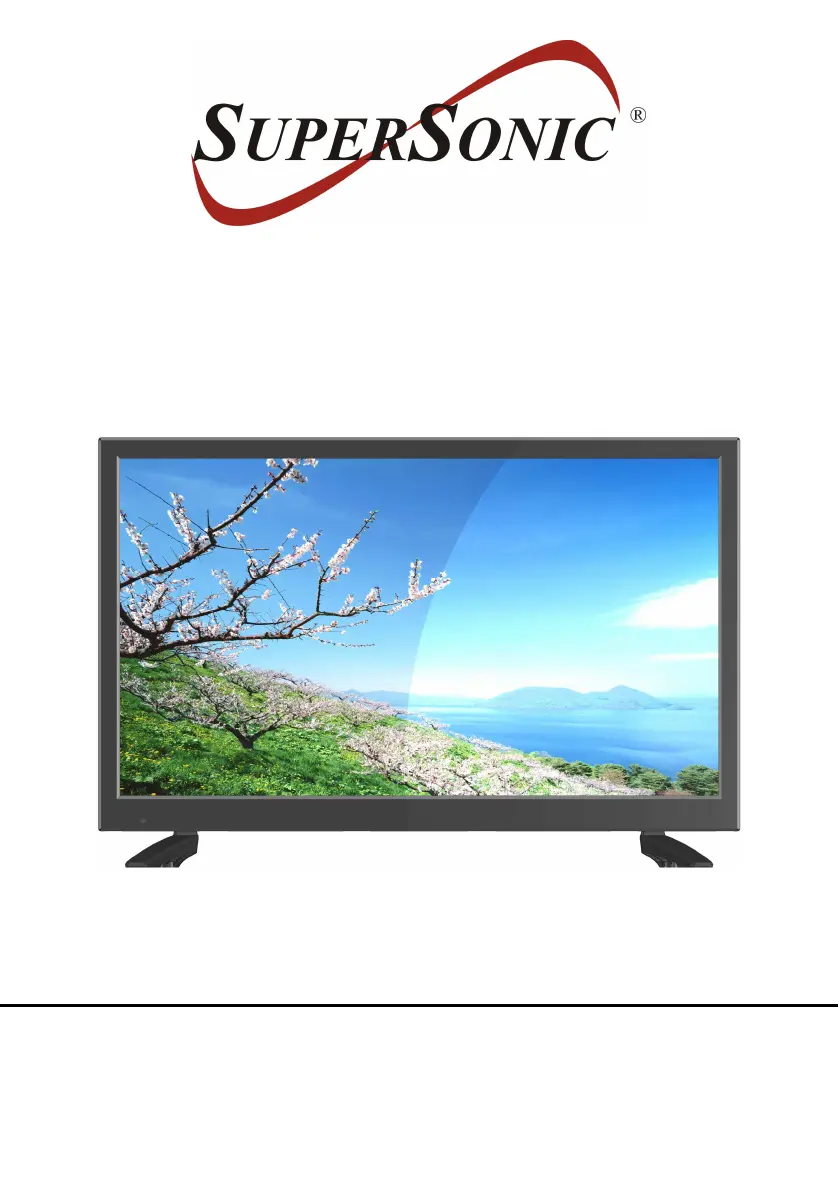
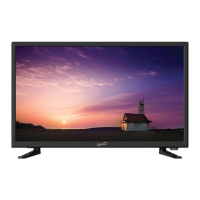
22” WIDESCREEN LED TV
MODEL NO.: SC-2211
USER MANUAL
Please read this manual carefully before using,
and keep it for future reference.

Questions and Answers

Summary

IMPORTANT INSTRUCTIONS

SAFETY INSTRUCTIONS

Essential safety precautions to prevent fire, electric shock, and personal injury.

GENERAL PARTS

MAIN UNIT

Identification of the main components of the TV unit, including front and top views.

REMOTE CONTROL

Power, Mute, and Number Control

Operation of POWER, MUTE, NUMBER, VOL +/-, and channel buttons.

Menu Navigation and Information Display

Use of Navigation, MENU, ENTER, EXIT, EPG for menu control and information display.

BASIC CONNECTION

CONNECTING TO AC POWER SOURCE

Instructions for connecting the TV to the AC power outlet using the adapter.

CONNECT EXTERNAL ANTENNA TO UNIT

Guide for connecting an external antenna to the TV for optimal reception.

MAIN MENU

Common Procedure for Initial Settings

General steps for navigating and adjusting settings within the main menu.

TV MODE Setup

Initial setup process for TV mode, including language and channel scanning.

PICTURE SETTINGS

AUDIO SETTINGS

WALL MOUNTING

STAND INSTALLATION

GENERAL TROUBLESHOOTING

Supersonic SC-2211 Specifications

General IconGeneral
Screen Size22 inches
Display TypeLED
Aspect Ratio16:9
HDMI Ports1
USB Ports1
VGA Port1
Built-in SpeakersYes
ConnectivityHDMI, USB, VGA

Related product manuals