2017-08-30 14 1715054
Touch [SAVE TRACK] to save the currently recorded track. This action will save the currently
recorded track from where the recording started to the current position and restart the
track recording from the current position of the boat.
Touch [MORE] to view latitude and longitude of the current position of the boat and change the
compass to desired position (choices are North up or Course up).
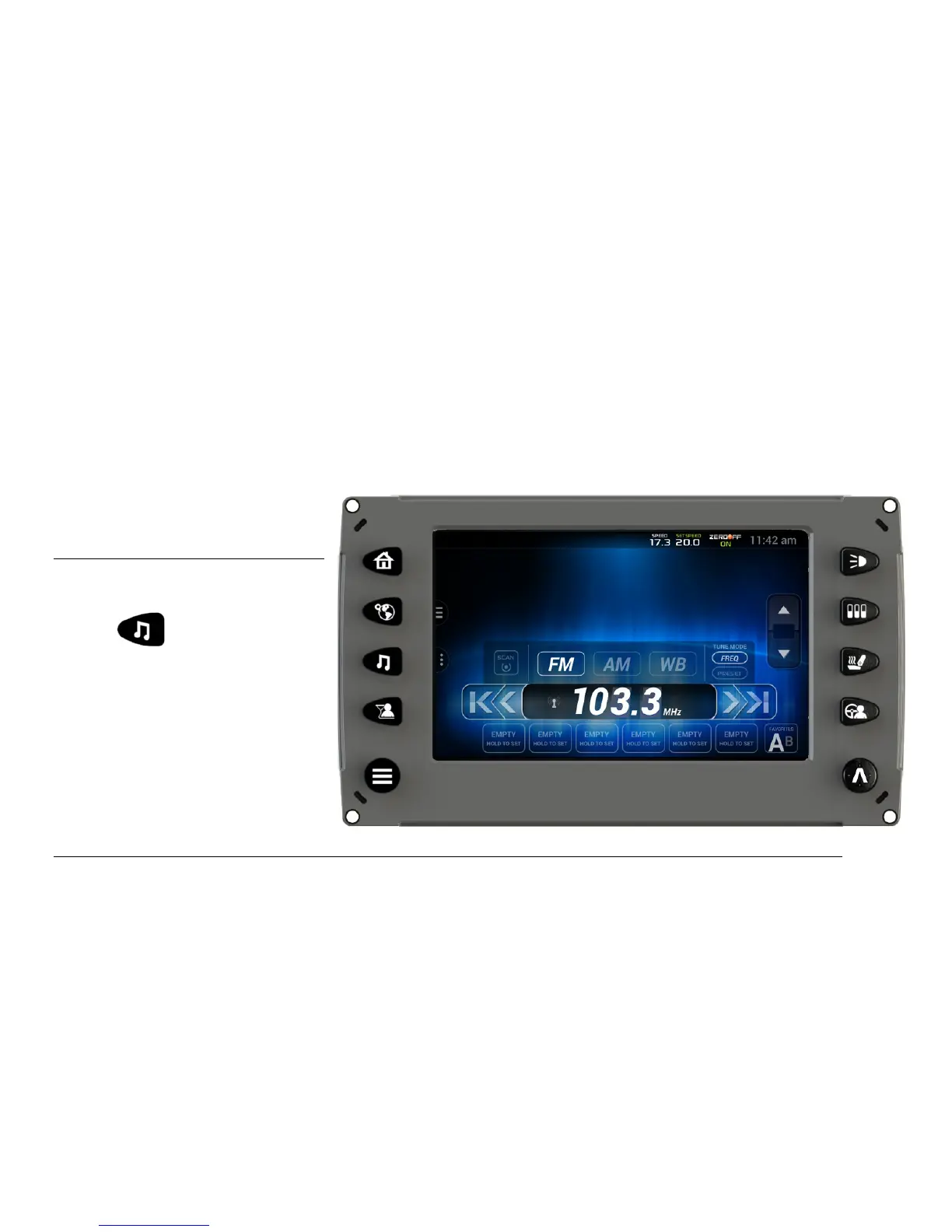
Media
The Stereo screen can be
accessed by pressing the
Stereo Quick Access
Key.



 To Next Page