2017-08-30 20 1715054
Sound Control
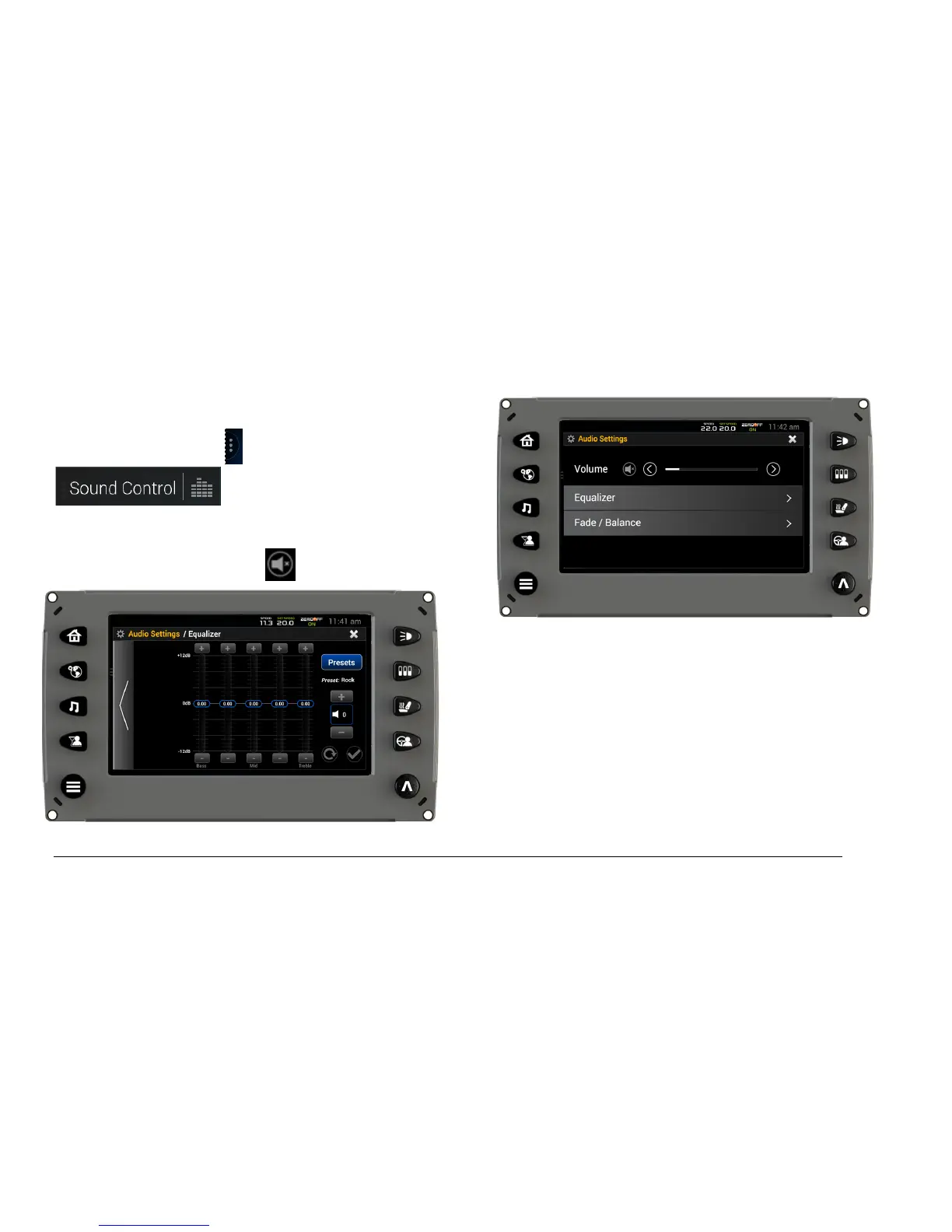
To display the Sound Control utility, on the left side
of the screen, touch and then
. The screen on the right will
display:
To mute the sound, touch .
Adjust the volume with the left and right arrows.
Touch the right arrow to display the Equalizer screen:
The Equalizer is available to control the sounds in
five different areas between Bass and Treble.
Touch the + or – OR slide the 0db placeholder in the
appropriate direction to adjust the levels.



 To Next Page