2017-08-30 44 1715054
For example: The driver has filled the ballasts to Full and then installed a new version of software.
This new version of software would default the Ballast Levels back to Empty (0 percent). Since the
driver knows that the boat has Full ballasts, the driver can use this calibration feature to set the
display level to Full (100 percent).
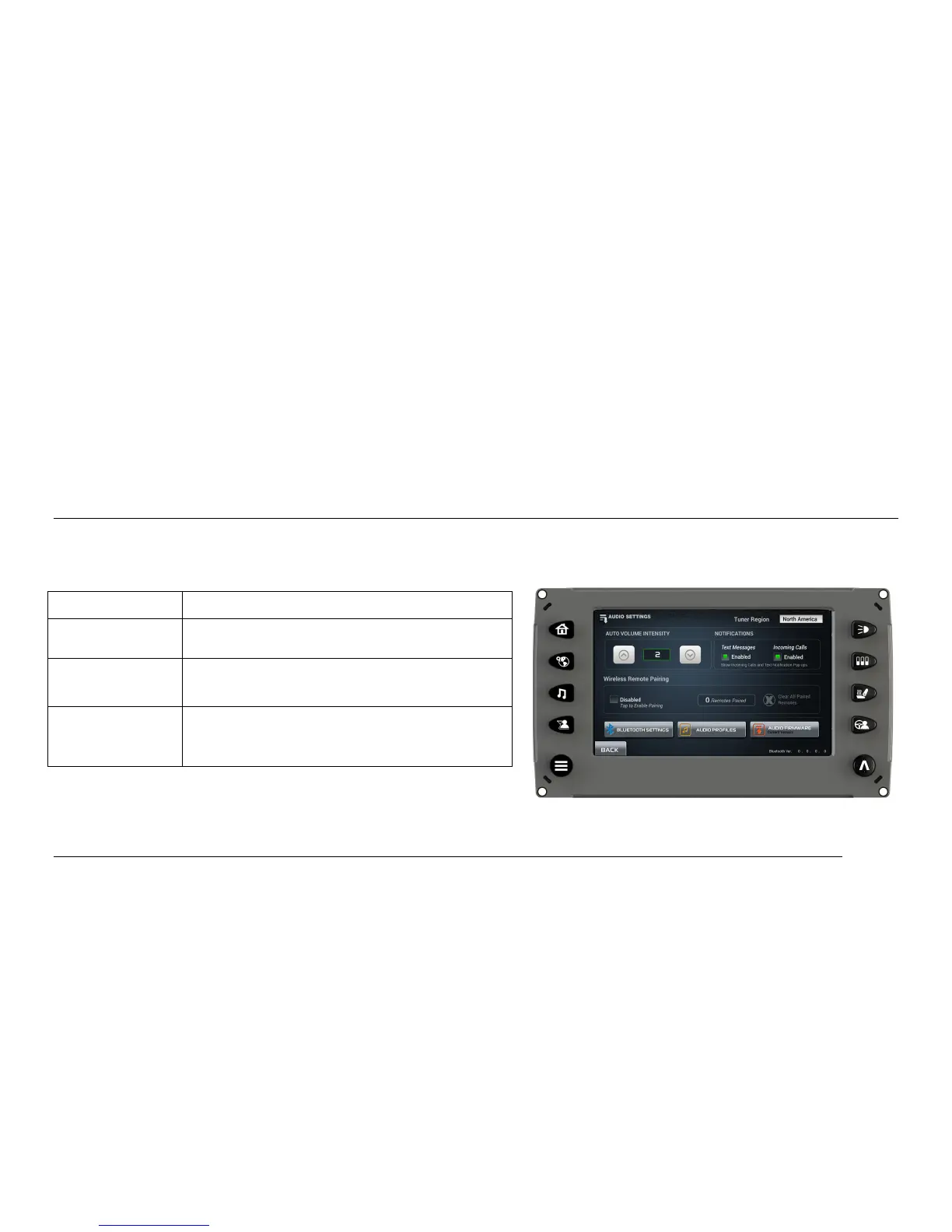
Audio Settings
On the Main Menu screen, touch [Audio Settings] to access the screen that contains text message
and incoming call notification settings, auto volume intensity, wireless remote pairing, etc.
Function Description/Action
Tuner Region



 To Next Page