2017-08-30 25 1715054
Lights
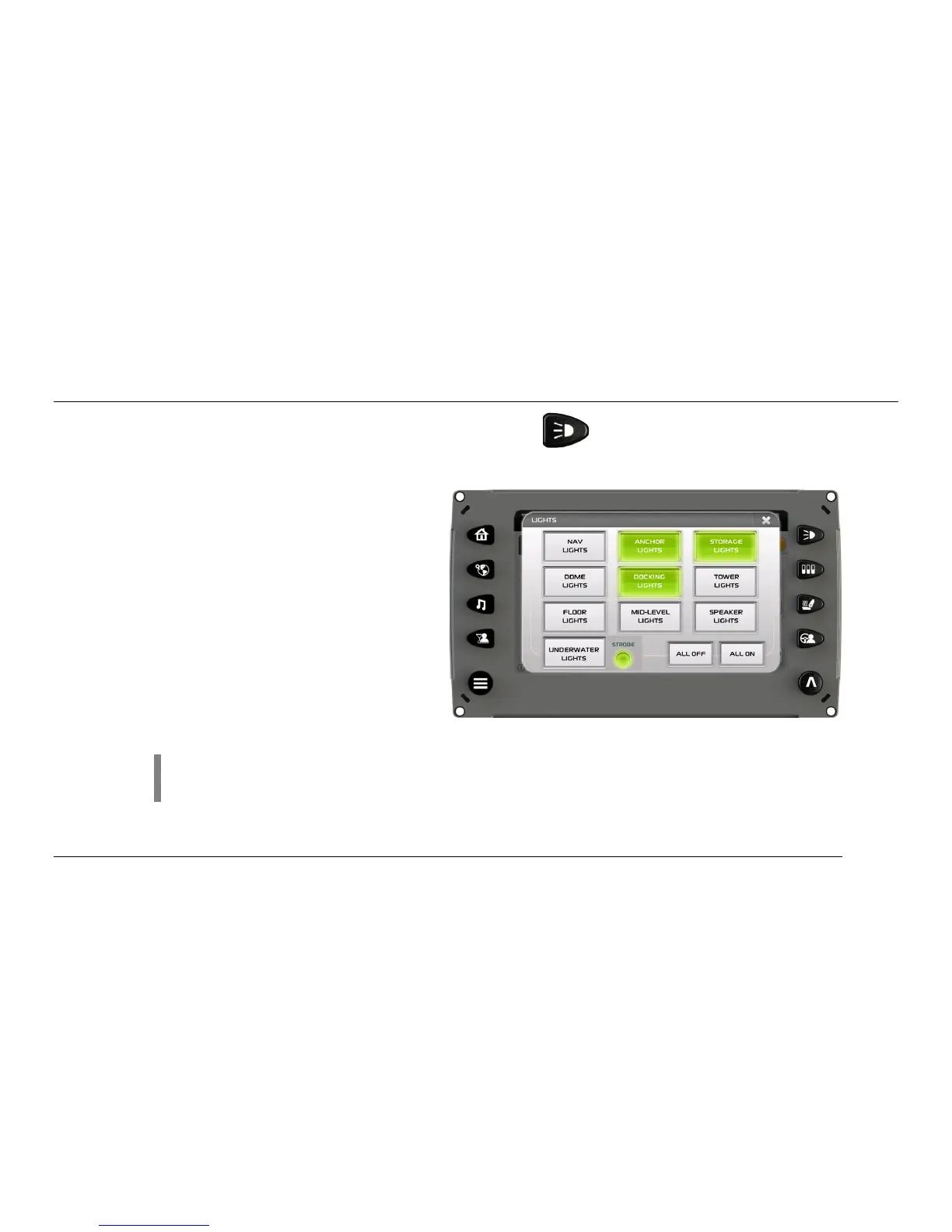
The Lights screen can be accessed by pressing the Lights Quick Access Key. On this screen
the following lights can be turned on and off:
• Navigation Lights
• Anchor Lights
• Storage Lights
• Dome Lights
• Docking Lights
• Tower Lights
• Floor Lights
• Mid-Level Lights
• Speaker Lights
• Underwater Lights/Strobe
• All Off/All On
NOTE: If the cell is gray, this indicates the lights are OFF. If the cell is green, this
indicates the lights are ON.



 To Next Page