EasyManua.ls Logo

Supra VISION Touch 2018 - Page 24

Supra VISION Touch 2018
48 pages
Print Icon
To Next Page IconTo Next Page
To Previous Page IconTo Previous Page
Loading...
2017-08-30 24 1715054
Description
Rotates through the saved profiles.
Returns back to the Home screen.
Displays a keyboard to type the new rider’s name. Touch Done, then Edit to
adjust the settings.
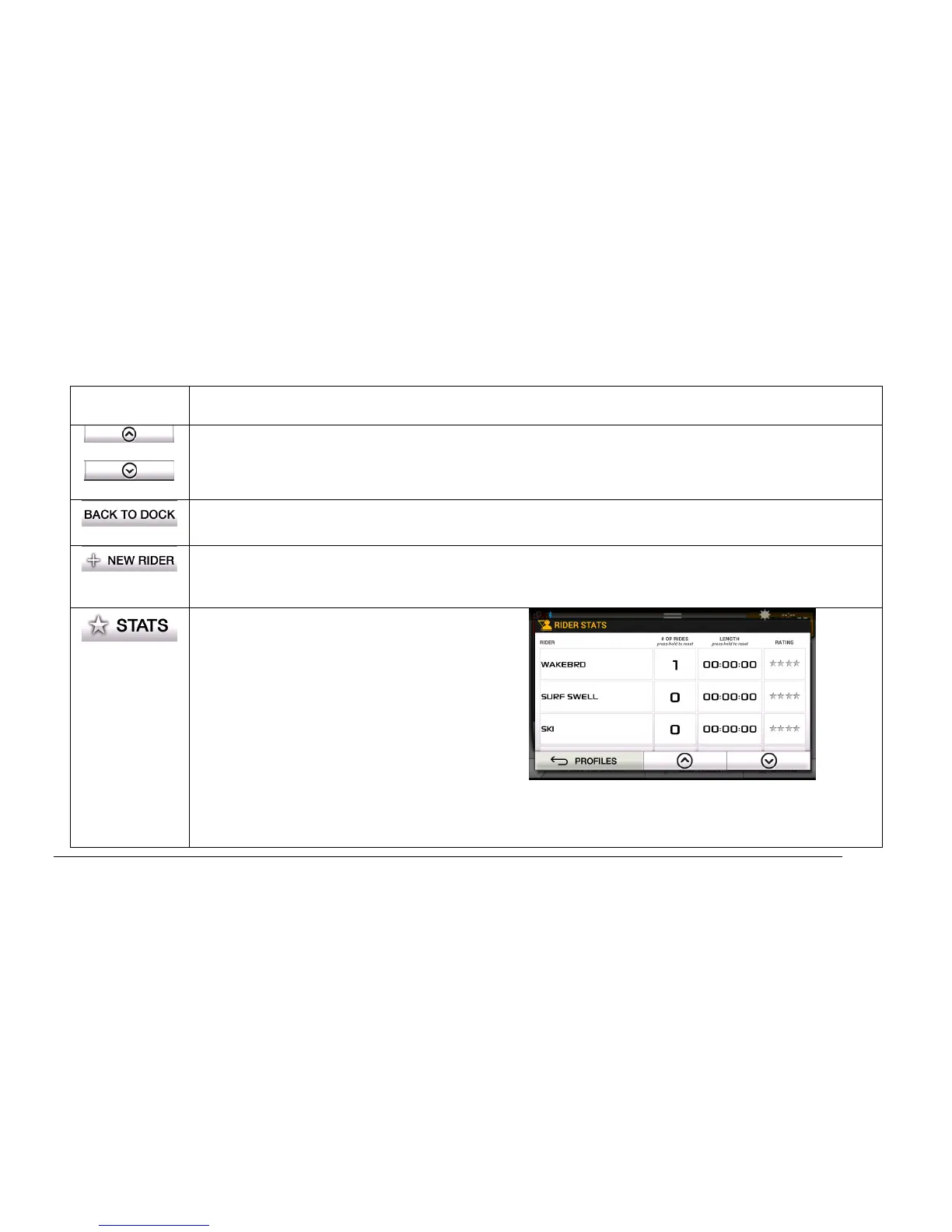
Displays the Rider Statistics screen.
To reset the number of rides, press and hold
and the number will reset to 0.
To reset the length, press and hold and the
time will reset to 00:00:00.
To provide a rating, touch the stars for each
desired star to be lit up.
Touch Profiles to return to the Profiles
screen.
Touch the UP and DN arrows to view other statistics.


Related product manuals