2017-08-30 33 1715054
User Settings
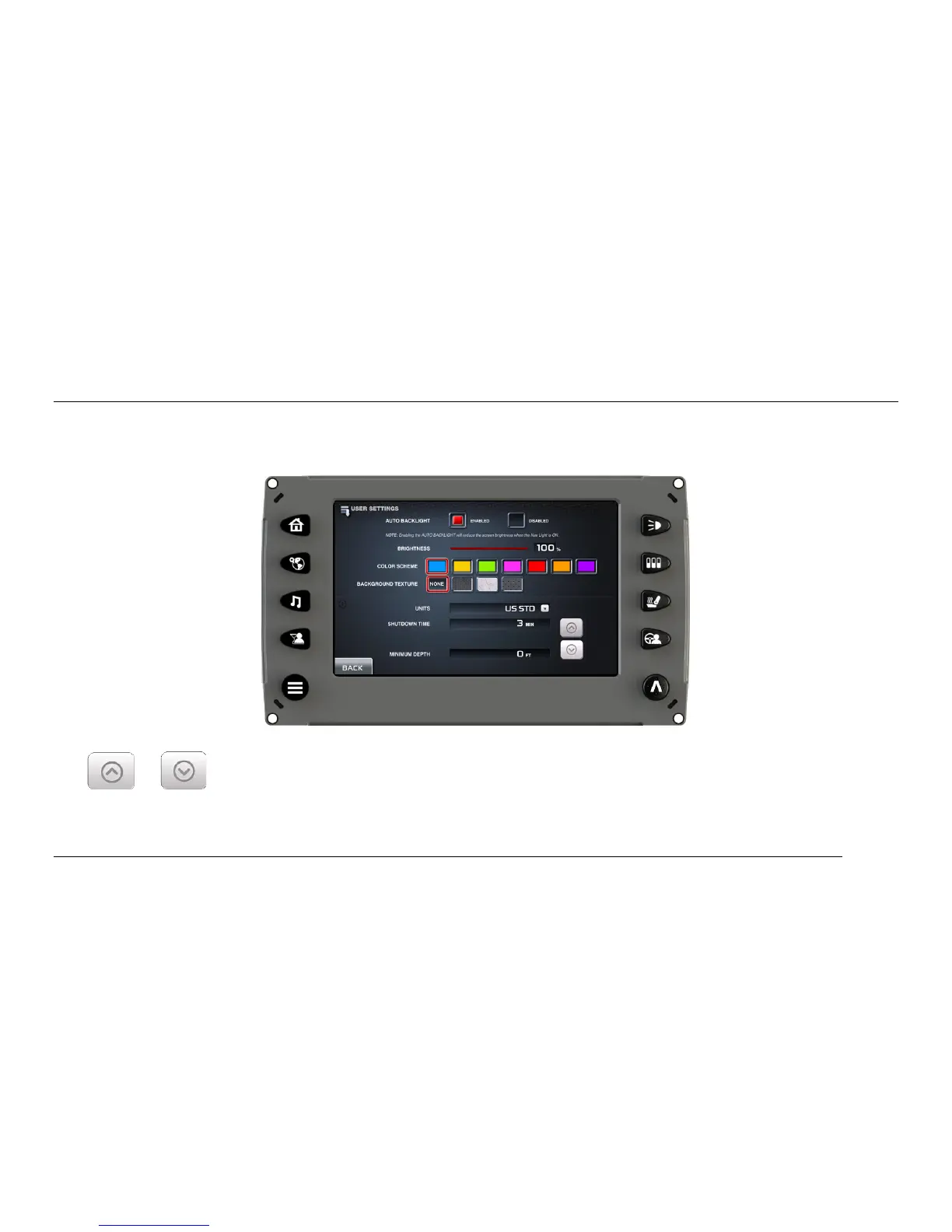
On the Main Menu screen, touch [USER SETTINGS] to access the User Settings screen. The User
can set viewing preferences for the display.
To edit the settings, touch the field to be changed. For Shutdown Time and Minimum Depth, touch
the or arrows to adjust the settings. Touch [Back] to save the settings and return to the
Main Menu screen.



 To Next Page