2017-08-30 21 1715054
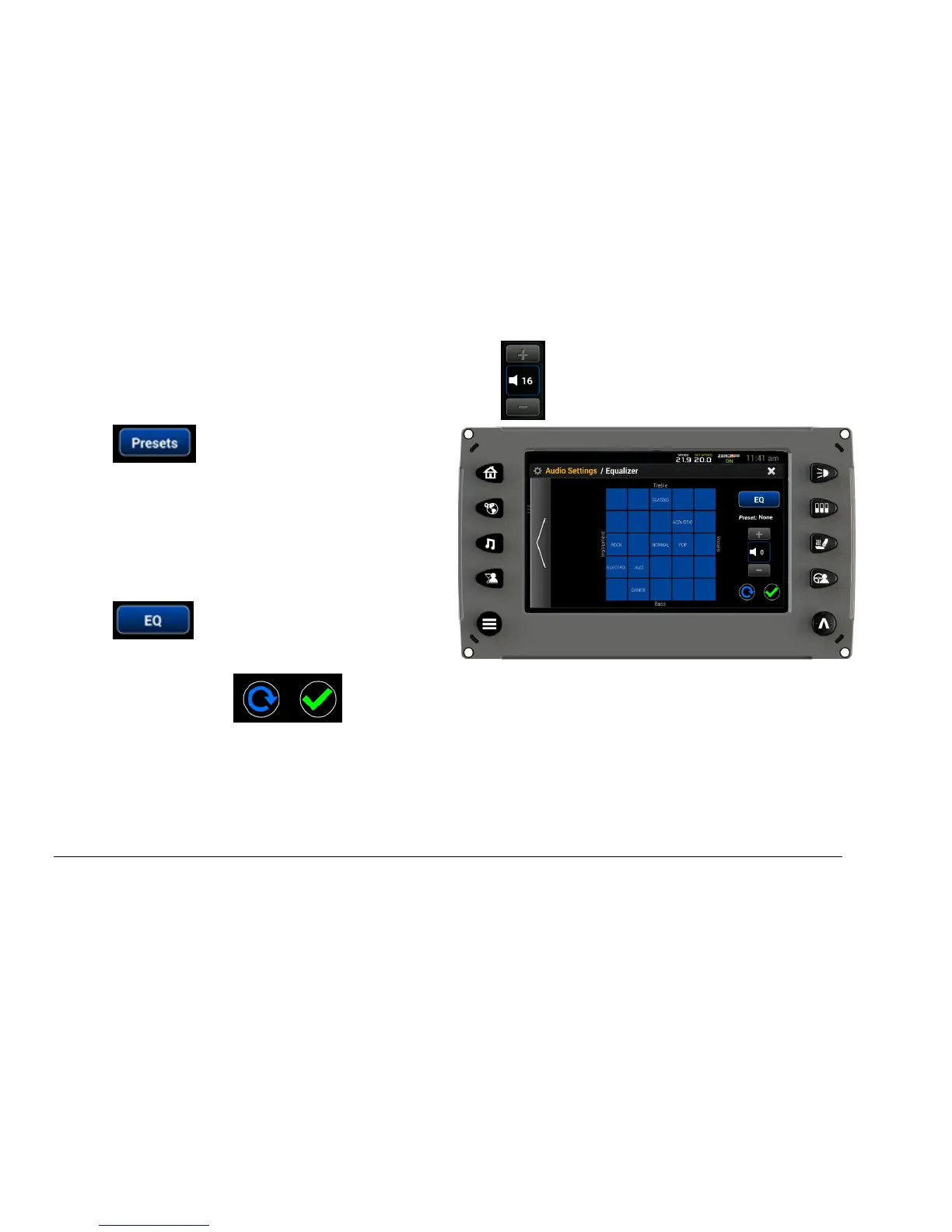
To adjust the volume, touch the + or – of this area:
Touch to display this screen:
Touch a square on the grid to select a preset
sound configuration according to your specific
preferences (i.e., Dance is heavy on the Bass,
light on Vocals; Classic is heavy on Treble,
light on Bass; etc.).
Touch to return to the Equalizer
screen.
Touch the blue circle to discard any changes, and the green checkmark to confirm
changes.



 To Next Page