EasyManua.ls Logo

Supra VISION Touch 2018 - Page 19

Supra VISION Touch 2018
48 pages
Print Icon
To Next Page IconTo Next Page
To Previous Page IconTo Previous Page
Loading...
2017-08-30 19 1715054
Follow these steps to connect to Bluetooth:
Step
Action
1
Touch Scan For New Devices. The display will begin searching for Bluetooth compatible devices
within connection distance. If available devices are found, they will be displayed on the screen.
2
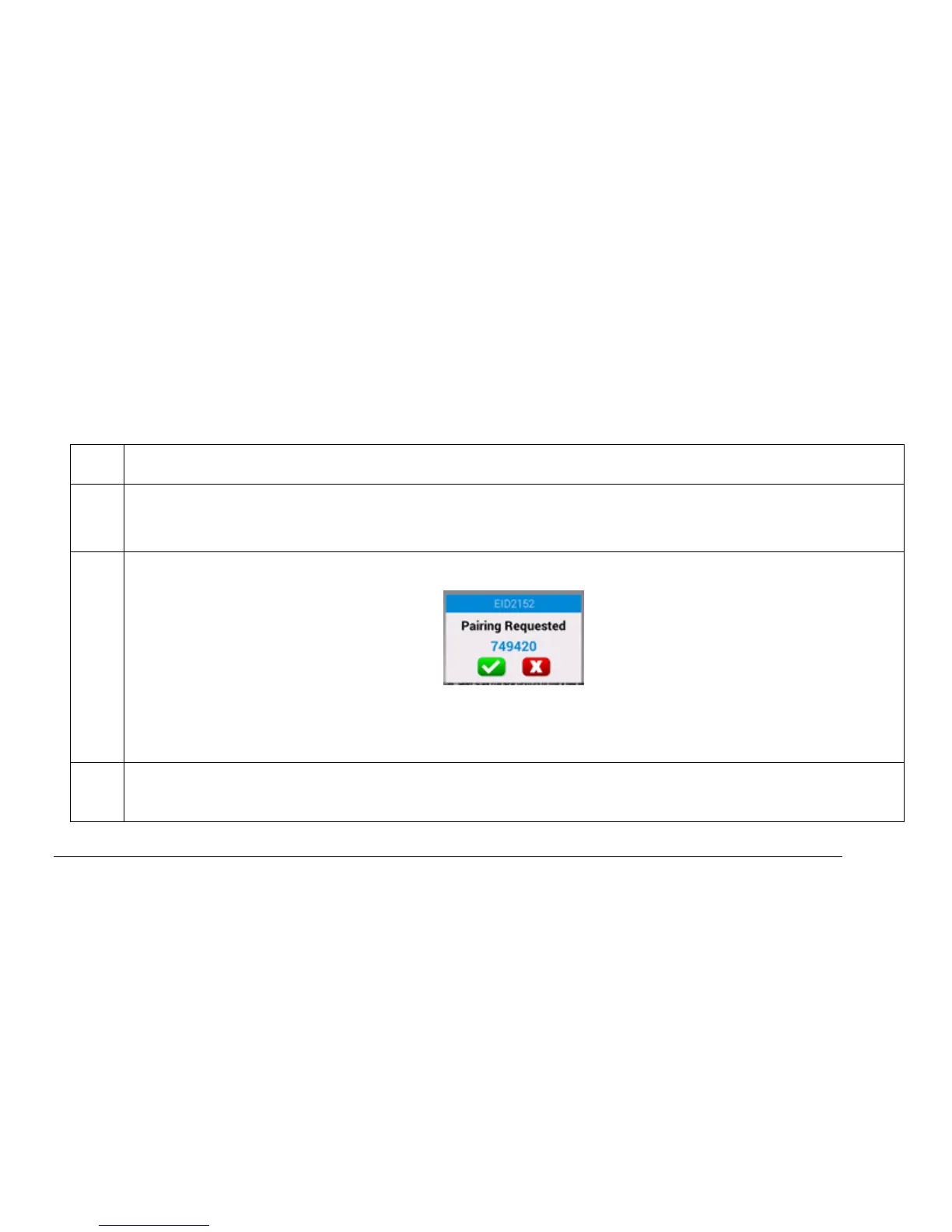
Touch the listed device to which the Supra will be paired. The following screen will appear:
Touch the green check mark to pair, or the red X to cancel. Touch the screen of the device to be
paired with the Supra and confirm the Pairing process. If successful, a “Paired” message will
appear.
3
Once paired, the source’s media files will be viewable and playable on the first screen presented in
this section.

Related product manuals