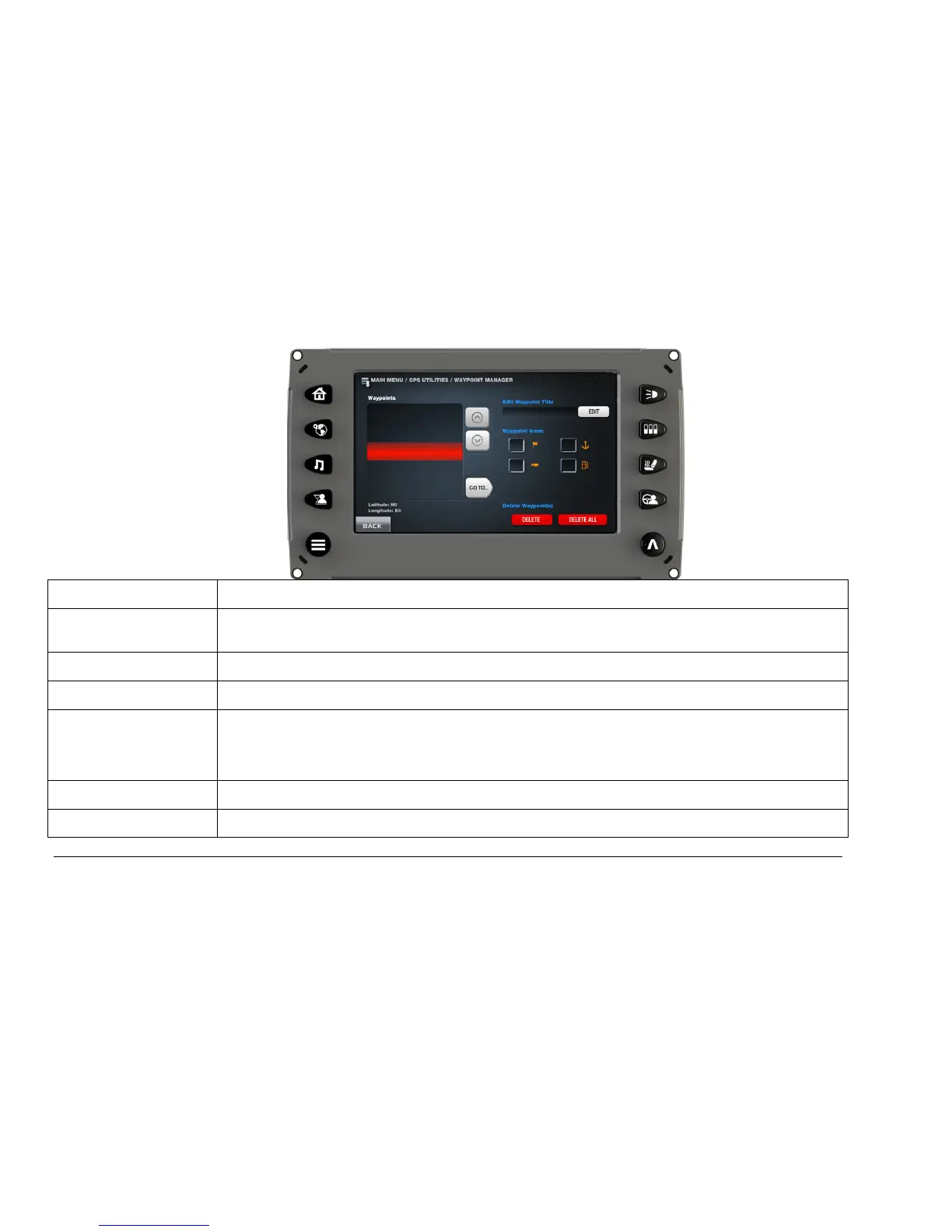
Displays a list of existing waypoints that have been set. Use the [Up] and
[Down] keys to highlight the desired waypoint.
Waypoint Title Edit the waypoint title.
Waypoint Icon Assign one of four different icons to any of the waypoints listed.
Go To…
Displays latitude and longitude values for the currently highlighted
waypoint on the list. When touched, it will jump to the maps application
and the location of the selected waypoint.



 To Next Page