Installation
9
Installation
Fixing the bracket and the product
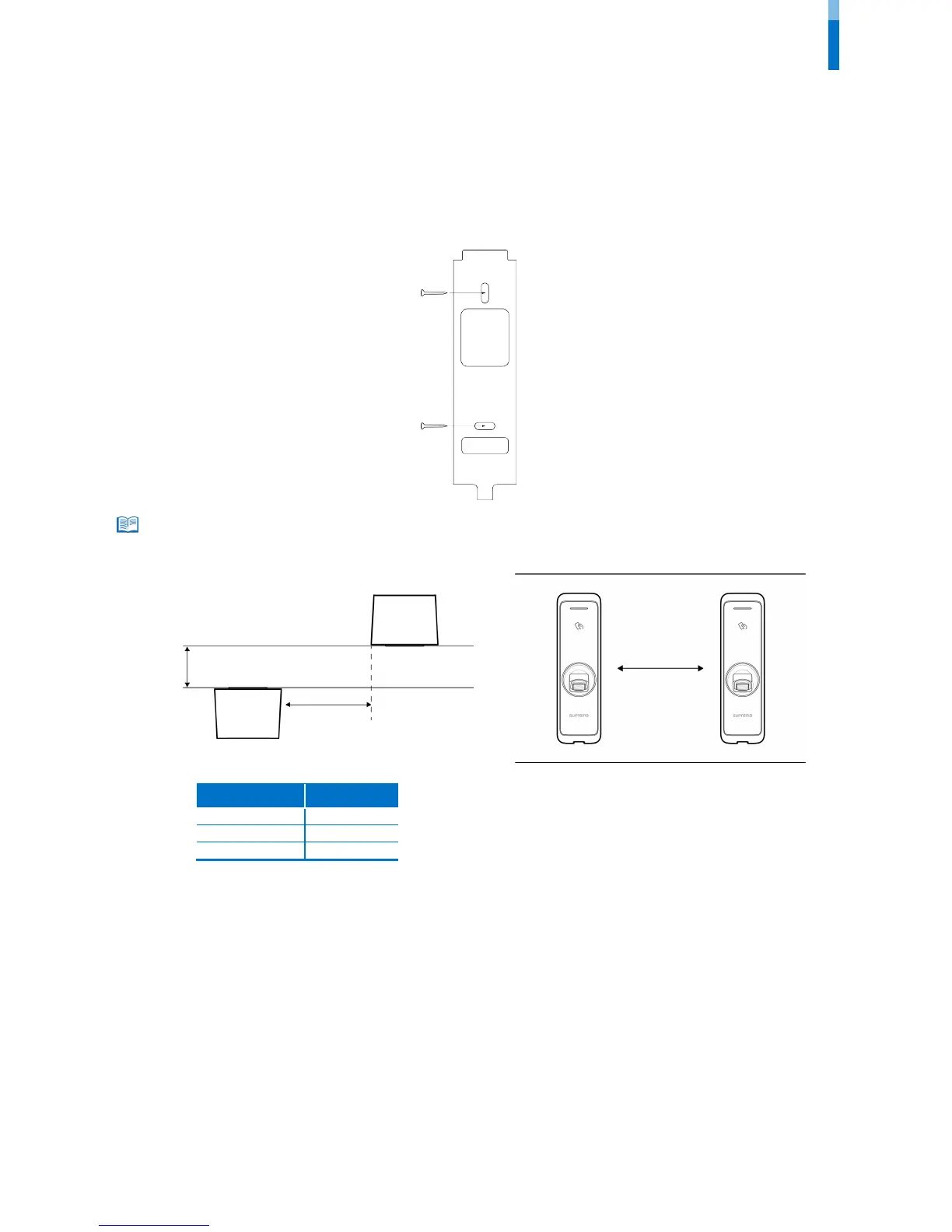
1 Determine the correct position to install the bracket using the provided drilling template. Fix the bracket firmly using fixing screws
through the bracket to the position where BioEntry W2 will be installed.
• If installing BioEntry W2 on a concrete wall, drill holes, insert PVC anchors, and fix them with fixing screws.
• To avoid RF interference, a minimum separation distance must be maintained.
Wall thickness Distance



 To Next Page