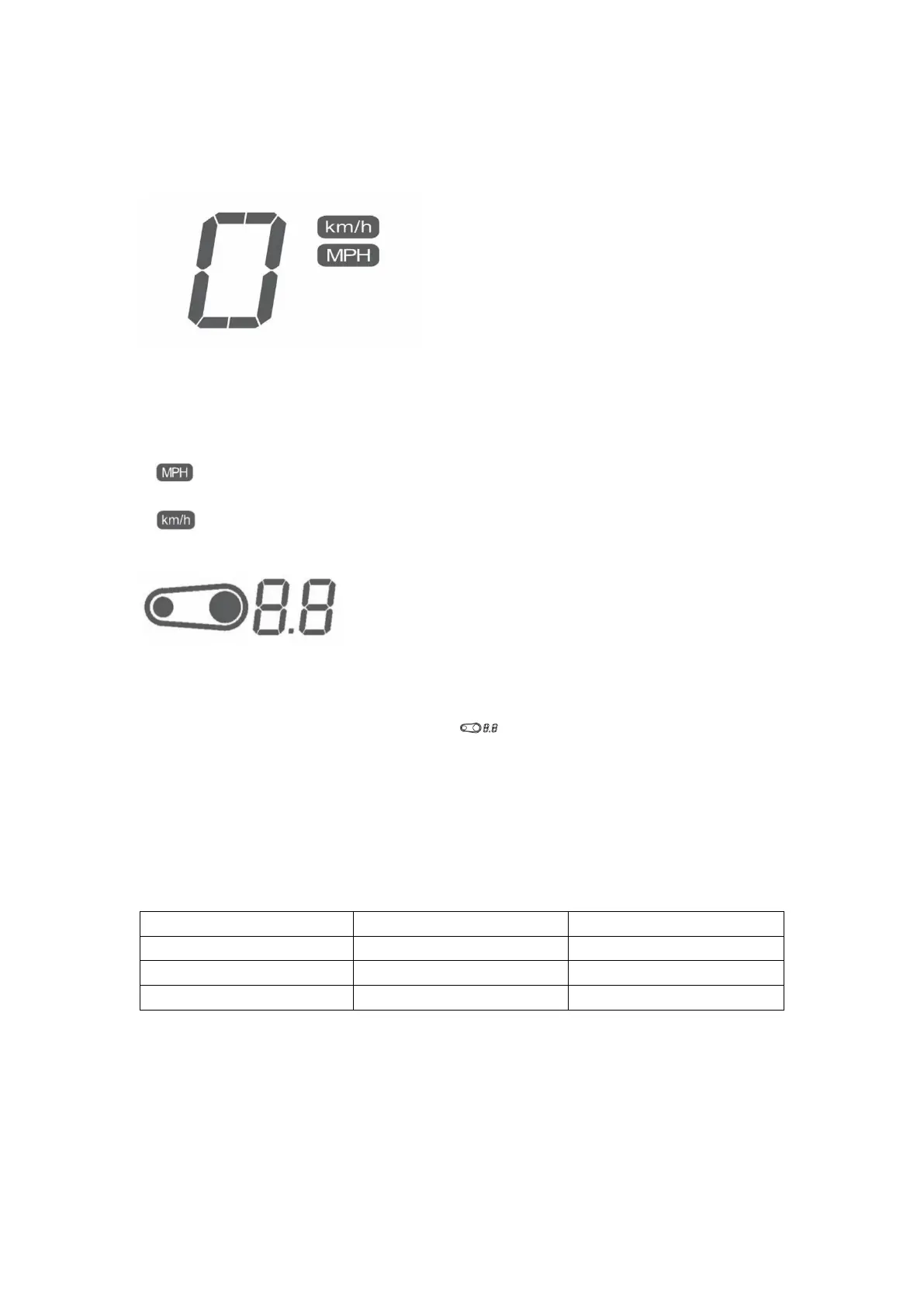
operating mode and the speed is 0km/h.
Unit Display – Speed
Select English(MPH) or metric (km/h):
1. Press and hold the MODE button with the dashboard off and turn the key switch ON whilst
still holding the mode button for more than 2s with the dashboard in its normal operating. Then
select English (MPH) or metric (km/h).
2. is displayed when selecting English (MPH).
3. is displayed when selecting metric (km/h).
Display - Transmission ratio
Transmission ratio setting:
Press and hold the SEL button with the dashboard off and turn the key switch ON whilst still
holding the SEL button for more than 2s with the dashboard in its normal operating. Then enter
into the transmission ratio setting mode, and “ “ flashes at a frequency of 1/sec. To
adjust the transmission ratio by momentarily press MODE to decrease by 0.1, or SEL button to
increase by 0.1. Press and hold SEL button for more than 2 seconds to save the current setting.
Example: The factory stock rear tire is 18-inch, factory configurated rear sprocket is 52 gears,
and factory configurated front small sprocket is 14 gears.
Rear Wheel size (inch) No. of Rear Sprocket teeth Transmission ratio
≥19 52 0.9
18 52 1.0
18 ≥57 1.1
System Feature Setting
System Feature Mode Display



 To Next Page