SureCall | 48346 Milmont Drive, Fremont CA 94538 | 1-888-365-6283 | sales@surecall.com
2
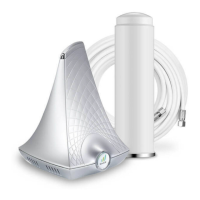
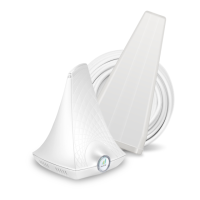
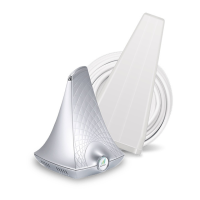
Thank you for your purchase of the EZ 4G. With this easy set-up guide, this booster can be installed in as little as 10
minutes, so you can enjoy a reliable consistent cellular connection.
SureCall’s EZ 4G was specically designed to eliminate frustrations over dropped calls, limited range and slow
data rates by amplifying incoming and outgoing cellular signals in homes and oces.
EZ 4G is a 5-band cellular booster that enhances 2G, 3G and 4G voice and data.
If you need any assistance while installing this product please contact tech support at 1-888-365-6283 or email
us at: support@surecall.com.
Important:
Before installing your booster you need to register it with your carrier. You can do so online at the following urls:
Verizon: http://www.verizonwireless.com/wcms/consumer/register-signal-booster.html
AT&T: https://securec45.securewebsession.com/attsignalbooster.com/
T-Mobile: https://www.signalboosterregistration.com/
Sprint: https://www.sprint.com/legal/fcc_boosters.html
U.S. Cellular: http://www.uscellular.com/uscellular/support/fcc-booster-registration.jsp









 To Next Page