EasyManua.ls Logo

SureCall EZ 4G - User Manual

SureCall EZ 4G
16 pages
Print Icon
To Next Page IconTo Next Page
Loading...
EZ 4G
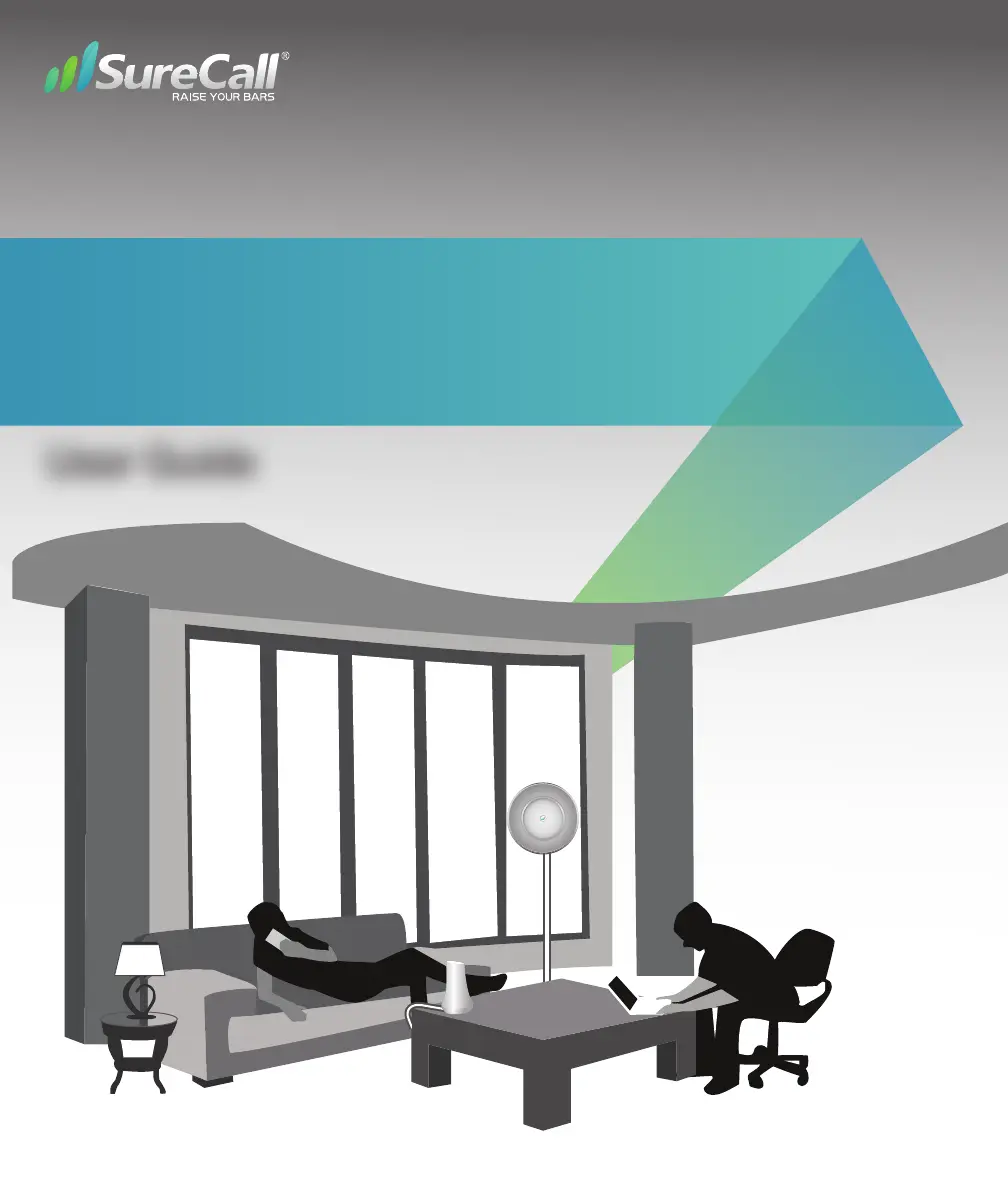
Home Signal Booster Kit
User Guide

Other manuals for SureCall EZ 4G

Questions and Answers

  • D
    davidhoweAug 14, 2025
    What to do if I have no signal after installing my SureCall EZ 4G Extender?
    • C
      Christopher BrownAug 15, 2025
      If you have no signal or reception after installing your SureCall Extender, check the strength of the outside signal as close as you can to the outside antenna. Also, double-check all signal booster and antenna cable connections and ensure that your signal booster’s dB gain is turned up to full power on each dial.
  • T
    Travis WilliamsAug 18, 2025
    What to do if SureCall EZ 4G has no signal after installation?
    • D
      Douglas McneilAug 18, 2025
      If you have no signal or reception after installing your SureCall Extender, ensure all cable connections are tightly secured. Also, check the booster for any FLASHING or SOLID RED LEDs, or lights rapidly FLASHING between two colors.
  • C
    charles10Aug 21, 2025
    Why is the red LED flashing on my SureCall EZ 4G Extender?
    • C
      Christopher JohnsonAug 21, 2025
      If the red LED on your SureCall Extender is flashing, it means the signal coming into the booster from the cellular tower is too strong. You can resolve this by either adding an inline attenuator to the cable coming into the booster or relocating the EZ booster to a location where the signal is weaker.
  • L
    Lisa PattersonAug 25, 2025
    What to do if the LED is yellow/red flashing on SureCall EZ 4G?
    • N
      Noah FosterAug 25, 2025
      If you observe a yellow/red flashing LED on your SureCall Extender, it indicates that oscillation has been detected. To address this, first try increasing the separation between the indoor and outdoor antennas. If the oscillation persists, lower the dB gain in 5dB increments.
  • D
    David BlackburnAug 28, 2025
    What does it mean if the red LED goes ON on SureCall Extender?
    • D
      Dr. Heather FloydAug 28, 2025
      If the red LED on your SureCall Extender goes ON, it means more antenna separation is needed. If increasing antenna separation isn't possible and the Alert LEDs flash after the initial activation, lower the dial above the blinking LED by 5dB (for example, from 50 to 45) and monitor the bars on your cell phone to see whether reception improves.
  • M
    Melinda MurphyAug 31, 2025
    What to do if the Alert LEDs continue to flash on SureCall Extender?
    • B
      Brian PerezAug 31, 2025
      If the Alert LEDs continue to flash on your SureCall Extender, the signal booster shuts down automatically, and then restarts after 60 seconds. To prevent this, turn down the PCS or Cellular dial that is oscillating. This issue may also indicate that additional antenna separation is needed.
  • L
    Louis WilliamsSep 4, 2025
    How to troubleshoot a SureCall EZ 4G Extender that has no power?
    • U
      ucrosbySep 4, 2025
      If your SureCall Extender has no power, verify that the booster switch is turned on. Try connecting the power supply to an alternate power source. Ensure the AC outlet is working and is not controlled by a wall switch. If the green POWER LED on the signal booster is OFF, return the power supply to SureCall. Contact tech support at 1-888-365-6283 or support@surecall.com, or go to www. surecall.com and log on to online support to receive a Return Merchandise Authorization.
  • M
    Melissa ObrienSep 7, 2025
    Why my SureCall EZ 4G Extender has no power?
    • D
      Dustin HansenSep 7, 2025
      If your SureCall Extender has no power, verify that the switch on the power supply is turned on and the Green LED is ON. Connect the power supply to an alternate power source. Be sure the power source is not controlled by a switch that can remove power from the outlet. Check the green POWER LED on the signal booster. If it is OFF, return the power supply to SureCall. Contact tech support at 1-888-365-6283 or support@surecall.com, or go to www.surecall.com and log on to online support to receive an RMA.
  • S
    suttonconnorSep 12, 2025
    How to troubleshoot a SureCall EZ 4G with no power?
    • D
      David VargasSep 12, 2025
      If your SureCall Extender has no power: * Make sure the power switch on the booster is turned on. * Confirm the power source isn't controlled by a switch. Try an alternate power source. * Use a multimeter to check the power supply's voltage output, ensuring it matches the adapter's stated output. * Check the green POWER LED on the signal booster. If it's OFF, return the power supply to SureCall.

Summary

How It Works

Package Contents

Before You Install

Before Installation

Key prerequisites and checks before beginning the booster setup.

Installation Overview

A high-level summary of the installation process and key stages.

EZ 4 G Installation Guide

Step-by-step instructions for installing the EZ 4G signal booster.

Finding Optimal Signal Location

Guidance on identifying the best window for signal reception.

Installing Your Hardware

Install the Signal Booster

Instructions for mounting and connecting the main signal booster unit.

Install the Inside Desktop Antenna

Steps for placing the indoor desktop antenna for optimal signal coverage.

Install the Inside Panel Antenna

Detailed steps for mounting and installing the optional panel antenna.

Booster Hardware Overview

Identification and description of the key hardware components of the booster.

Troubleshooting and Performance

LED Indicator Guide

Explanation of LED colors and conditions for troubleshooting booster status.

Improving Coverage Tips

Recommendations for enhancing cellular signal coverage with the booster.

Problem Resolution

Common issues and their solutions, including power and signal reception problems.

FCC, IC and Safety Information

Regulatory compliance, safety guidelines, and user responsibilities for the device.

Product Specifications

EZ 4 G Specifications

Technical details including frequency ranges, gain, and power output.

Kitting Information

Details on included components and their respective gains.

Warranty Information

Three-Year Product Warranty

Terms and conditions for the SureCall product warranty.

Limitations of Warranty, Damages and Liability

Exclusions and limitations on warranty claims and manufacturer liability.

SureCall EZ 4G Specifications

General IconGeneral
BrandSureCall
ModelEZ 4G
CategoryExtender
LanguageEnglish

Related product manuals