16
Troubleshooting
In the event you encounter a problem, follow the suggestions below to resolve the issue.
Problem Resolution
Signal booster has no power Verify that the booster switch is turned on.
Connect the power supply to an alternate power source.
Verify that the power source is not controlled by a switch that has removed power
from the outlet.
If the POWER LED on the signal booster is OFF, return the power supply to SureCall.
Contact tech support to receive an RMA at:
1-888-365-6283 or support@surecall.com, or go to www.surecall.com 7:00 am –
5:00 pm PST, Monday – Friday to chat with a representative.
After completing installation, indoor
signal coverage has not improved
Check the installation of your outdoor antenna. Ensure that the mounting area is clear
of obstructions and other radiating elements.
Check the outdoor signal strength at the site the outdoor antenna (see instructions on
page 7).
For kits that use a directional Yagi antenna, verify that the antenna is properly aimed in
the direction of your carrier’s closest cell tower (see page 7).
Verify that all cable connections are tightly tted to the booster and antennas.
Remember: Bars are not always a reliable measure of signal. The best way to
conrm signal coverage is the ability to place and hold a call.
If you Want to Improve Coverage
1. Find a location that receives a stronger signal and relocate the outside antenna to that location.
2. Increase the distance between the outside and inside antennas.
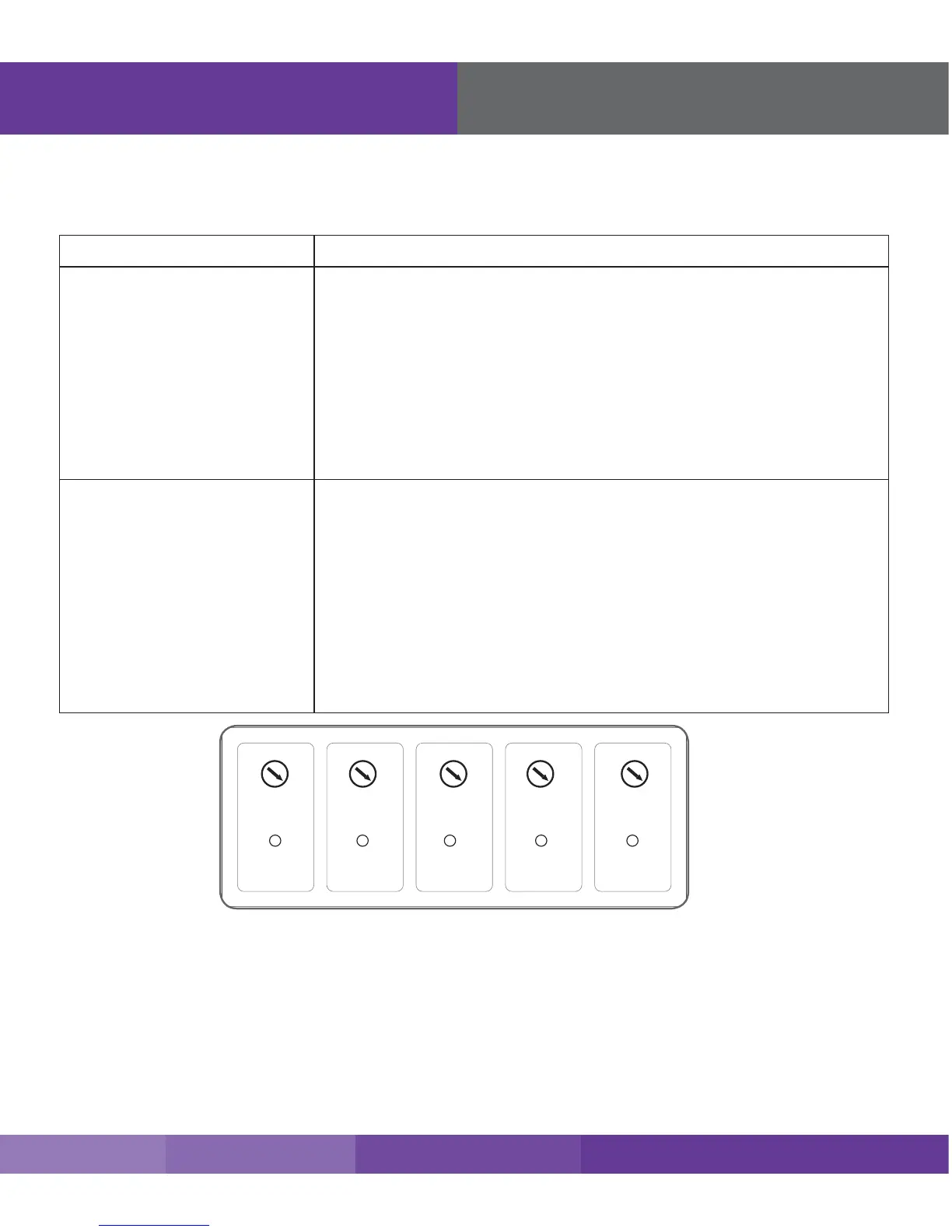
3. Be sure your signal booster’s dB gain is turned up to maximum gain on each dial.
Troubleshooting











 To Next Page