User Manual
© 2013 SurgeX / Electronic Systems Protection, Inc. / Technical Support 800.645.9721 / www.surgex.com / 9
3. HARDWARE
3.1 LCD Event Monitor
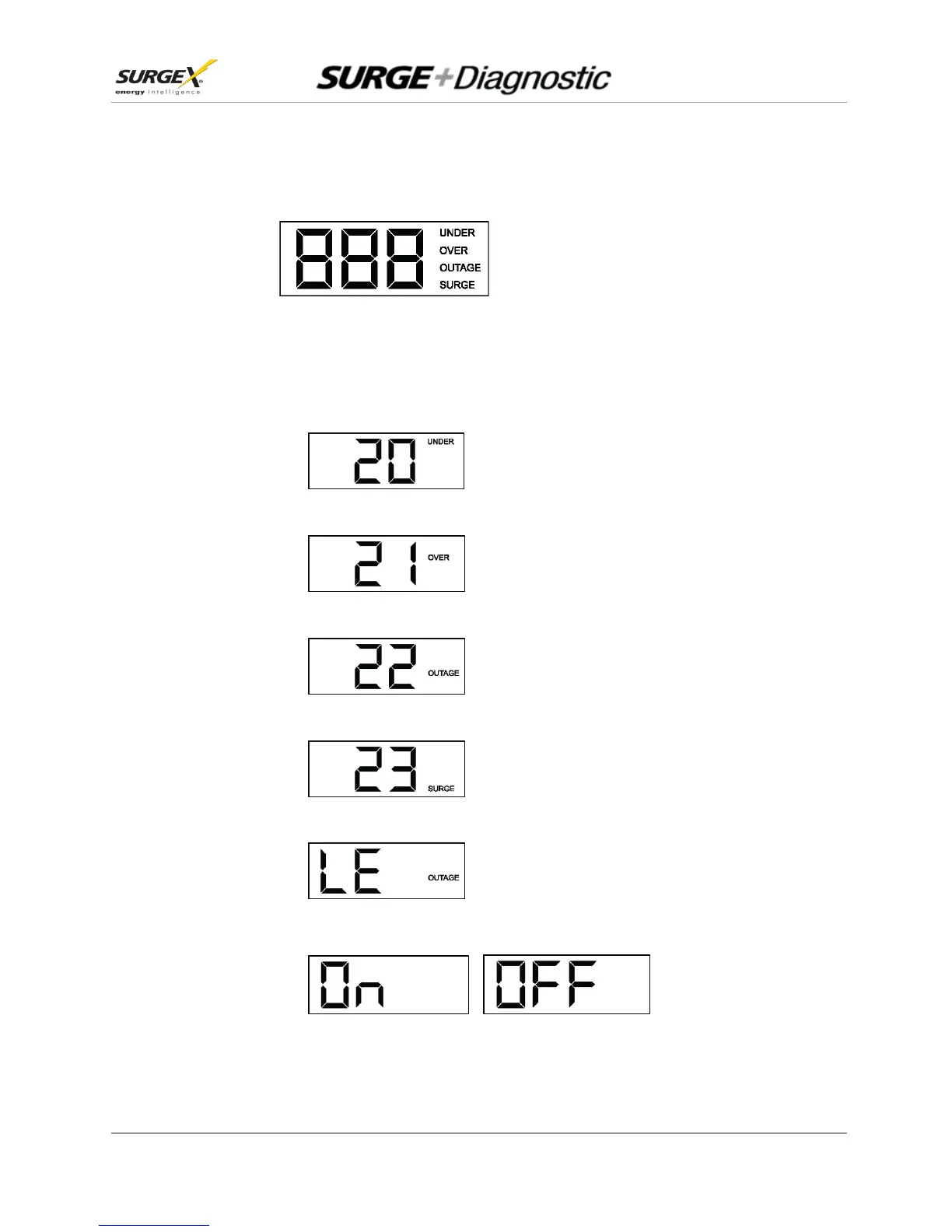
The LCD EVENT MONITOR displays useful information
related to data collection, device status, and
troubleshooting.
3.1.1. Normal Operation
a. When the Surge + Diagnostic is plugged into a branch circuit outlet with correct wiring and
acceptable line voltage, the LCD Event Monitor will cycle through the following information:
i. Number of recorded Under-Voltage events:
vi. Number of recorded Over-Voltage events:
iii. Number of recorded Power Outage events:
iv. Number of recorded Surge events:
vi. Last recorded Event type:
vi. Outlet Status (On or OFF):


 To Next Page