User Manual
© 2013 SurgeX / Electronic Systems Protection, Inc. / Technical Support 800.645.9721 / www.surgex.com / 4
2. INSTALLATION INSTRUCTIONS
2.1 Surge + Diagnostic Installation:
a. Rack Mount: Designed to be installed in a 19 inch equipment
rack and require one or two units (1RU, 2RU) of rack space,
depending on model. Use the four thumbscrews (included) to
secure the rack ears to the rack rails. These screws can be
tightened by hand and do not require tools.
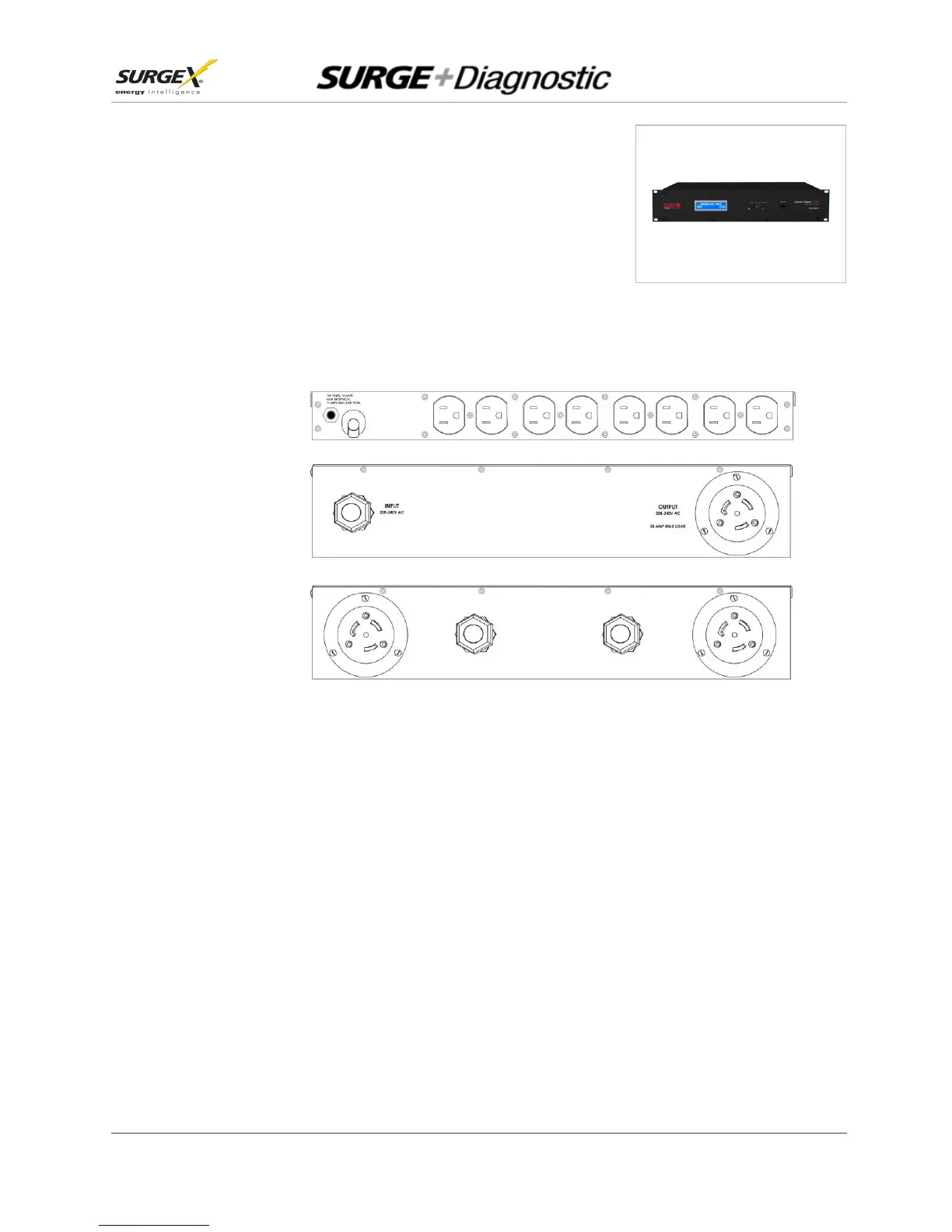
b. Connect Equipment: Connect the AC power cords of the equipment to be protected into the
receptacles on the rear panel of the Surge + Diagnostic.
Make sure that the total amperage of all equipment plugged into the Surge + Diagnostic does
not exceed the maximum branch circuit rating.
Please Note: Exceeding the branch circuit rating will cause the branch circuit breaker to trip.


 To Next Page