Menu
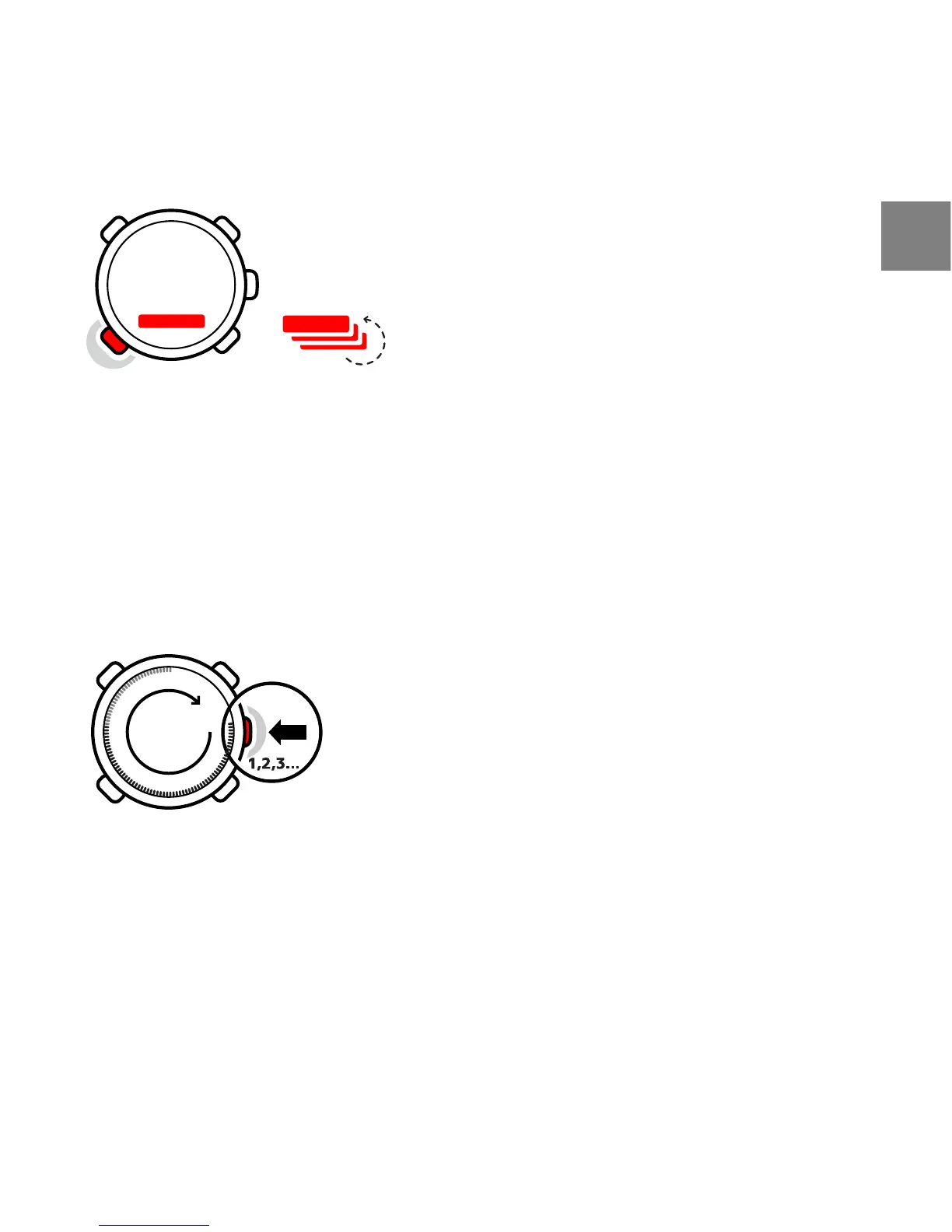
In MENU you can change values, change the general settings and units, or view
logs stored in the logbook. To enter MENU, keep the middle right [Mode] button
pressed while in the TIME, ALTI & BARO or COMPASS mode. The segments in the
outer part of the display indicate your transition time. Exit MENU by pressing
the upper left [Start Stop] button. Whenever an exit option is available in MENU,
this is indicated with an "X" on the screen next to the [Start Stop] button. Get
familiar with entering and exiting MENU!
Backlight
You can activate the backlight in any mode by pressing the lower right [- Light]
button. The backlight turns off automatically after 5 seconds. If you want to
see the backlight when you are in MENU, you need to activate it in the TIME,
ALTI & BARO or COMPASS mode before entering MENU. The backlight will return
to normal when you return to a mode.
11
en














 To Next Page