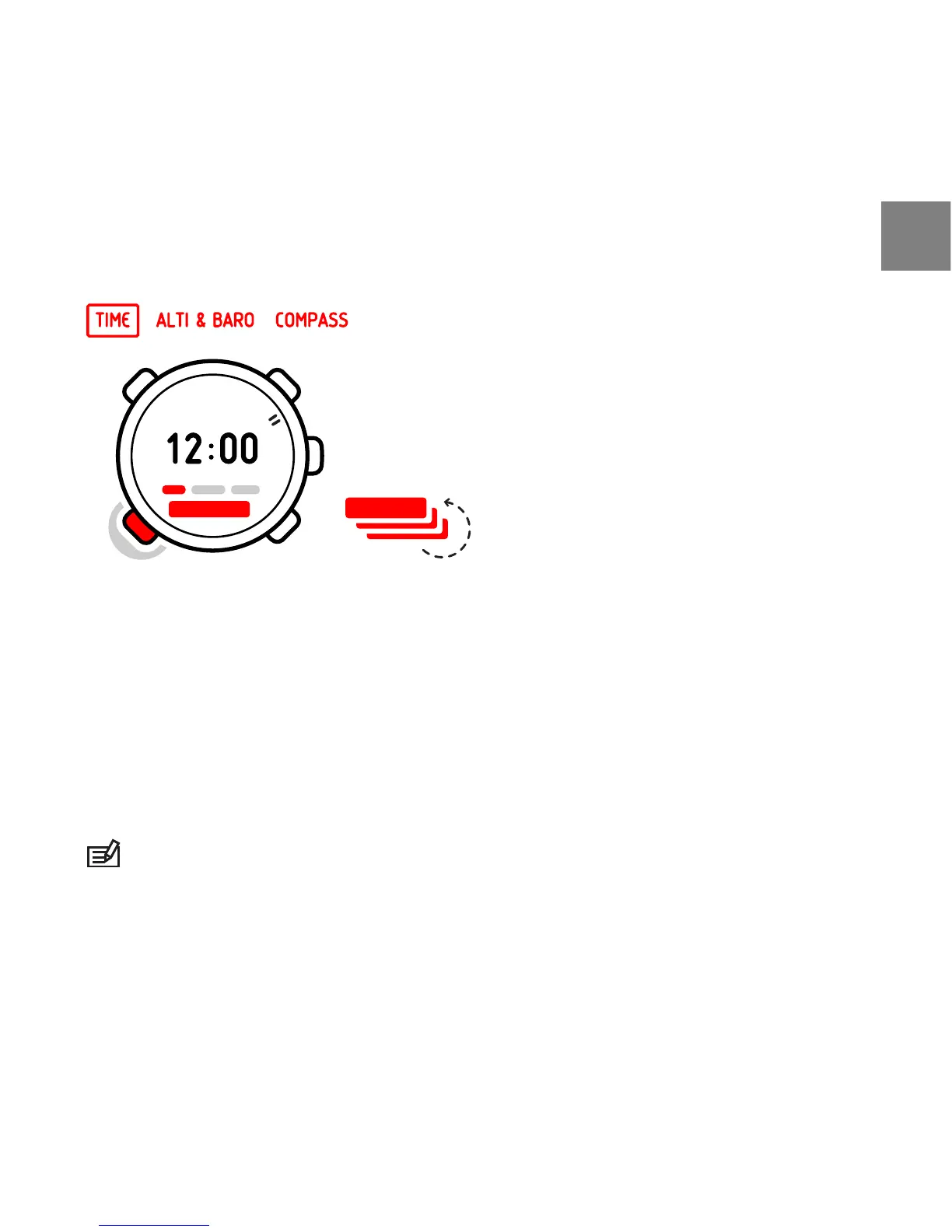
With [View] you can scroll through the following views:
●
Date: current weekday and date
●
Seconds: seconds as numbers
●
Dual time: time in another time zone
●
Sunrise and sunset : time of sunrise and sunset at a specific location
●
Stopwatch: sport timer
●
Countdown timer: alarm goes off after a set duration
●
Empty: no additional view
NOTE: The seconds view in the lower panel of the screen turns off after 2 hours
in idle state to save battery. Activate by re-entering the view.
6.1 Changing time settings
You change the time settings in MENU.
17
en














 To Next Page