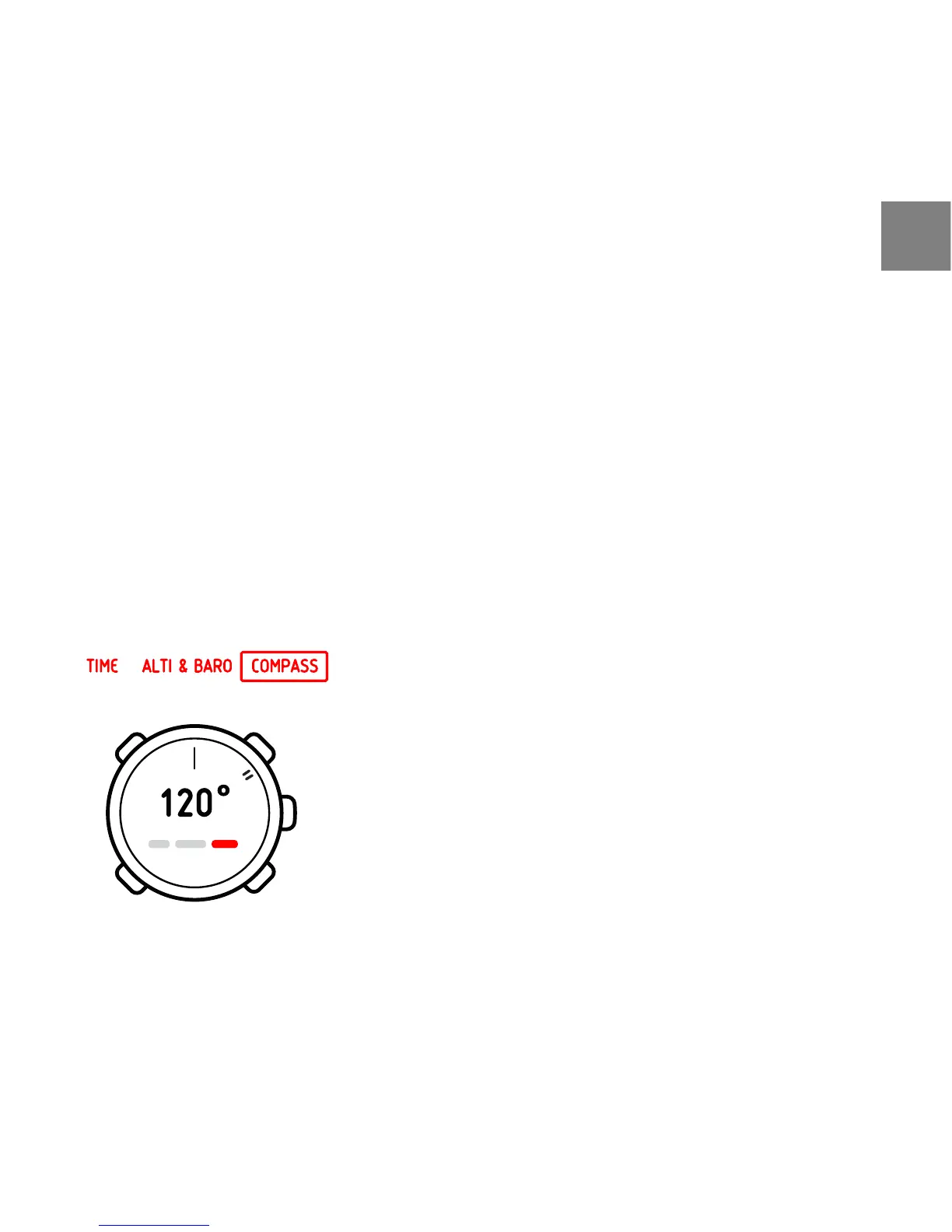
8.2 Using compass
When you are in the COMPASS mode, you see two moving segments on the
rim of the display. These point towards North. The hairline at 12 o’clock shows
your heading and functions as a compass direction arrow. The numerical value
of your heading is shown in the center of the display.
In COMPASS mode you can access the following views with [View]:
●
Time: shows the current time
●
Cardinals: shows the current heading in cardinal directions
●
Bearing tracking: shows the direction between the heading and the set
bearing
The compass will switch itself to power saving mode after a minute if no buttons
are pressed. Reactivate it with [Start Stop].
You can use the compass in two ways: you can use the bezel or the bearing
tracking.
41
en














 To Next Page