to the activity. You can either let Suunto Core decide which profile is most
suitable for you at the moment, or you can choose a suitable profile yourself.
7.2.2 Setting profiles
To set the profile:
1. In MENU, select ALTI-BARO.
2. Select PROFILE.
3. Choose a suitable profile.
Alternatively you can set the profile in the ALTI & BARO mode by keeping [View]
pressed down.
7.2.3 Setting reference values
To set the reference value:
1. In MENU, select ALTI-BARO.
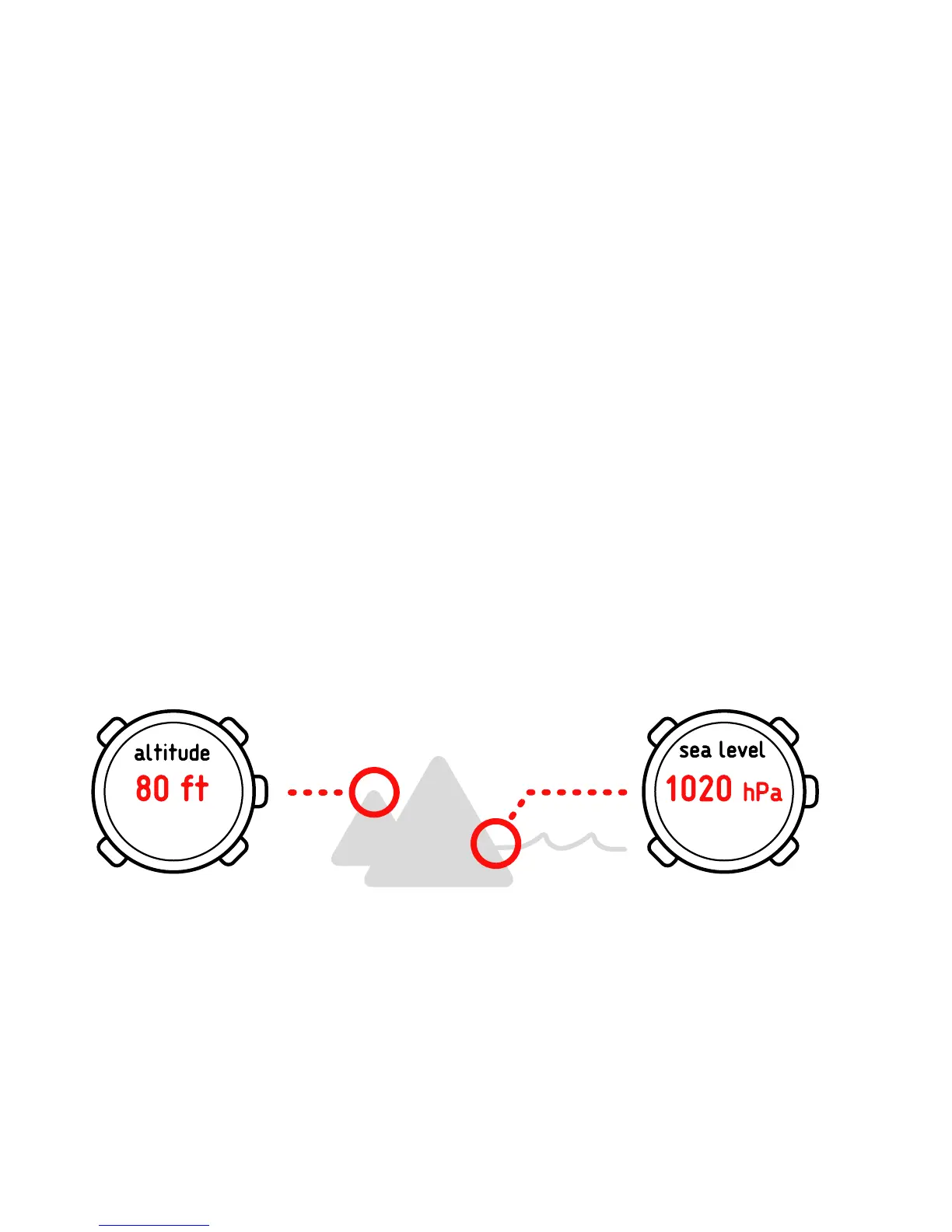
2. Select REFERENCE and choose between the ALTIMETER and SEA LEVEL.
3. Set the known reference value using [+] and [- Light].
Possible real life situation: Correcting your altitude value
You’re hiking and take a break when you see a sign with the current altitude. You
check your Suunto Core altitude reading and discover a small difference between
26














 To Next Page