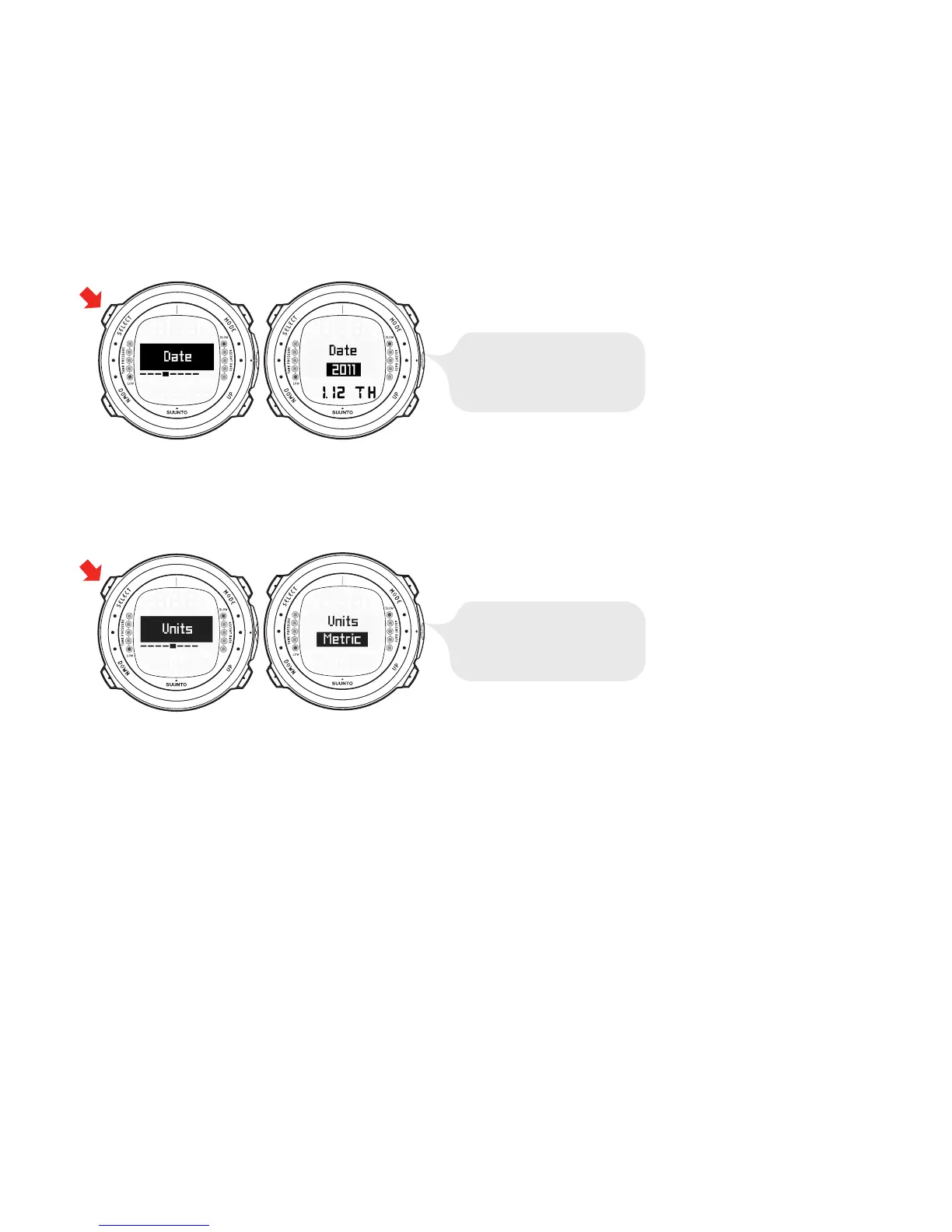
4.1.5. Setting the units
In the Units setting mode, you are able to choose whether the units are displayed in
either the metric or imperial system (meters/feet, Celsius/Fahrenheit, and so on).
4.1.6. Setting the backlight
In the Backlight setting mode, you are able to turn the backlight ON or OFF and to
define how long it stays on for (5, 10, 20, 30, or 60 seconds). When the backlight is
turned OFF, it does not illuminate when an alarm sounds.
23



 To Next Page