4 USING BUTTONS
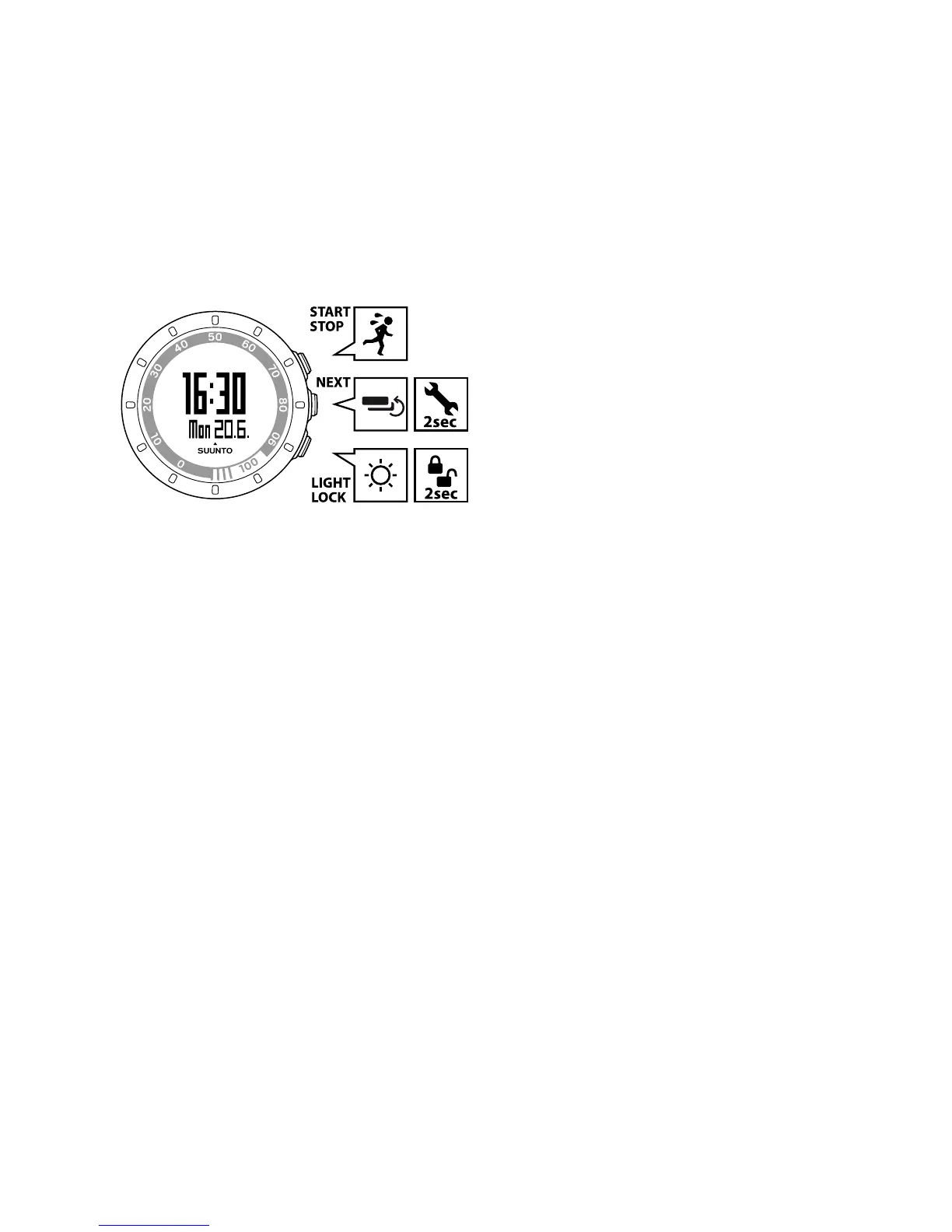
By pressing the following buttons, you can access various features:
START STOP:
●
select custom mode 1 (training), custom mode 2 (running), custom mode
3 (cycling), recovery time, prev. Move, web connect
●
start/stop a training session
●
increase a value/move up
Read more about the custom modes in Section 11.2 Customizing displays in
Movescount on page 35.
NEXT:
●
switch views
●
keep pressed to enter/exit settings
●
accept/move to the next step
LIGHT LOCK:
●
activate the backlight
10



 To Next Page