11 CUSTOMIZING SUUNTO QUEST
11.1 Connecting to web
Movescount.com is an online sports community that offers you a rich set of
tools to manage your daily activities and create engaging stories about your
experiences. It also allows you to customize your Suunto Quest to best meet
your training needs.
Transfer your recorded logs with Suunto Movestick Mini to Movescount.com.
Download settings and customized plans from Movescount.com to your Suunto
Quest.
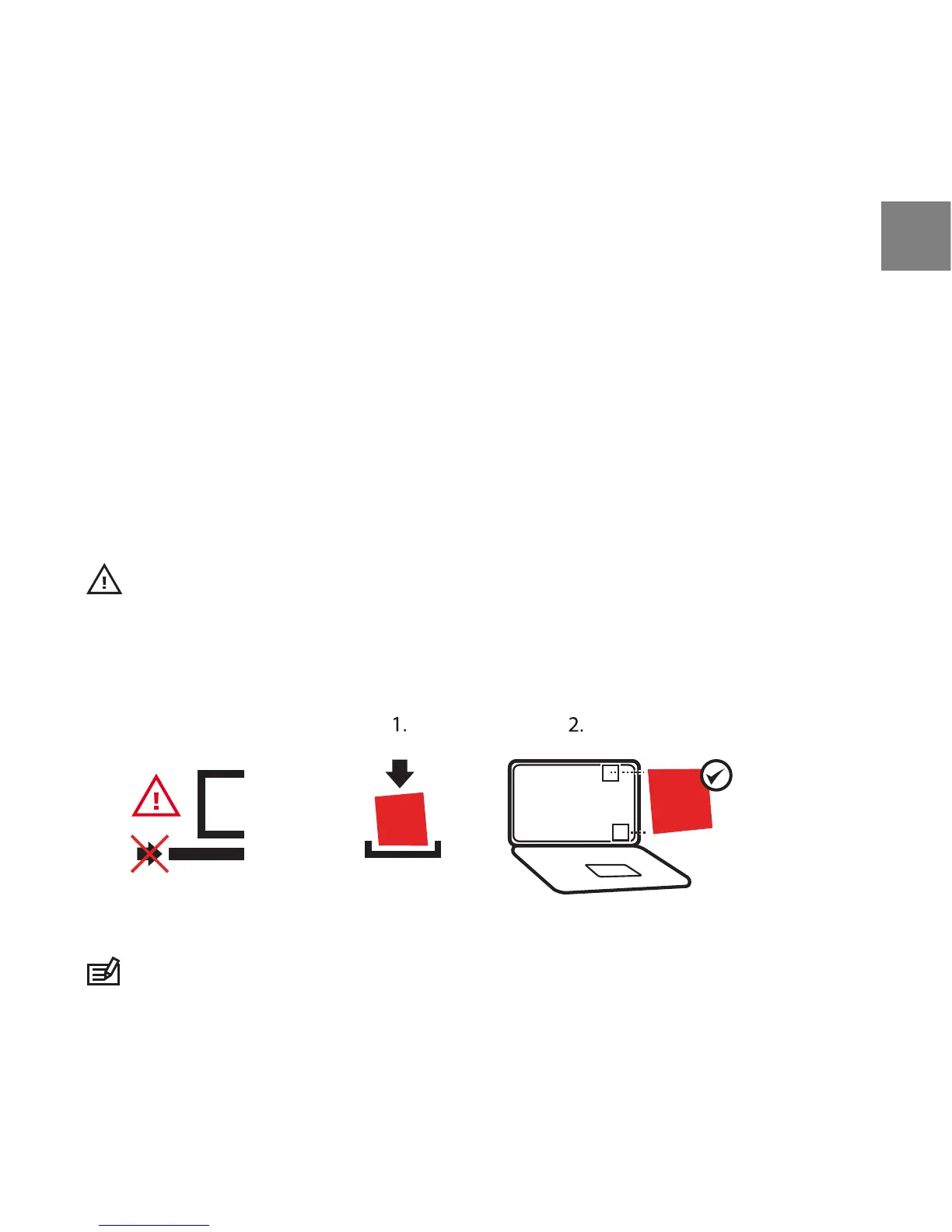
CAUTION: Do not plug in Movestick Mini before installing Moveslink!
To install Moveslink:
1. Go to www.movescount.com/moveslink.
2. Download, install, and activate Moveslink.



 To Next Page