NOTE: Moveslink is compatible with PC (Windows XP, Windows Vista, Windows
7) and MAC (Intel-based, running OS X version 10.5 or later).
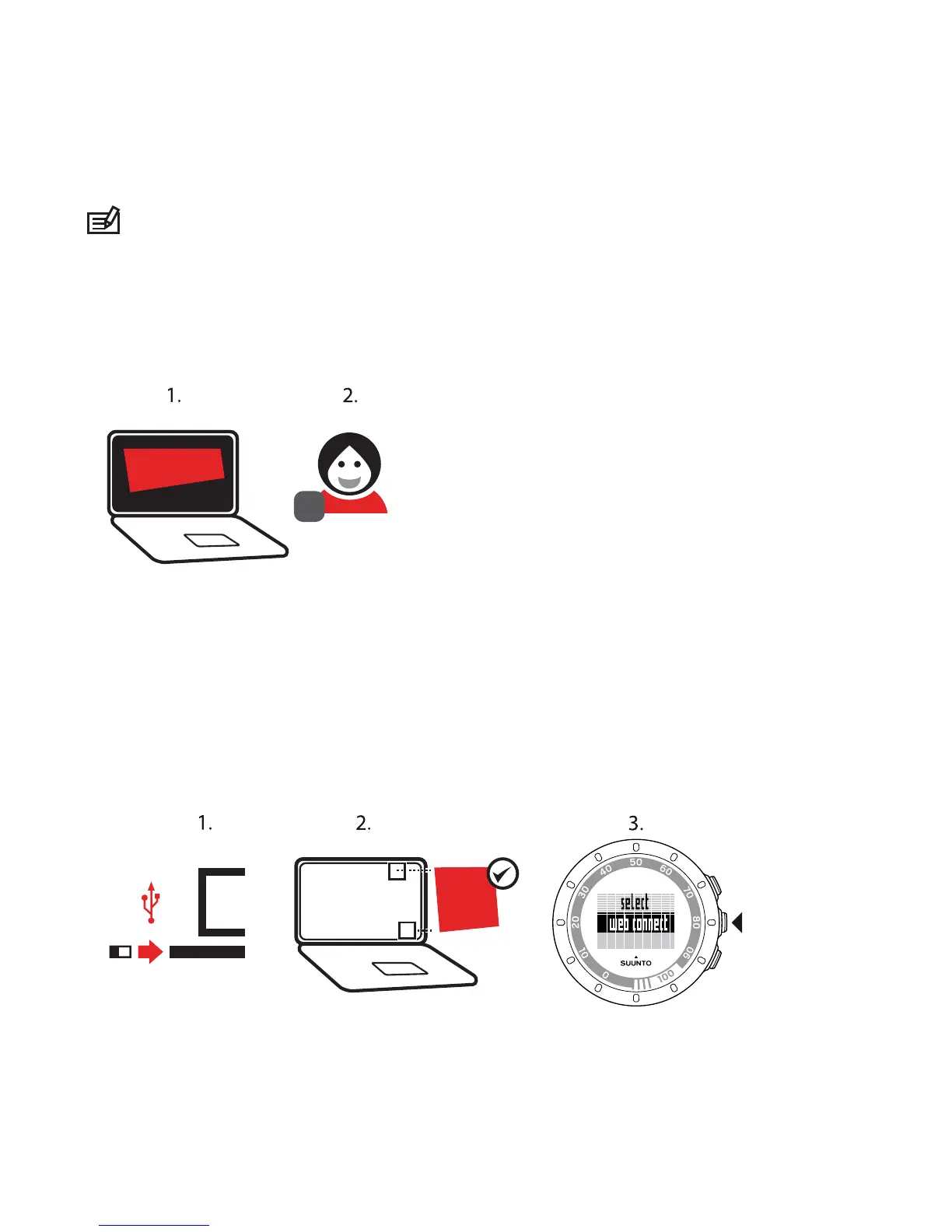
To register to Movescount:
1. Go to www.movescount.com.
2. Create your account.
To transfer data:
1. Plug Suunto Movestick Mini into your computer's USB port.
2. Make sure that Moveslink is activated.
3. In Suunto Quest, press START STOP to enter the training menu, scroll to web
connect, and confirm by pressing NEXT.
4. Follow the instructions shown on your computer to view your moves in
Movescount.



 To Next Page