Views
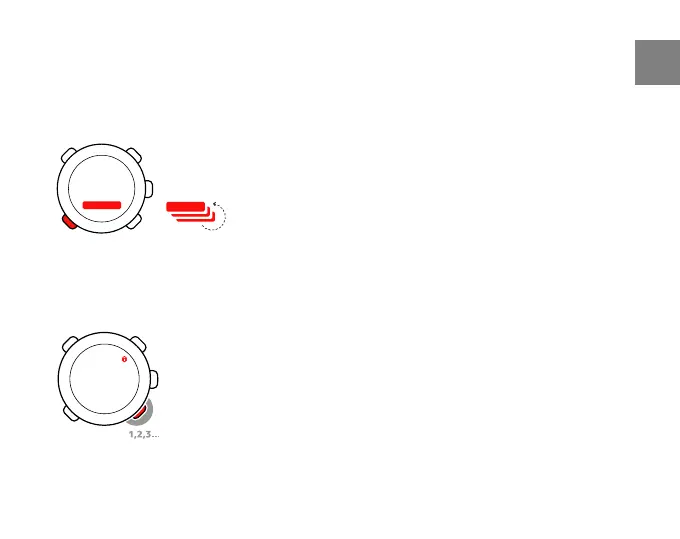
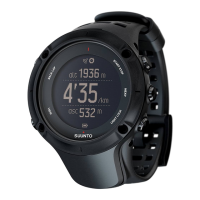
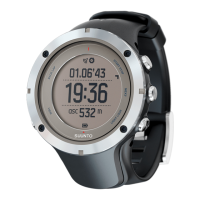
Each mode has different views containing supplementary information, such as the
altitude in TIME mode or calories in TRAINING mode. Go to DISPLAYS settings to define
which views are shown in the TRAINING mode displays. Change views in TIME and
TRAINING modes with [View Back].
2.5 Button lock
You can lock and unlock the buttons in both TIME and TRAINING mode by keeping [Light
-] pressed.
11
en



 To Next Page