35
DUALITY DIGITAL PIANO
Accompaniment Type
This piano has three auto accompaniment ngering modes, single, ngered, and
piano.
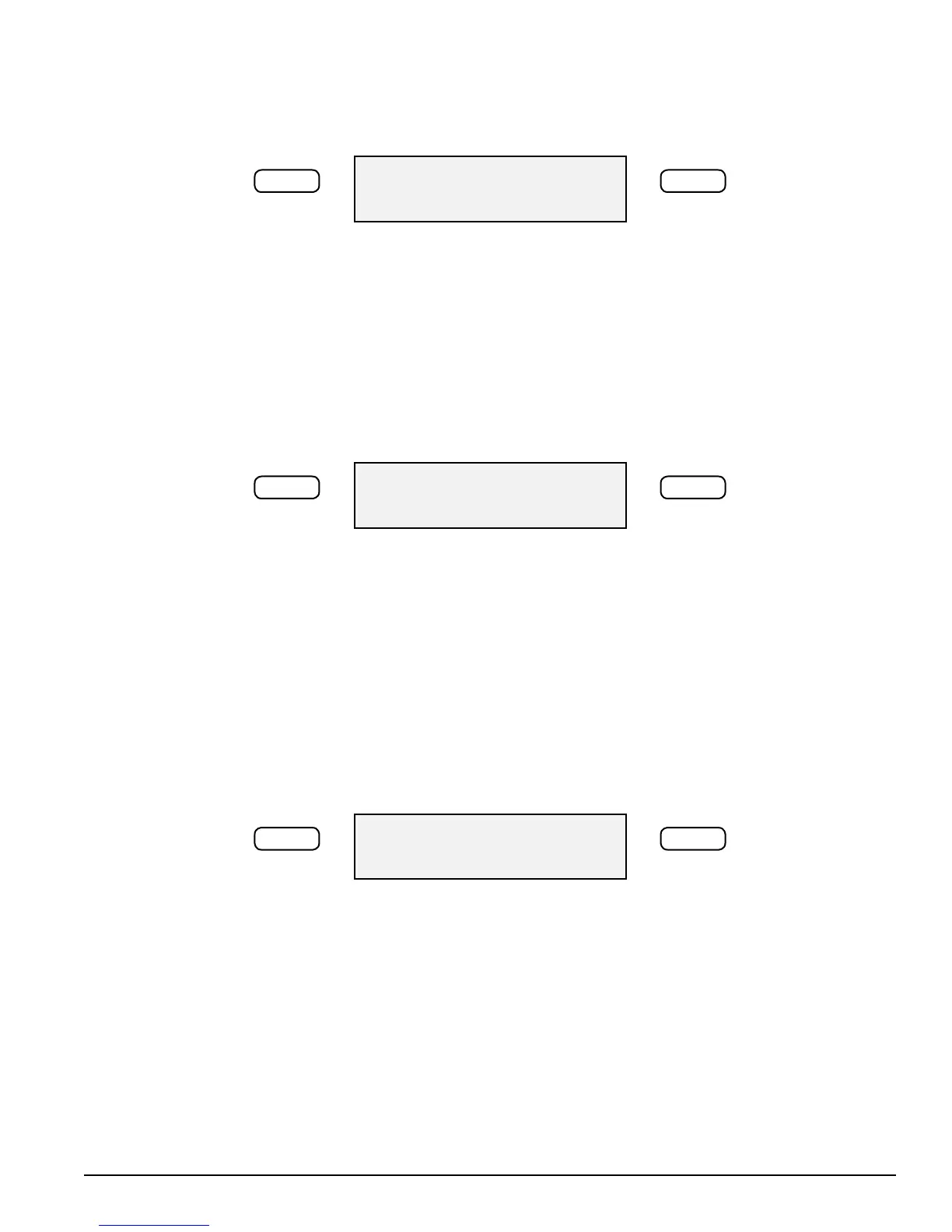
Accomp Type
–/NO +/YES
1. Press the SETUP button until the “Accomp Type” menu appears.
2. Use the +/YES, –/NO buttons to select an accompaniment type.
3. To Exit the Set UP Mode press any control panel button except the +/YES, –/NO
buttons or the Set Up Button.
Harmony
Use the function to turn on or o Harmony.
Harmony
–/NO +/YES
1. Press the SETUP button until the “Harmony” menu appears.
2. Use the +/YES, –/NO buttons to select on or o.
3. To Exit the Set UP Mode press any control panel button except the +/YES, –/NO
buttons or the Set Up Button.
Auto Harmony Type Selecting
When the HARMONY is engaged, a single note on the right-hand section of
the keyboard will sound with additional auto harmony notes, when the auto
accompaniment is engaged. There are four types of harmony that can be selected.
Harmony Type
–/NO +/YES
Duet adds a harmonizing note sounding below the single right hand note that you
supply when the chord accompaniment is playing.
Close harmony adds two harmonizing notes sounding below the single right
hand melody note that you supply, when the chord accompaniment is playing.
Open harmony
Octave add a note one octave below the note you play in the right hand section of
the keyboard when the chord accompaniment is playing.



 To Next Page