39
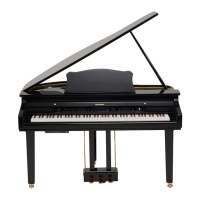
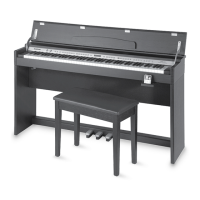
DUALITY DIGITAL PIANO
iPod Dock Instruction
The iPod docking station is located on the right hand side the piano underneath the keys.
1. Pull out the the iPod docking station from under the keyboard.
2. Turn the Piano’s Master Volume to mid level to ensure that the initial iPod volume
will not damage the Piano’s Sound Delivery System.
3. Place your iPod onto the docking station carefully. The bottom of the iPod needs to
interface with already compatible connector on the docking station.
iPod Volume
The Volume Control to the right of the iPod Docking Cradle can be used to easily
adjust the iPod’s volume to match your Playing volume level. Or you may just use
the Master Volume control for its overall volume.
The Piano’s EQ Controls will not eect the iPod’s sound output. Therefore please
use the iPod’s EQ controls to optimize the iPod’s sound and tone.
iPod Charging
Your iPod will be charging while it is connected to your piano’s iPod docking
station.



 To Next Page