17
EN
Recording Playing discs EditingBefore you start
Changing the
Setup menu
Others Español
Connections Getting started
Easy DVD recording (cont’d)
Getting started
Step 6: Record
on DVD
disc.
Step 5: Select the
desired
channel.
STANDBY-ON
.@/: ABC DEF
GHI
OPEN/CLOSE
ZOOM
TIMER
PROG.
1
PQRS
4
DISPLAY
7
JKL
2
TUV
5
SPACE
8
0
MNO
3
WXYZ
6
CLEAR
9
CH
REPEAT
SETUP
Step 7: Stop the
recording.
REC MODE
RAPID PLAY
REC
REV
PREV
PLAY
PAUSE
STOP
FWD
NEXT
CM SKIP
CH 12
I
Writing to Disc 90%
Hint 1: Play the recorded contents
You can select the title you want to play from a displayed title list, and
immediately start to play. Recorded contents are easily accessible, with
simple procedure of choosing a title on in the menu screen.
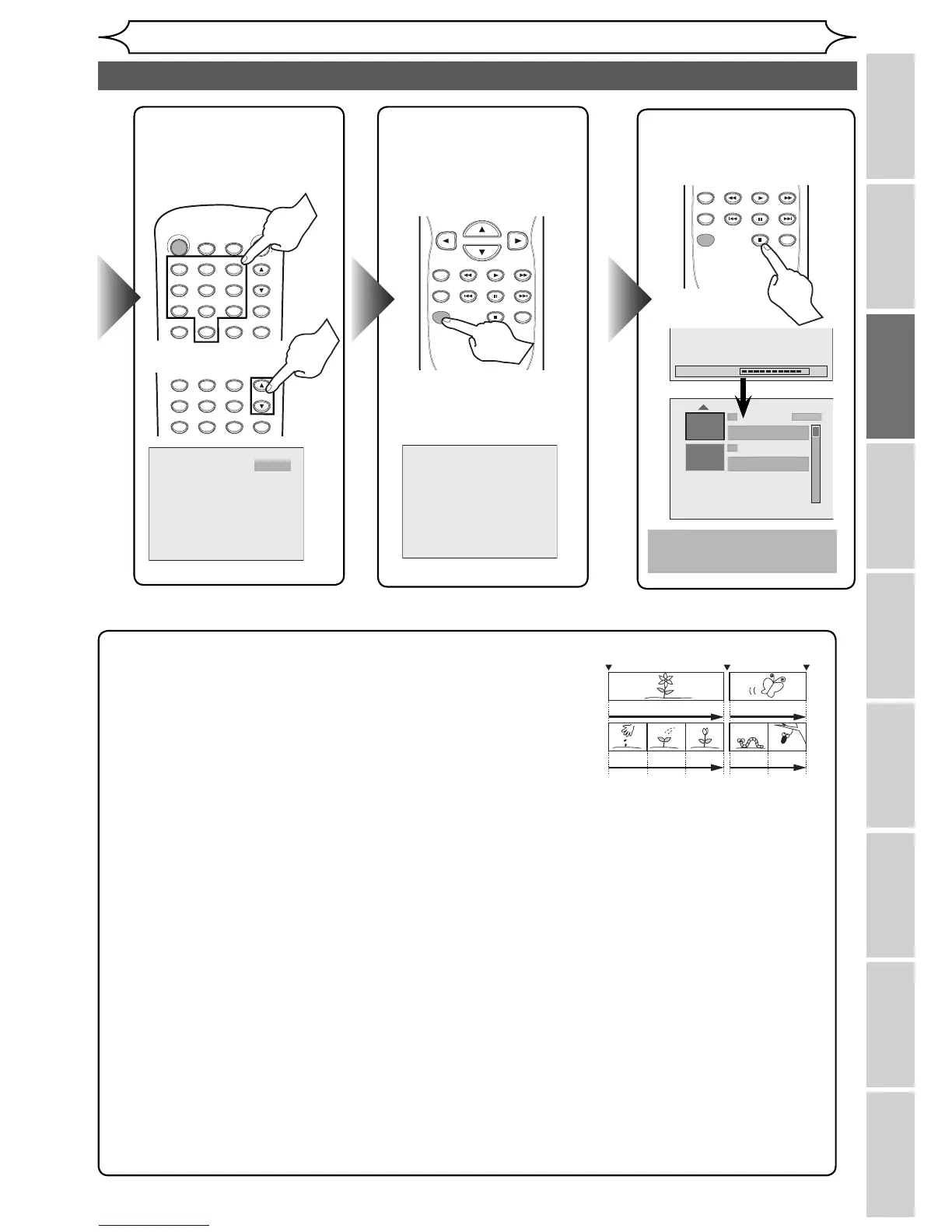
What are titles and chapters?
The contents of the DVD disc are generally divided into titles. Titles
may be further divided into chapters.
Hint 2: Edit the recorded disc
You will find editing discs is easy. This unit offers convenient edit functions to discs formatted with
DVD+VR mode.
You can edit the following from a title list or setup menu.
• Deleting titles
• Putting names on titles
• Setting / clearing chapter marks
• Hiding chapters
• Setting pictures for thumbnails
• Dividing a title (DVD+RW/DVD-RW only)
• Putting name on disc
Finalizing a Disc
• This will allow DVD+R/DVD-RW/DVD-R discs recorded on this unit to be played back on a different DVD
player — without finalization it will not be playable on other units.
•
After finalizing a disc, you cannot edit contents on that disc.
• DVD+RW discs is not required to finalize but to “Make Edits Compatible” to play on other units after
editing. You can edit the disc after “Make Edits Compatible”.
Start Rec. Stop/Start Stop Rec



 To Next Page