DVD-R
+VR
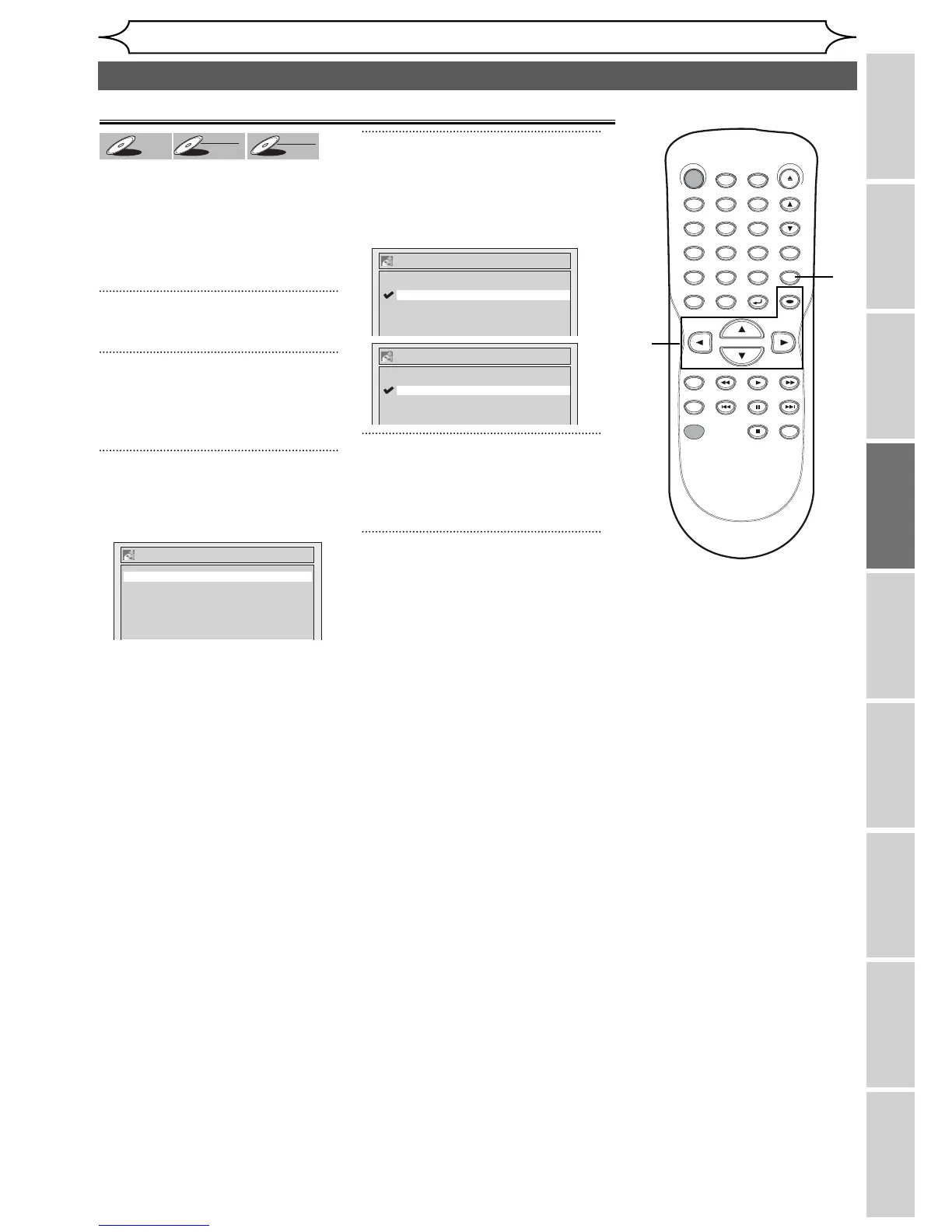
You can finalize discs
automatically using Auto Finalize
function. You can use this function
to finalize discs after finishing all
Timer Recordings and at the end
of the disc space.
1
Press [SETUP].
2
Using [K / L], select
“Recording”. Press [OK].
Recording menu will appear.
3
Using [K / L], select “Auto
Finalize”. Press [OK].
Auto Finalize menu will appear.
4
Using [K / L], select “Disc Full”
or “End of Timer Rec”. Press
[OK].
Option window will appear.
5
Using [K / L], select “ON”.
Press [OK].
Your setting will be activated.
6
Press [SETUP] to exit.
Auto finalizing
Auto Finalize - End of Timer Rec
OFF
ON
Auto Finalize
End of Timer Rec OFF
Disc Full OFF
Auto Finalize - Disc Full
OFF
ON
Playing the discs in other DVD players (cont’d)
STANDBY-ON
.@/: ABC DEF
GHI
OPEN/CLOSE
ZOOM
TIMER
PROG.
1
PQRS
4
DISPLAY
7
TITLE
REC MODE
RAPID PLAY
REC
REV
PREV
PLAY
PAUSE
STOP
FWD
NEXT
CM SKIP
JKL
2
TUV
5
SPACE
8
DISC MENU
0
MNO
3
WXYZ
6
CLEAR
9
RETURN
CH
REPEAT
SETUP
OK
1
2
3
4
6
5



 To Next Page