60
EN
Editing
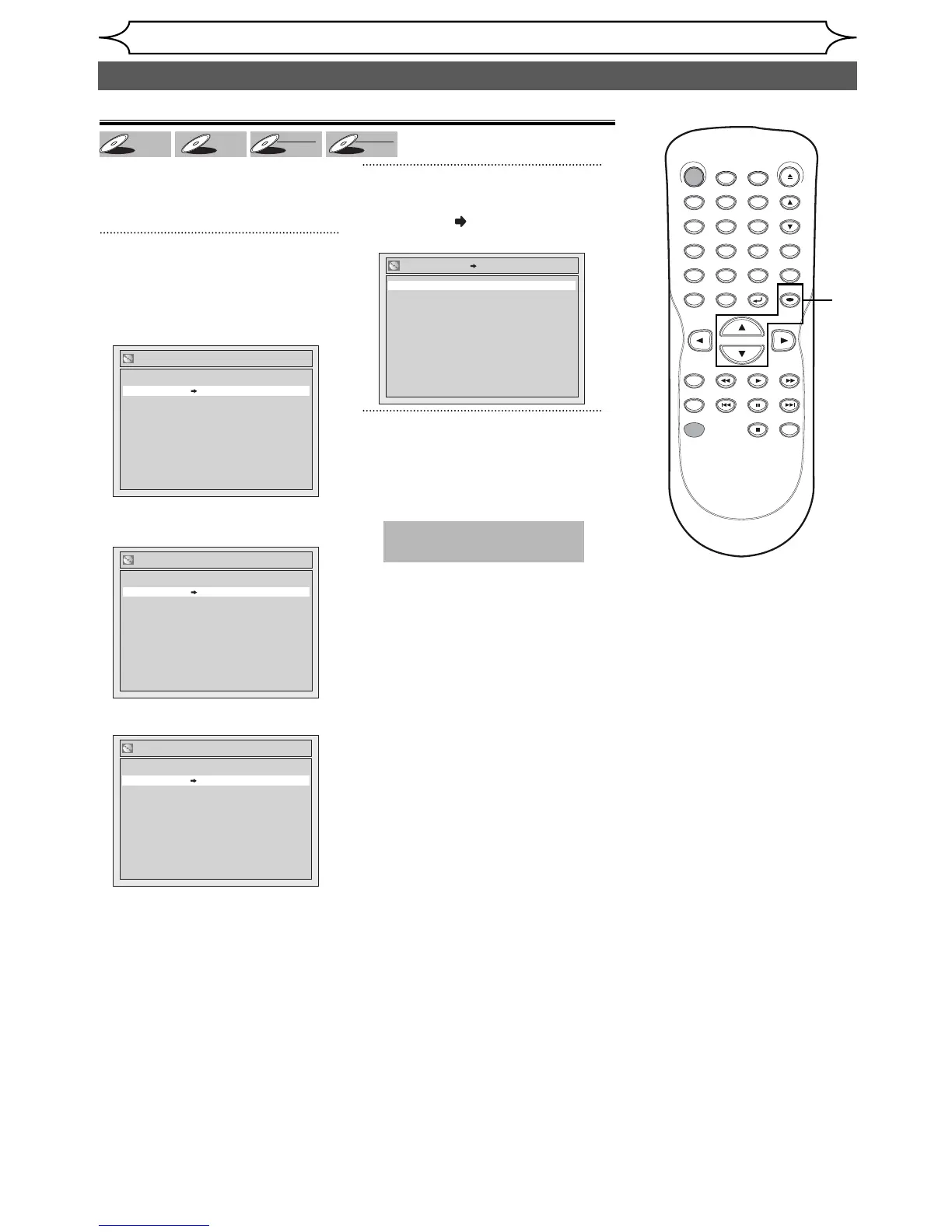
To prevent accidental editing, or
erasing the titles, you can protect
them.
1
Follow steps 1 to 2 in “Putting name
on disc” on page 59 to display the
Disc Edit menu.
When inserting <DVD+RW> disc.
When inserting
<DVD+R/DVD-R> disc.
When inserting <DVD-RW> disc.
2
Using [K / L]], select “Disc
Protect OFF
ON”. Press [OK].
Confirmation window will appear.
3
Using [K / L], select “Yes”.
Press [OK].
Data will be written onto the disc
momentarily.
Setting or releasing disc protect
This operation may take a
while to be completed.
Disc Protect OFF ON
No
Yes
Editing discs (Setup menu) (cont’d)
DVD+



 To Next Page