45
EN
EditingBefore you start
Changing the
Setup menu
Others Español
Connections Getting started
Recording Playing discs
Playing discs
Title/Chapter search
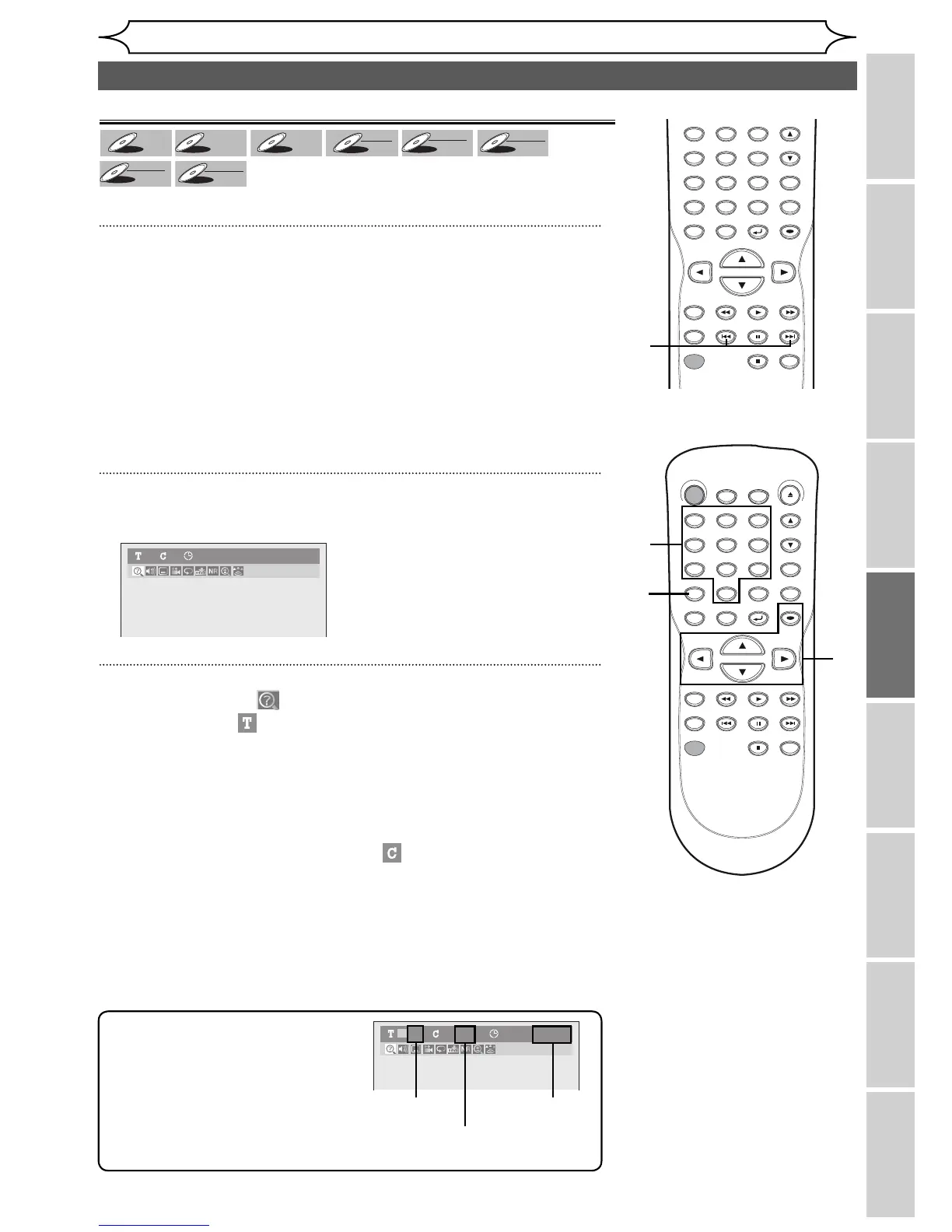
Using [PREV H] / [NEXT G]
1
During playback, press [NEXT G] to skip the current title or chap-
ter and move to the next.
The title or chapter will move forward by one at a time.
• If there is no chapter in one title, the current title will be skipped.
To go back to the beginning of the current title or chapter, press
[PREV H].
Press it repeatedly to go to the previous title or chapter. The title or
chapter will move backward one title at a time.
Using [DISPLAY]
1
During playback, press [DISPLAY].
Display menu will appear.
2
Using [{ / B], select . Press [OK].
The number next to
will be highlighted.
Title:
Using [K / L] or the Number buttons, enter a desired title number to
search. Press [OK].
Title search will start.
Chapter:
Press [B] to move to the number next to
for chapter.
Using [K / L] or the Number buttons, enter a desired chapter
number to search. Press [OK].
Chapter search will start.
Note
• In search mode display, total
numbers of each search contents
(title/chapter/time) are shown as a
denominator.
001/028 00:00:00/02:18:3301 /01
Total number
of titles
Total number
of chapters
Total time
of the disc
DVD-Video1 1 0:00:00
Search
DVD-V



 To Next Page