ENG
8
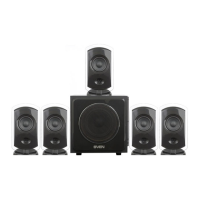
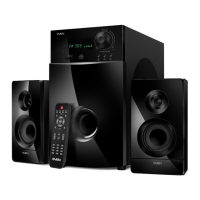
5.1 Active Home Theater
Speaker System With Bluetooth
Switching on
• Сonnect the power cord o to the mains outlet.
• Switch on the HTSS power supply with the POWER ON/OFF switch on the subwoofer rear panel.
• Switch on the HTSS by turning the knob on the front panel or press the button on the remote
control.
• Select the desired source by short pressing the INPUT button on the control panel or by
pressing a button on the remote control.
Master volume control
• Adjust the desired master volume level with volume control knob on the subwoofer front panel or
use buttons VOL+/- s on the RC.
Subwoofer and satellite speaker volume control
• The bass and treble level can be adjusted with BASS +/– k and TREBLE +/– v buttons
respectively on the RC.
• The front, rear and center speaker volume can be adjusted with FL +/– f, FR +/– q, SL +/– h,
SR +/– t and CEN +/– r buttons on the RC. The SW +/– g buttons on the RC are used for
adjusting the subwoofer volume control.
Switching modes
• To select any of PC, AUX, OPT, COX, Bluetooth, FM, MP3 or DVD modes use the volume control
knob INPUT h on the front panel or INPUT a button on the RC, when the HTSS is on (Fig. 4). The
corresponding title will be displayed on the subwoofer and «PC», «AUX», «OPT», «COX», «BLUE»,
«Radio», «USB», «SD» or «DVD» LED indicators will illuminate.
DVD player
2RCA to 2RCA
signal cables
OPTICAL INPUT
COAXIAL INPUT
Coaxial cable
TV
Fig. 7. Connection to audio sources


 To Next Page