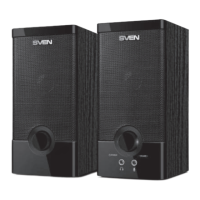
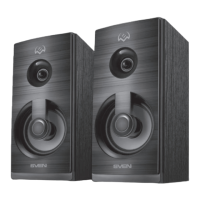
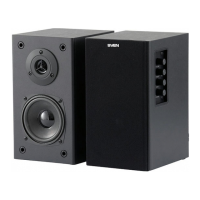
Eng SPS-821
7
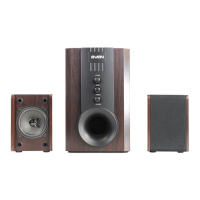
5. INSTALLATION AND OPERATION GUIDE
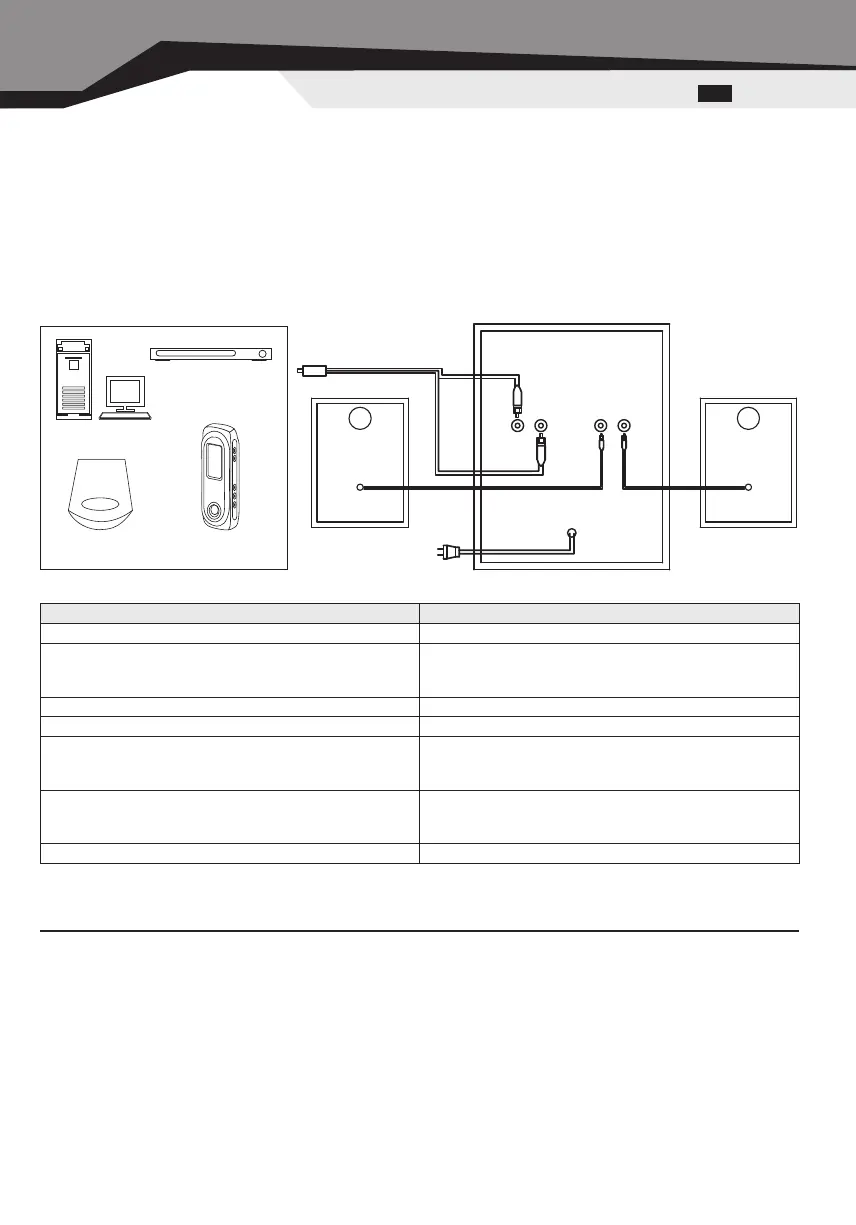
1) Before connecting be sure that all components are switched off.
2) Connect the subwoofer and the satellite with the link cable.
3) Insert mini-jack of the signal cable into the output port of the PC soundcard, VCD output port, CD one and so on.
Then connect two
signal cable plugs with master speaker output ports (match the colours).
4) Plug the connector for power
5) Revolve regulator knobs to the minimum; press the power button on the backside of the master speaker.
6) Adjust the W/WOLUME knob to your satisfied bass effect.
7) Adjust the WOLUME knob to your satisfied effect.
8) Use the soundcard Line Out port to improve sound quality.
6. SPECIFICATIONS
Parameter, unit Value
Output power, W 20 + 2 x 10
Speaker units:
subwoofer
woofer, inch
= 5
= 3
Impedance, Ohm 4
Voltage supply AC220 V, 50 Hz
Frequency range:
subwoofer
woofer, Hz
40 – 200
200 – 20000
Dimensions:
subwoofer
woofer, mm
240 x 150 x 250
133 x 95 x 90
Weight, kgs 4.35
Note. The above specifications are only for reference. The design and specification are subject to change without
prior notice.
Durability — 5 years
Computer
DVD
CD MP-3 Player
Power cable
Signal
cable
Link
cable
INPUT OUTPUT


 To Next Page