4
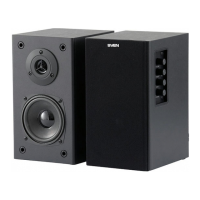
2.1 Multimedia Speaker System
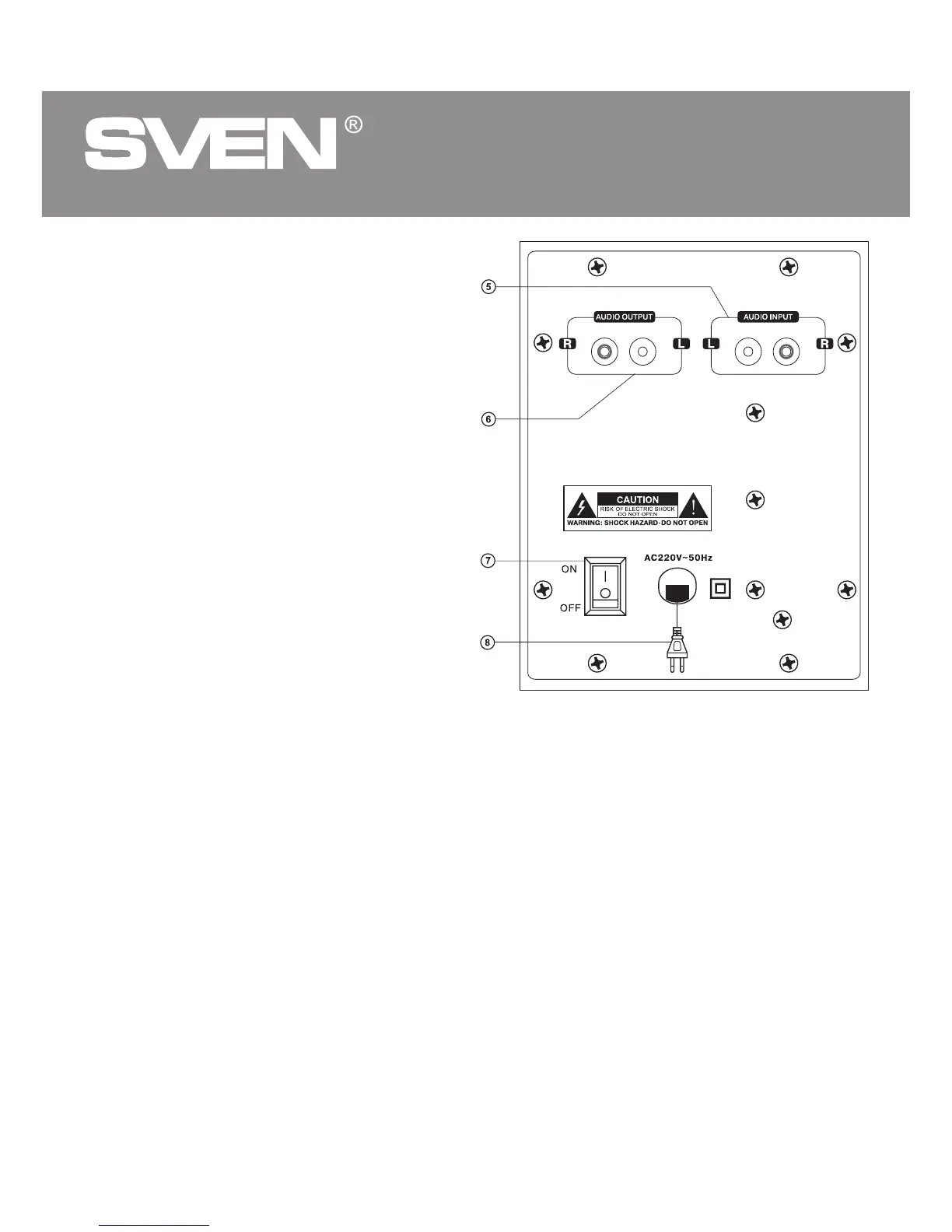
Rear panel
e AUDIO INPUT: audio device connection input
f AUDIO OUTPUT: satellite output
g ON/OF: power switch
h Power cord
5. PREPARATION AND OPERATION
Speaker placement
• Place the satellites symmetrically to the listener
at the distance not less than one meter.
• Place MSS far away from monitors and TV sets,
as insignificant image distortion in these super-
sensitive devices is possible. We recommend
that the subwoofer should be placed on the table.
Installation and operation guide
SPS-821 Multimedia Speaker System can be
connected to virtually any audio source: DVD/CD
player, PC, laptop, etc. (see connection diagram,
Fig. 3).
WARNING! All components should be switched
off before connection.
• Connect the built-in audio cables to the audio out-
put jacks on the subwoofer rear panel (see Fig. 2).
Note that the RCA jack on the right speaker should
be connected to the red terminal of the subwoofer
(AUDIO OUTPUT R) and the RCA jack of the left speaker to the white terminal of the subwoofer (AUDIO
OUTPUT L).
• Insert the RCA jacks of the 2RCA to mini-jack stereo signal cable (included) into R and L connectors e
of the subwoofer AUDIO INPUT and plug the mini-jack of the cable into the ø 3.5 mm LINE OUT port of
your PC sound card or an audio output of your MP3 player (see connection diagram, Fig. 3).
Note. To connect the MSS to a CD/DVD-player or TV, use the 2RCA to 3.5 mm mini-jack stereo
signal cable (included) with a mini-jack to 2RCA adapter (not included) or a 2RCA to 2RCA
stereo signal cable (not included), as shown in Fig. 2.
• Plug the power cord h on the rear panel of the subwoofer into a mains outlet.
• Set the master volume level to its minimum, turn VOLUME d counterclockwise until it stops.
• Turn on power supply with the POWER switch g (ON position). The Power LED a will illuminate.
• Turn on your audio source.
• Adjust the master volume with the VOLUME d knob. By turning the knob clockwise, you increase the
volume level, and by turning it counterclockwise, you reduce it.
Fig. 2. Rear panel



 To Next Page