9
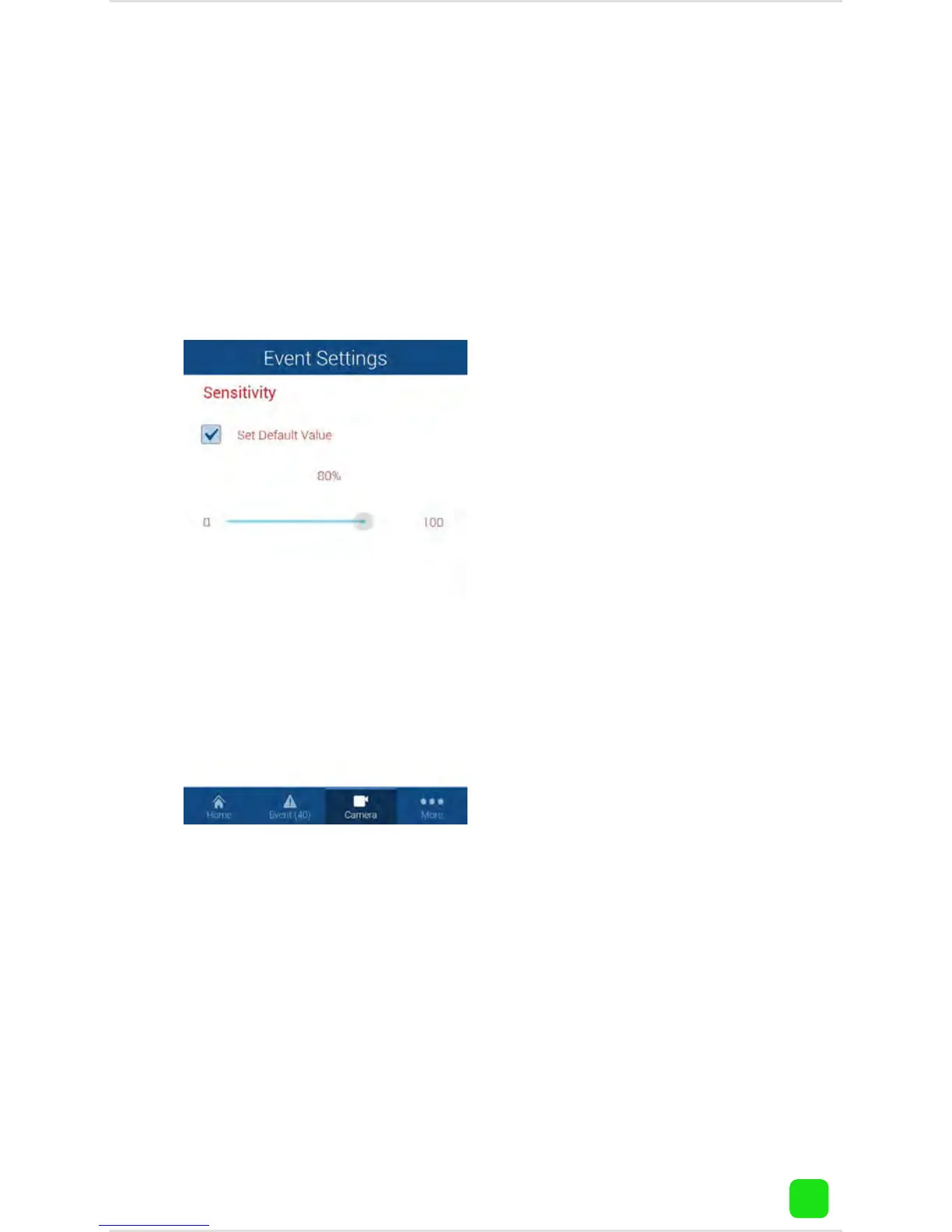
Camera Settings: Sensitivity
Tap “Camera”, tap the name of your camera, tap the
camera settings button. To change the sensitivity lev-
el, tap “Video Analytics Settings” then “Sensitivity”.
This will adjust how
sensitive the camera
will be when detecting
events. The default value
of 80% will work in most
environments, but you
can adjust it according
to your needs.
Tap the return button on
your mobile device or
tap “Home” to exit.



 To Next Page