2
Contents
Quick Reference
Power Supply
Before You Begin 1
Contents 2
Quick Reference 2
Power Supply 2
Introduction 3
Layout of the Camera 3
Layout of the OSD Controller 4
Notice about this Manual 4
Camera Installation
Choosing the Location 5
Attaching the Mount 6
Mounting the Camera 6
Connection Guide 7
DVR Configuration
Configuring the PTZ Settings 8
Changing the Camera’s Command Address 8
Camera Operations 9
Advanced Feature: On-Screen Display 9
Troubleshooting 10
Helpdesk / Technical Support Details Rear Cover
Default PTZ Configuration
Command Address: 1
Protocol: Pelco-D
Baud Rate: 9600bps
RS485 Polarity: +A Red Wire
-B Black Wire
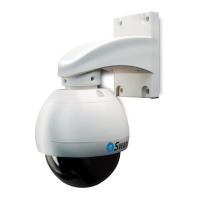
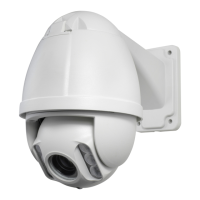
• Be sure to use only the 15V power adapter that is supplied with the PRO-754. Basically,
it’s got a little extra juice to power the infrared LED arrays in the dome at the same
time as the camera.
• Don’t use the 15V power supply for other cameras. Likewise, don’t use other camera’s
power supplies with the PRO-754. Doing so may cause unintended damage to the
camera.


 To Next Page