25
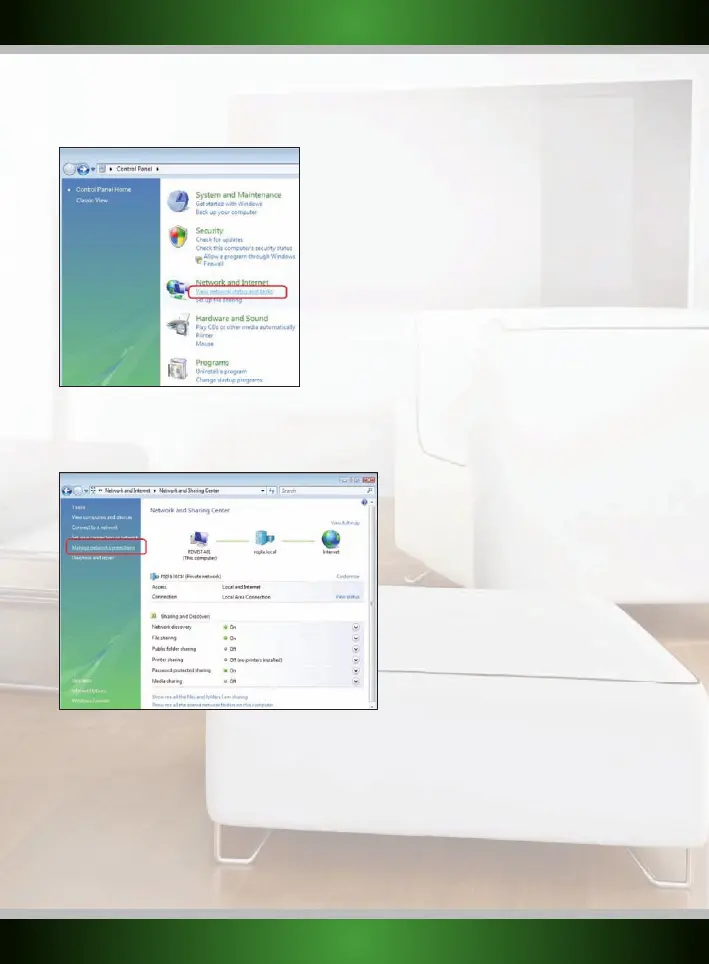
2. In the Control Panel, click “View network status and tasks”. If your Control Panel is in classic view,
open the “Network and Sharing Center” icon:
3. The Network and Sharing Center window should now open.
In the Network and Sharing Center, click “Manage network connections” in the bar on the left side:
English version



 To Next Page