©2018 SwellPro All Rights Reserved
46
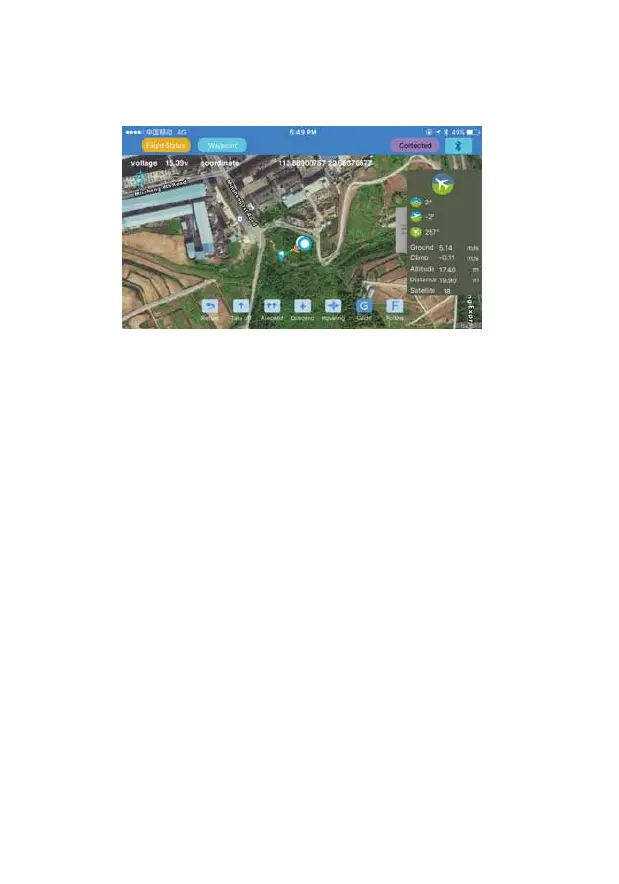
8. Point-to-Fly: Click the “Point-to-Fly” button, and then click the target point on the map, the
drone will start flying to the point and hover there.
Note:
1. The APP control needs to have a good wireless communication environment, if you see
the drone does not respond to your order, it might be subjected to interference, please
try again.
2. If the drone continually fails to respond to your APP commands, please use the
controller to operate the drone. Just switch the ight mode switch for one single
operation, the controller will take over the control of the drone.
3. The Bluetooth data link module is paired with the corresponding module onboard the
drone. Normally, it won’t link to other drones. When you see many drones or Bluetooth
datalink units working in the same place, please make sure you link to the right drone.














 To Next Page