ELECTRICS
70
ELECTRICS
ELECTRICS
70
3.11 Refrigerator Controls
The main refrigerator settings can be set /
controlled by the EC620 control panel or the
Swift Command app. These controls work
in parallel with the ones on the fridge control
panel, so the settings can be changed by
either method.
Scroll to the Fridge Settings and press select
to set or adjust the following items:
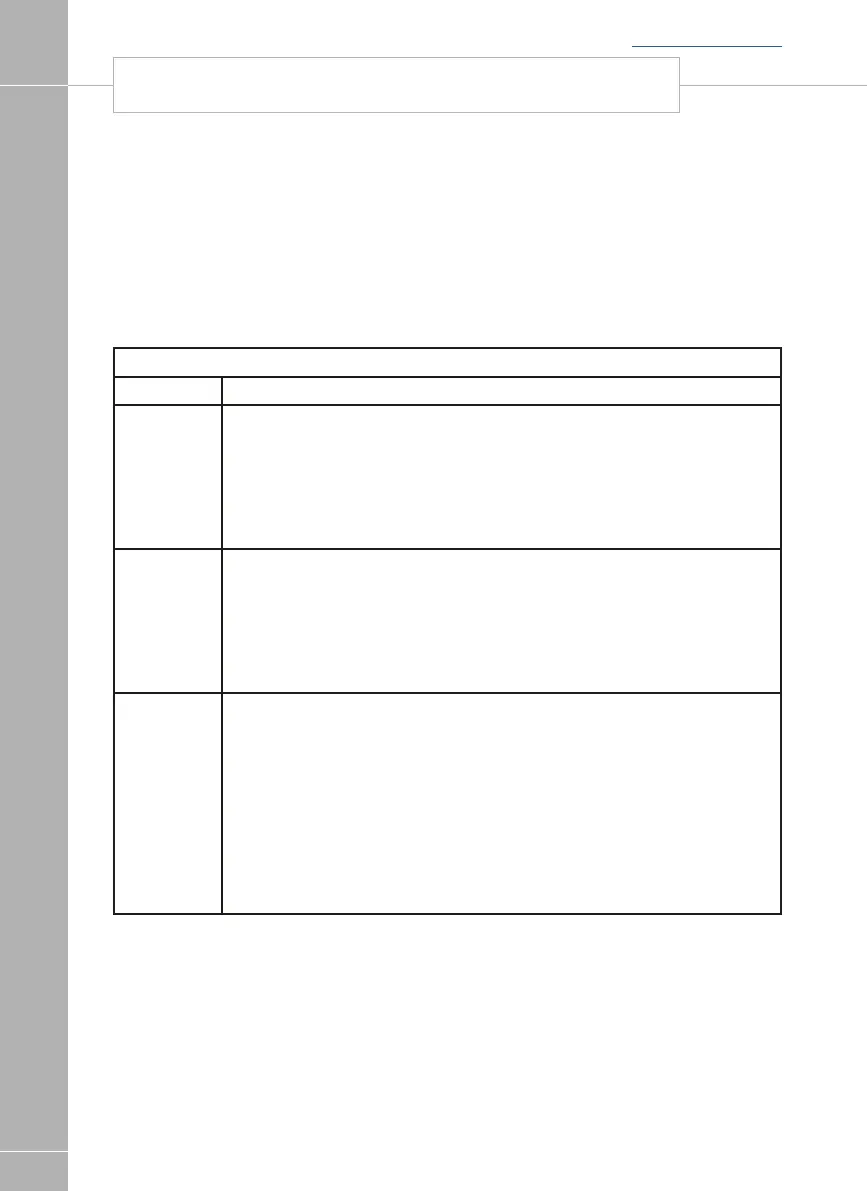
Dometic Refrigerators / Fridge Freezers
Menu Item Description
Mode
Set the required operating mode. Available options are;
OFF
AUTO
GAS
12V DC
230VAC
The default setting when the system is first turned on is OFF.
Setting Set the required cooling setting. Available options are;
1 (minimum)
2
3 (middle)
4
5 (maximum)
The default setting when the system is first turned on is 1.
Status Here you can view the cooling status. If you have just changed the above
cooling setting then you should allow at least 15 minutes for the setting to take
effect and update the reported status.
The possible statuses are;
Too Cold {suggest reducing the setting}
Cold (--) {suggest reducing the setting}
Cold (-)
Optimal
Warm (+)
Warm (++) {suggest increasing the setting}
Too Warm {suggest increasing the setting}
When viewing the Fridge Settings menu item
the large digit on the screen shows the current
cooling setting (1 to 5).
SWIFT COMMAND POWER CONTROL SYSTEM
Back to section menu






 To Next Page