12. Body Cover
12-11
Floor Panel
Removal
Remove the center cover, luggage box, body side
covers, and body cover firstly.
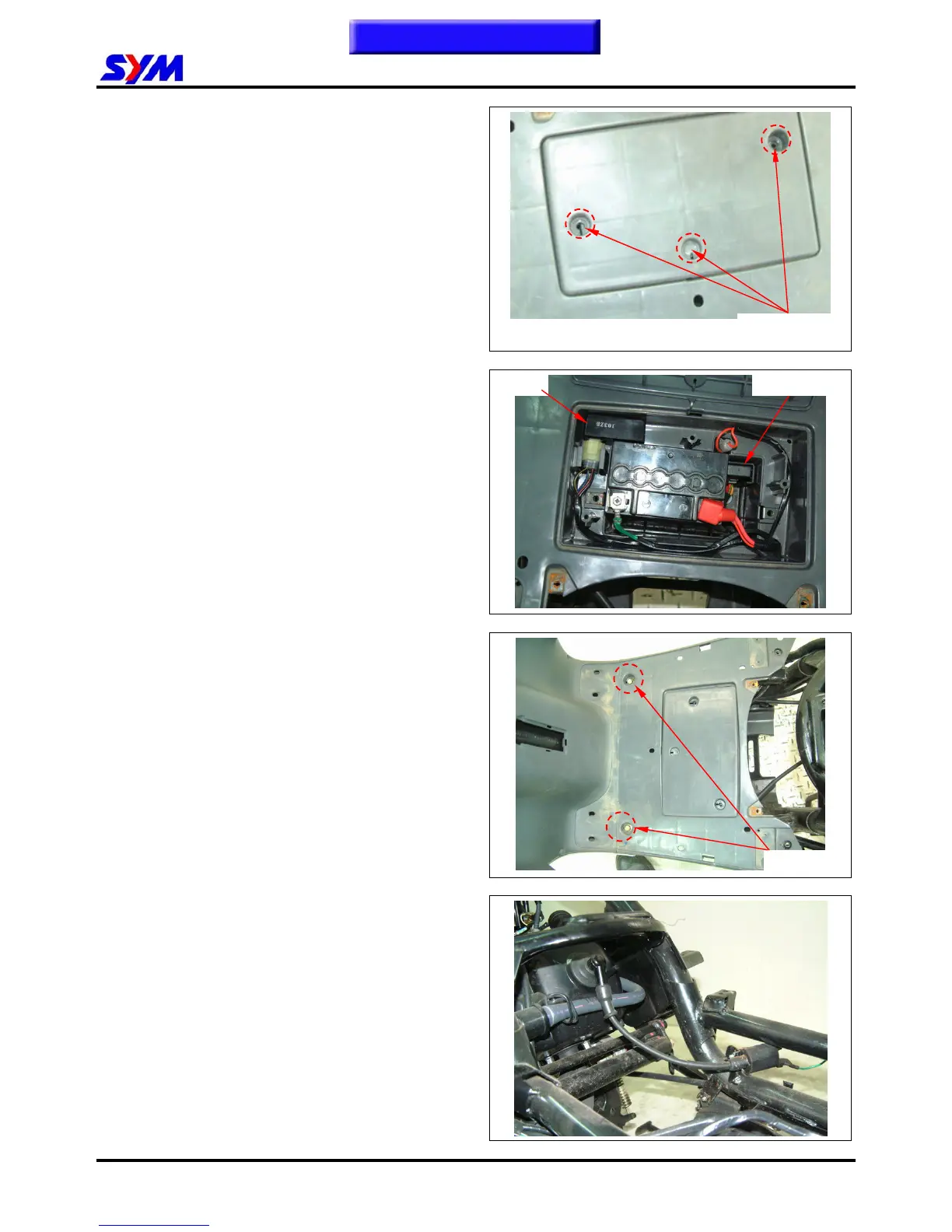
Remove the battery cover. (screws x 3)
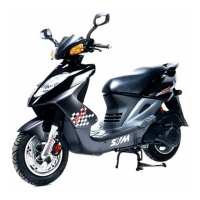
Remove the battery bracket (bolt x 2) and power
cables.
Take out the battery.
Remove the CDI and start relay.
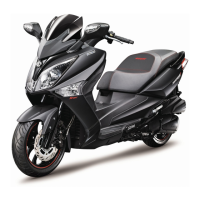
Remove the front mounting bolts (bolt x 2) of the
floor panel.
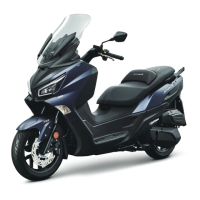
Remove the floor panel.
Installation
Install according to the reverse procedure of
removal.
Screw x 3
This Chapter Contents
CDI
Start relay
2 bolts


 To Next Page