12. Body Cover
12-13
Inner Cover
Removal
Remove the front cover and front under spoiler
firstly.
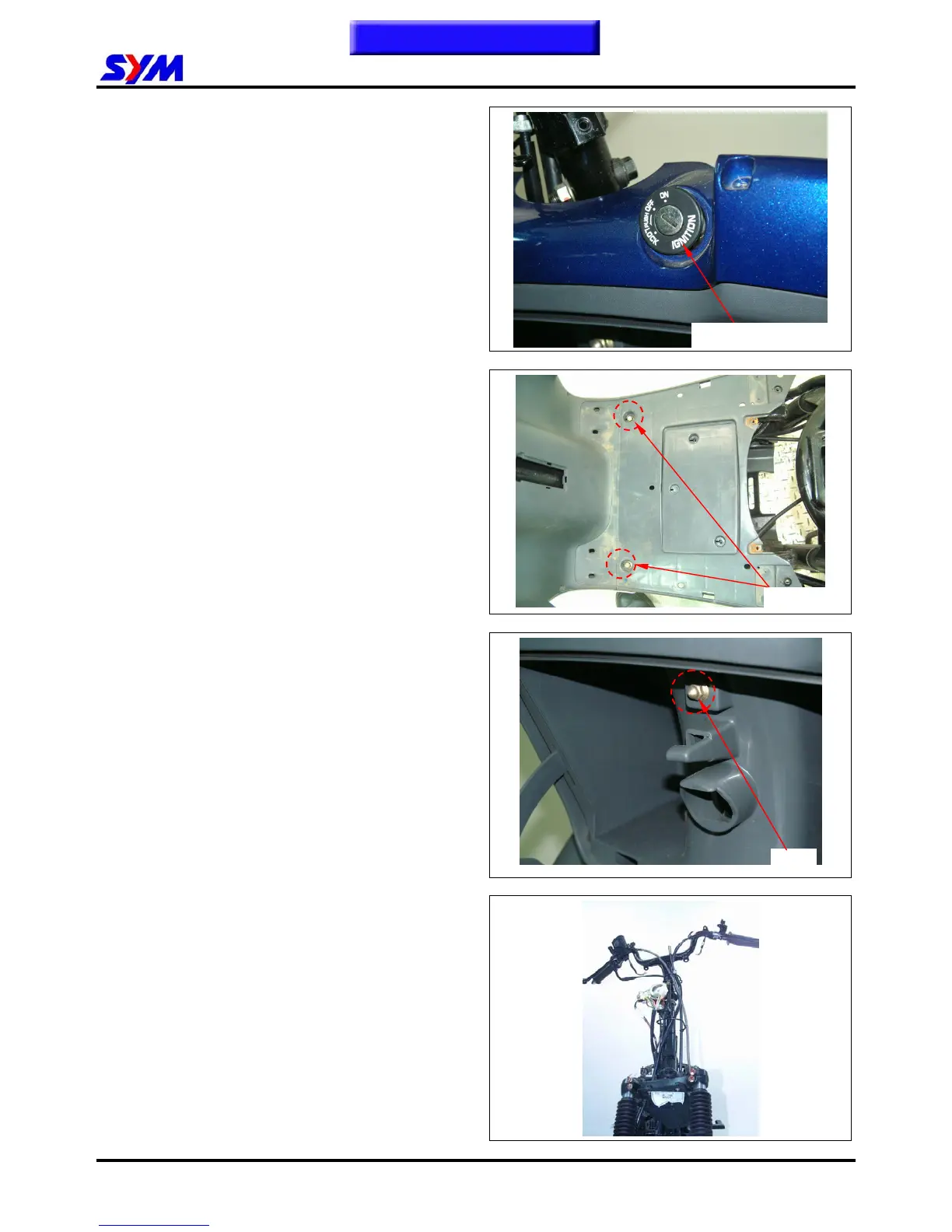
Remove the main switch cap.
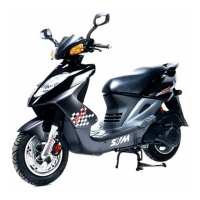
Remove the mounting bolts (2 bolts) of floor Panel.
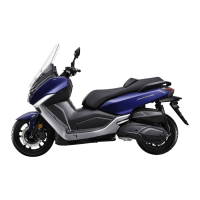
Remove 1 nut from the inner box lid.
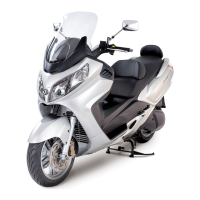
Take out the front inner box.
Installation
Install according to the reverse procedure of
removal.
Nut ×1
This Chapter Contents
Ignition switch cap
2 bolts


 To Next Page