-4-
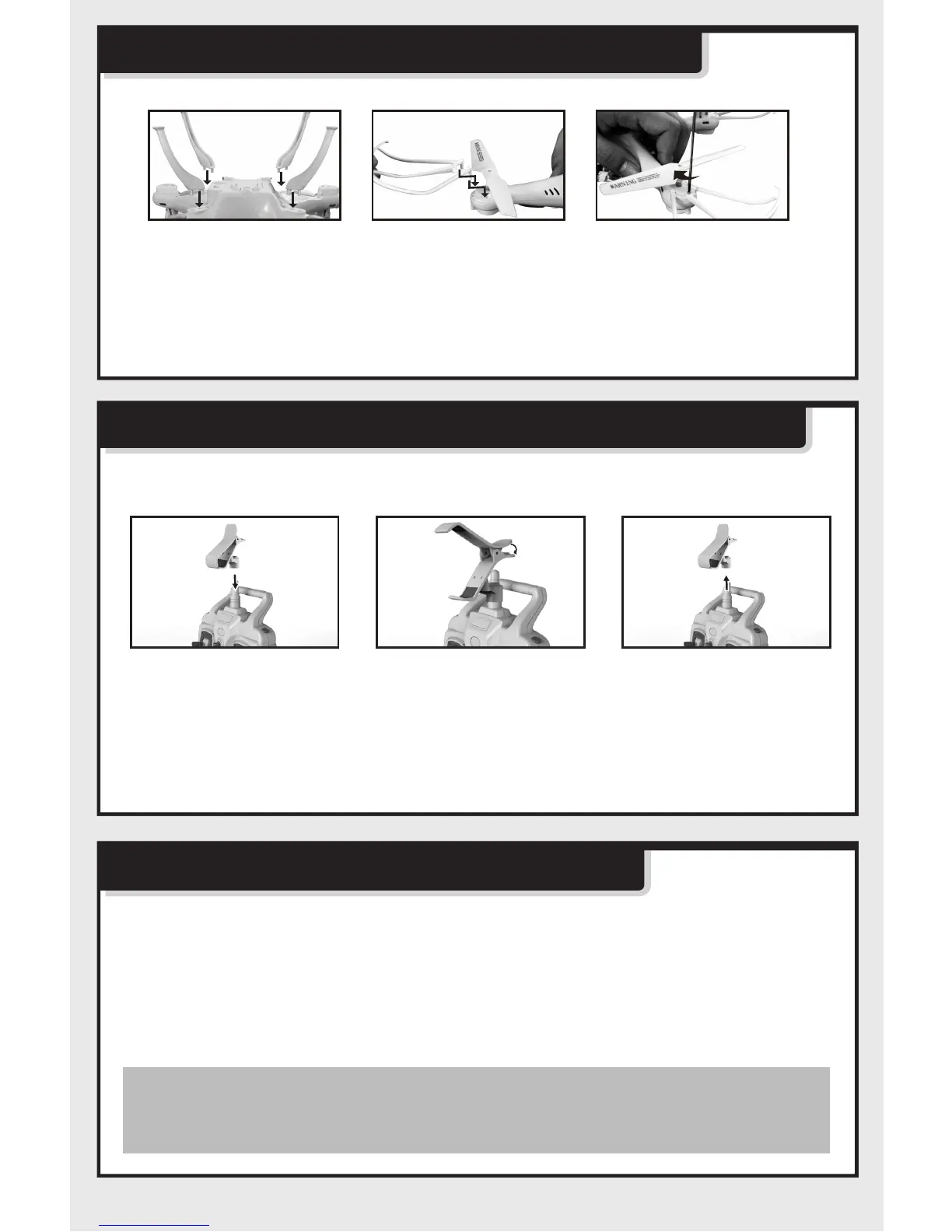
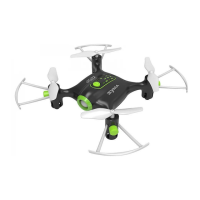
Install landing skids & bldae protecting frame
Figure 1
Figure 1 Figure 2 Figure 3
Figure 2 Figure 3
1. Insert foot stands into interface of lower main body as shown in Figure (1).
2. Install the blade protecting frame to every corner than lock screws Figure
(2-3).
Install software
WIFI software download and installation
Component installation of WIFI real-time aerial photo
Installation of phone attaching clamp
1. Insert phone attaching clamp by aiming at antenna on remote control.(1)
2. Press spring of attaching clamp forcibly to resize.(2)
3. Hold phone attaching clamp and pull out forcibly to disassemble phone
attaching clamp.(3)
For Android phone, please download from www.symatoys.com or scan two-
dimension code to install SYMA FPV software.
For iphone IOS, please download from APP STORE to install SYMA FPV
software or scan two-dimension code to install SYMA FPV software.
Warm remind: Two-dimension code is provided in color
box packing and back cover of specification
to scan.


 To Next Page