Altiris Deployment Solution™ from Symantec User’s Guide 122
See also Computer configuration properties on page 101.
Lights-Out
Note
This feature is currently only available for selected HP Integrated Lights Out (ILO) and
Remote Insight Lights-Out Edition (RILOE) features.
See also Computer configuration properties on page 101.
Remote operations using Deployment Solution
The Operations menu in the Deployment Console provides a variety of commands to
remotely manage all computers in your site or network segment. Some operation
commands, such as Restore, automatically create and schedule deployment jobs and
place them in the System Jobs folder in the Jobs pane. Other commands, like Chat or
Remote Control, open utility programs to access and remotely manage computers.
Wait for User
Interaction
(Default) No job or tasks are performed (the Deployment Agent on
the server blade is instructed to wait). The icon on the console
changes to reflect that the server is waiting.
View information about the remote management hardware installed on the
selected computer (most often a server) used to power up, power down
and restart the computer remotely, or to check server status. You can also
enter the password for the remote management hardware by clicking
Password.
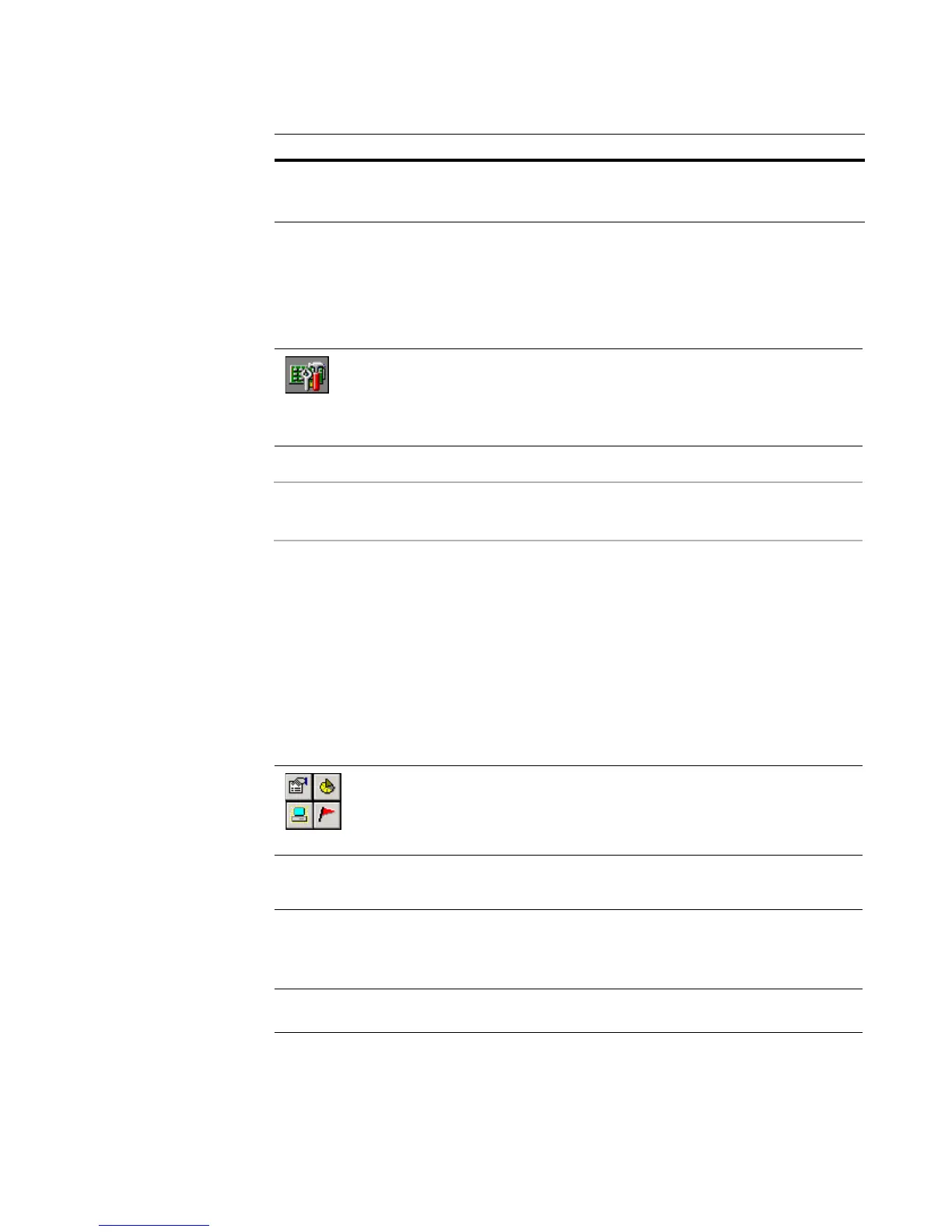
Open the computer operations menu by right-clicking a computer icon in
the Computers pane, clicking Operations on the menu bar, or clicking
the icons in the toolbar.
Restore Reconfigure your computer to a former state. Select from a list
of previous deployment tasks and select to restore only the ones
you want. See Restoring a computer from its deployment history
on page 124.
History View, print, delete, and save to file a history of deployment
tasks. See Viewing a computer’s history on page 125.
Rule Action




 To Next Page